10
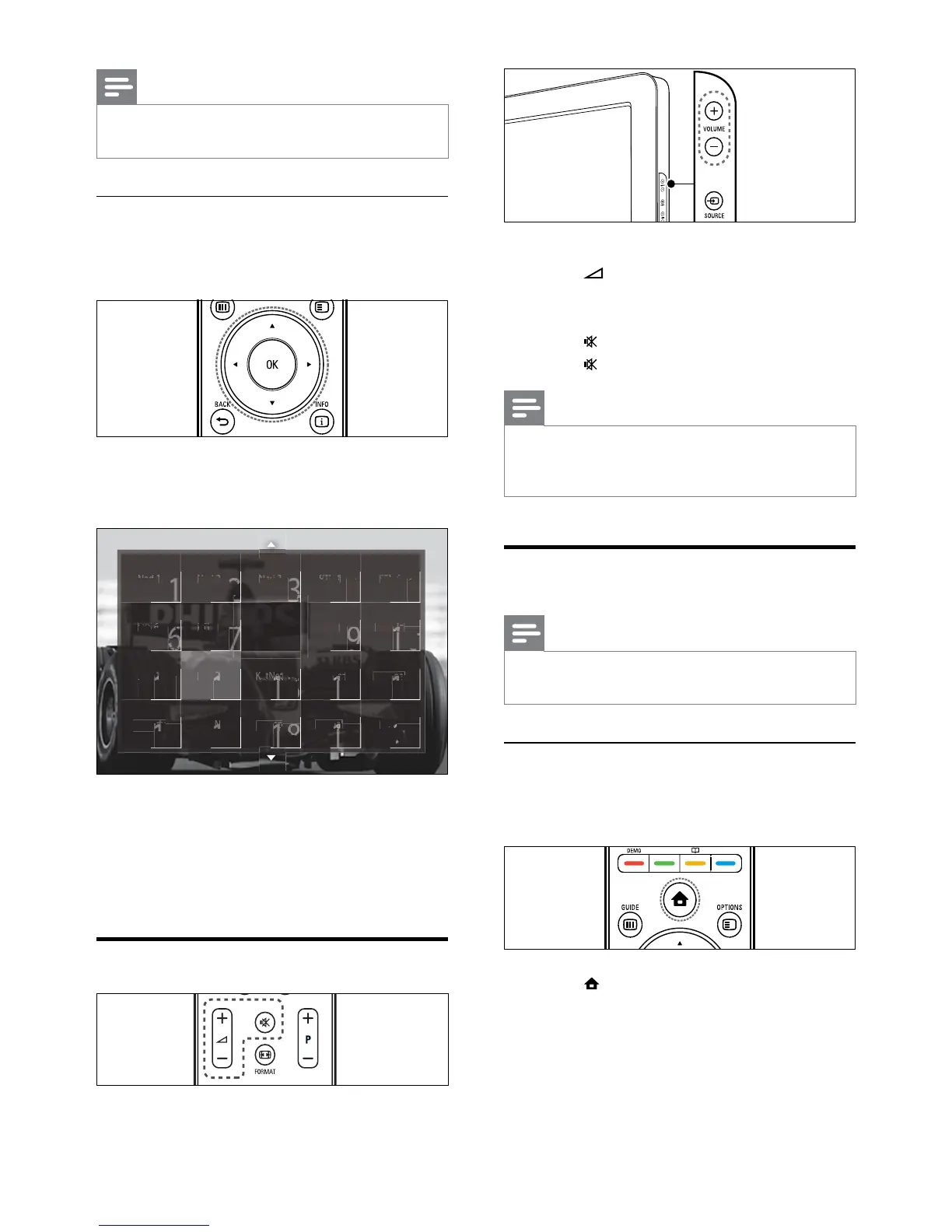
To increase or decrease volume
Press •
+/-.
Press • VOLUME +/- on the side of the TV.
To mute or unmute sound
Press •
to mute the sound.
Press •
again to restore the sound.
Note
Use the • [Sound] menu to adjust headphone
volume (see ‘Adjust sound settings’ on page
19).
Watch connected devices
Note
For easy access, add new devices to the home •
menu before selecting them.
Add a device to the home menu
Connect and switch on devices before adding
them to the home menu.
1 Press (Home).
The home menu appears. »
Note
When you use a favourite list, you can only •
select those channels in the list.
Switch channels with the channel grid
The channel grid allows you to view all
available channels in a grid format.
1 Press OK.
The channel grid appears. »
2 Press the Navigation buttons to select a
channel.
3 Press OK to conrm your choice.
The selected channel appears. »
Adjust TV volume




 To Next Page