16
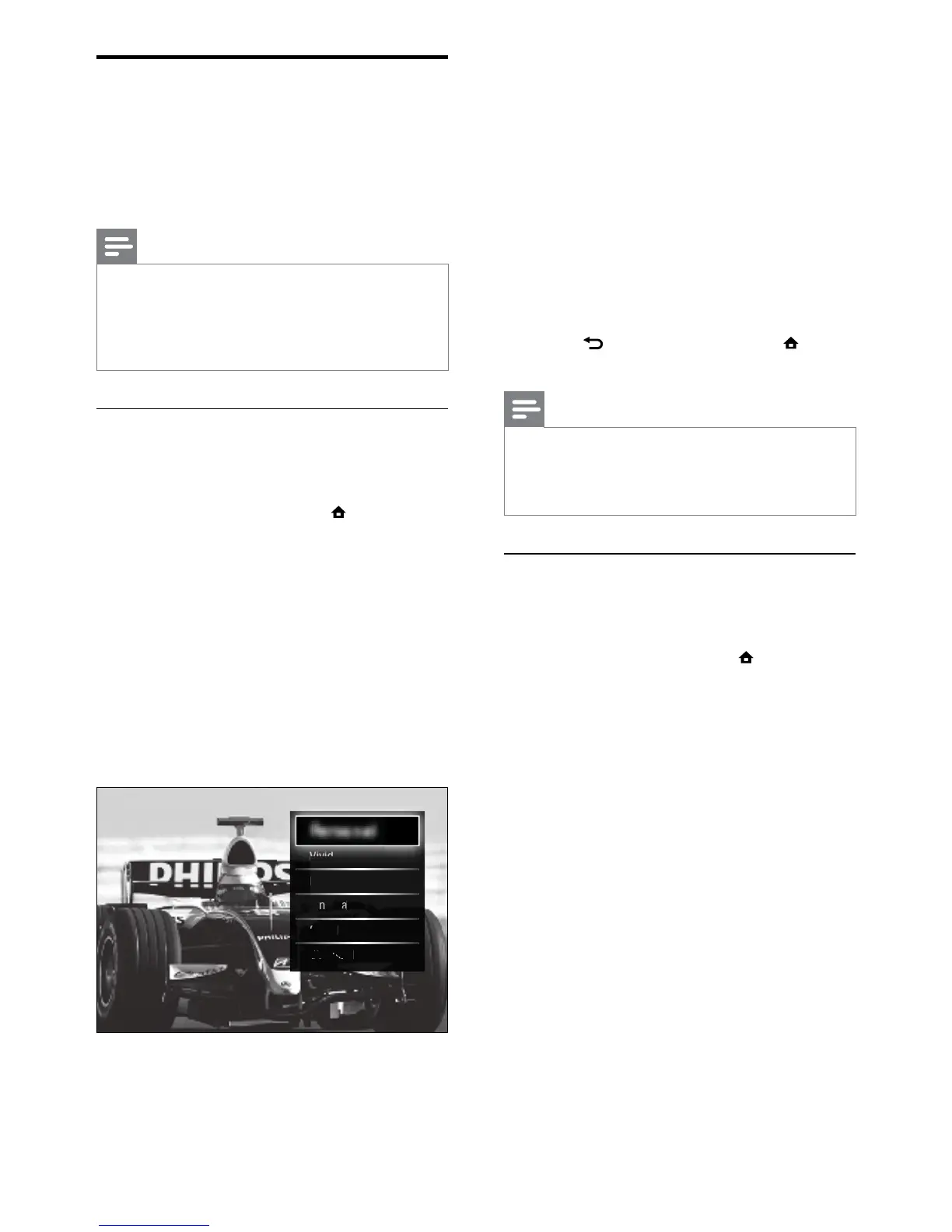
• [Vivid]Rich and dynamic settings,
ideal for daylight use.
• [Natural]A natural picture setting.
• [Cinema]Ideal settings for watching
movies.
• [Game]Ideal settings for gaming.
• [Standard]The most energy
conscious settings. Factory standard
settings.
7 Press OK to conrm your choice.
The smart setting is applied. »
8 Press BACK to exit or press
(Home) to go back to the home menu.
Note
•
[Smart settings] is also accessible via the
[Picture and sound] experience bar (see ‘Use
the picture and sound experience bar’ on page
17).
Use settings assistant
Use the settings assistant to guide you through
the best picture and sound settings.
1 When watching TV, press (Home).
The home menu appears. »
2 Press the Navigation buttons to select
[Setup].
3 Press OK.
The » [Setup] menu appears.
4 Press the Navigation buttons to select
[Picture] > [Settings assistant].
5 Press OK.
A message appears prompting you to »
start the settings assistant.
6 Press the Navigation buttons to select
[Start].
7 Press OK.
Follow the on-screen instructions to »
choose your preferred picture and
sound settings.
Change picture and sound
settings
Change picture and sound settings to suit your
preferences. You can apply pre-dened settings
or change settings manually.
Note
The exibility to change settings is limited if •
the TV location is set to [Shop] mode. Set
the TV location to [Home] mode to access all
TV settings (see ‘Change TV preferences’ on
page 33).
Use smart settings
Use smart settings to apply pre-dened
picture and sound settings.
1 When watching TV, press (Home).
The home menu appears. »
2 Press the Navigation buttons to select
[Setup].
3 Press OK.
The » [Setup] menu appears.
4 Press the Navigation buttons to select
[Smart settings].
5 Press OK.
A list of smart settings appears. »
6 Press the Navigation buttons to select:
• [Personal]Sets the TV to your
personal preferences set in the
[Picture] and [Sound] menus in
[Setup].



 To Next Page