14
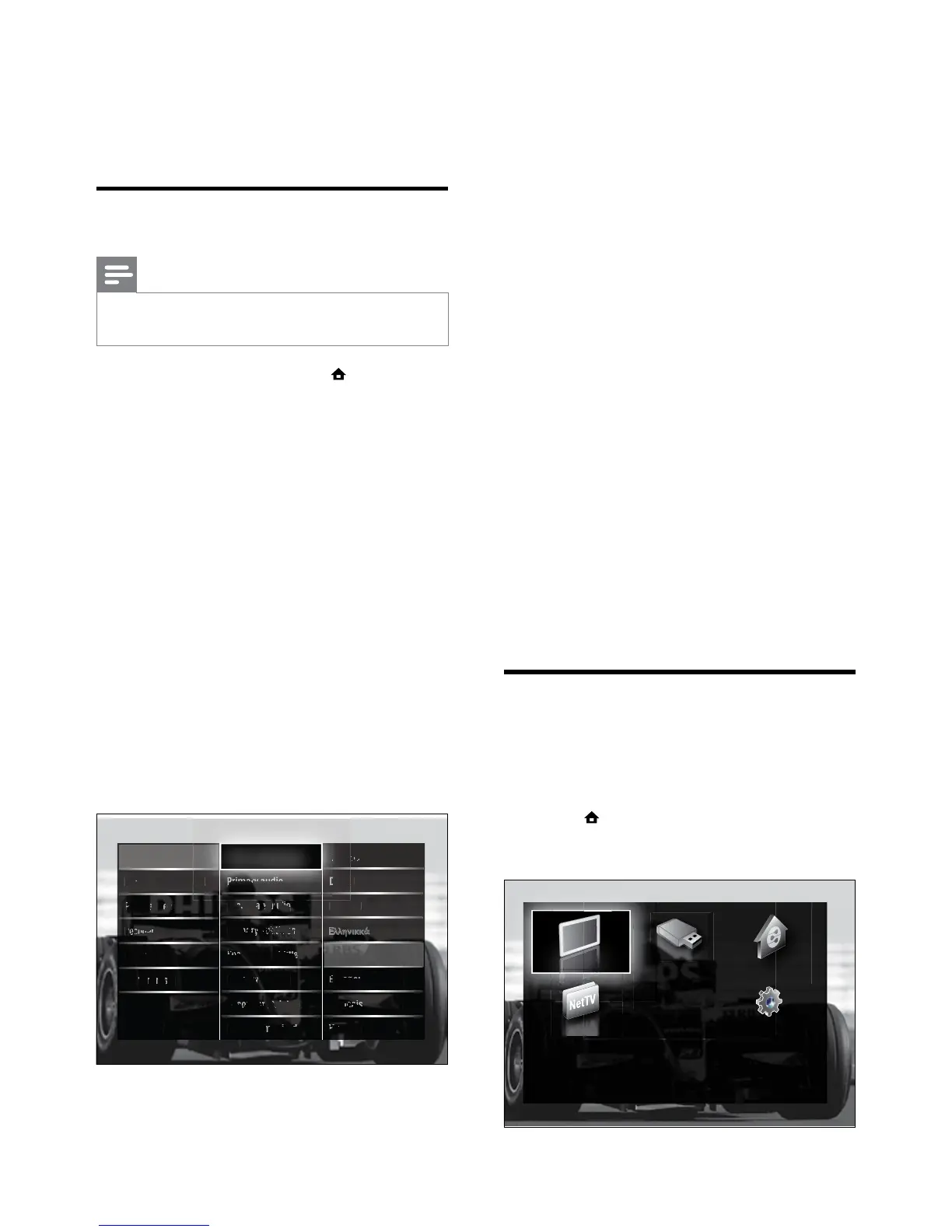
• [Primary audio]/[Secondary audio]
Select primary and secondary audio
languages for digital channels.
• [Primary subtitles]/[Secondary subtitles]
Select primary and secondary subtitle
languages for digital channels.
• [Primary teletext]/[Secondary teletext]
Select primary and secondary teletext
languages for digital channels.
• [Hearing impaired]
Select [On] to display subtitles with
primary and secondary audio languages.
• [Visually impaired]
If available, select to hear additional
audio commentary for the visually
impaired through the options: [Speakers],
[Headphones] or [Speakers +
headphones]. Select [Off] to disable the
feature.
• [Preferred audio format]
Select [Advanced] for best sound
reproduction from home theatre
systems. Select [Standard] for best sound
reproduction from the TV speakers and
basic sound systems.
Access the home menu
The home menu gives you easy access to
connected devices, picture and sound settings
as well as other useful features.
1 Press (Home).
The home menu appears. »
5 Use more of
your product
Change language settings
Note
Skip this step if your language settings are •
correct.
1 When watching TV, press (Home).
The home menu appears. »
2 Press the Navigation buttons to select
[Setup].
The » [Setup] menu appears.
3 Press the Navigation buttons to select
[Installation] > [Languages] > [Menu
language].
A list of languages appears. »
4 Press the Navigation buttons to select a
menu language.
5 Press OK to conrm your choice.
The selected language is applied to the »
menu.
In addition to [Menu language], you can
congure the following language settings via
the [Languages] menu (digital channels only):





 To Next Page