EasyManua.ls Logo

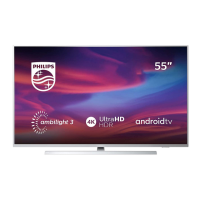
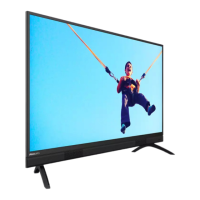
Philips 32PHT5883/67 - User Manual

Philips 32PHT5883/67
25 pages
Print Icon
To Next Page IconTo Next Page
Loading...

Questions and Answers

  • L
    lewiscynthiaSep 12, 2025
    Why are the four front LEDs glowing orange on my Philips UHD TV?
    • N
      Nicole WagnerSep 12, 2025
      Like all other Google Assistant devices, there is a privacy mode available where you will be able to disable the built-in microphones. Switching the microphones back on will turn off the orange LED indicators.
  • M
    Mary OrozcoSep 14, 2025
    Why does the Google Assistant still activate on the remote of my Philips UHD TV when the TV microphone is muted?
    • L
      leejustinSep 14, 2025
      This is correct. The microphone switch only disables the built-in microphones on the TV, which is always on to recognize the voice command “Hey Google”. The microphone on the remote will not activate unless the Google Assistant button on the remote is pressed.

Philips 32PHT5883/67 Specifications

General IconGeneral
Smart TVYes
Operating SystemSAPHI
HDMI Ports3
USB Ports2
Screen Size32 inches

Related product manuals