20
P
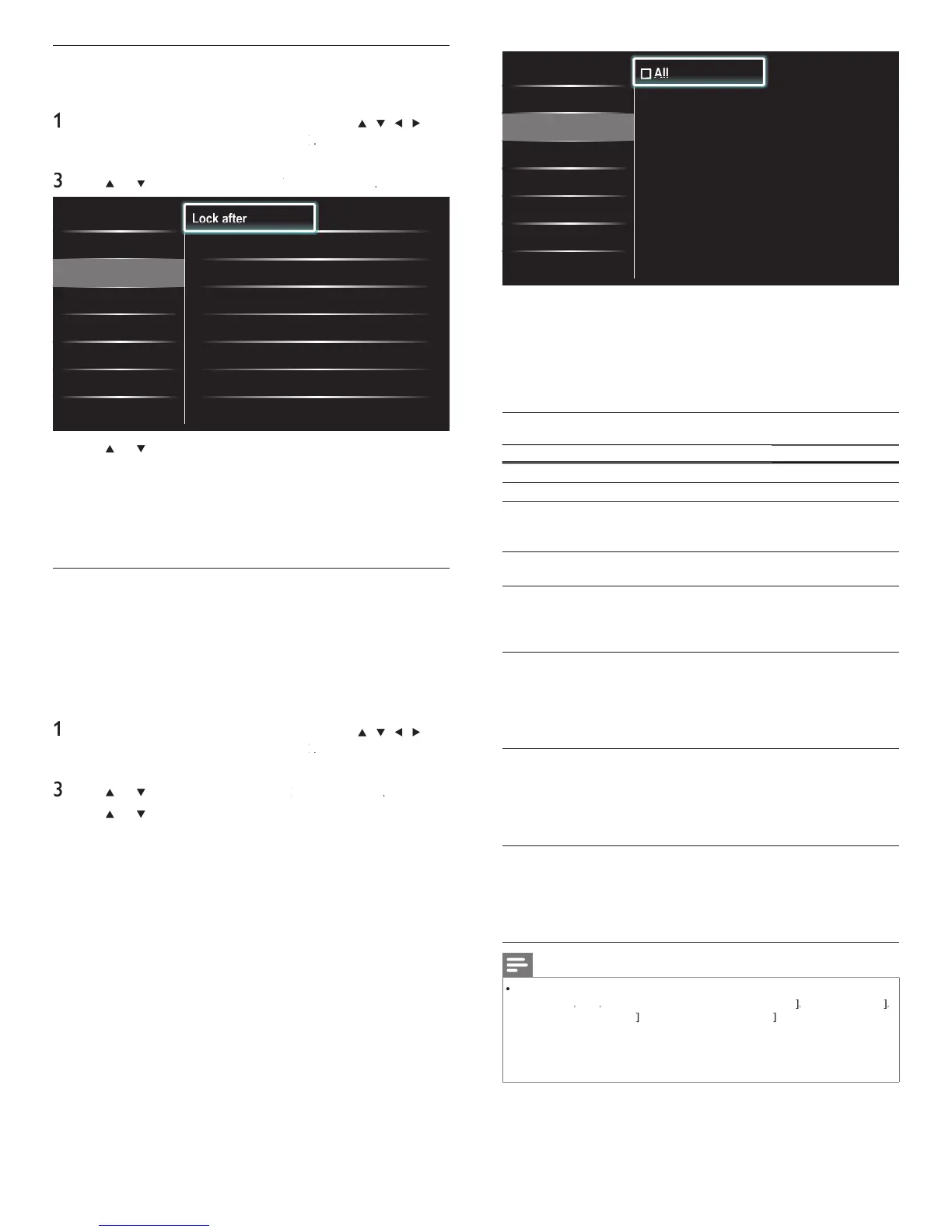
All
P
None
P
TV-Y
P
TV-Y7
P
TV-G
P
TV-PG
P
TV-14
P
TV-MA
Lock after
Channel Lock
TV ratings lock
Movie ratings lock
Canada English rati...
Canada French ratin...
en
ou se
ect
, a
tems
n t
e rat
n
s
st are
oc
e
en you se
ect
one
, programs w
t
no rat
ng an
ro
rams with a ratin
of none are locked
en
ou
oc
a rat
n
, a
rat
n
s
n t
e
oun
er a
e
cate
or
es are automat
ca
oc
e
ress
to ex
t
Summary of TV ratings
ge rating Content rating
ll
one
one
one
-
:
ro
riate for children of all a
es with
hemes and elements suitable for children
a
ed 2-6
one
-
:
rograms designed for children age 7 and
e
.
antasy
io
ence
TV-G :
rograms suitable for all ages. These
programs conta
n
tt
e or no v
o
ence, no
strong
anguage an
tt
e or no sexua
a
og or s
tuat
ons
one
TV-PG :
ro
rams conta
n e
ements t
at some
parents may fi nd unsuitable for younge
ren an
w
c
may nee
parenta
gu
ance.
e program may conta
n
moderate violence, sexual dialo
and / o
s
tuat
ons an
some stron
an
ua
e
ia
og
anguage
Se
io
ence
TV-14 :
ro
rams conta
n e
ements t
at ma
not
be suitable for children under 14
ears o
a
e.
ese
ro
rams
nc
u
e one or more
f the followin
: intense violence, intense
sexua
s
tuat
ons, su
est
ve
a
o
an
stron
an
ua
e
ia
og
anguage
Se
io
ence
TV-M
:
rograms are
es
gne
to
e v
ewe
y
adults and may be unsuitable for children
under the age of 17. These programs
may conta
n grap
ca
v
o
ence, exp
c
t
sexual activity and / or crude or indecent
anguage
anguage
Se
io
ence
Note
he V-Chi
can block non rated
ro
rams as
er "CEA-608-E sec. L.3". If the o
tion to
oc
one
o
ro
rams
s use
n
Canada English ratings lock
o
Canada French ratings lock
accordin
l
unusual results
a
occur, and the unit ma
not receive emer
enc
bulletins or other t
es of
ro
rammin
:” ∙ Emer
enc
Bulletins
Such as EAS messa
es, weather warnin
s and others
∙
Locall
ori
inated
ro
rammin
∙ News ∙ Political ∙ Public Service Announcements ∙
Reli
ious ∙ S
orts ∙ Weather.
Locking a channel
his section describes how to lock specifi ed channels. The channels can
e se
ecte
ut t
e screen
s
an
e
out an
t
e au
o
s mute
ress
on t
e remote contro
an
t
en use
/
/
/
o
se
ect
Setu
>
eature
>
hild loc
Enter
our PIN
see ‘Settin
our PIN’ on
a
e 19
se
o
to se
ect
hannel Loc
, t
en press
Caption settings
Sleeptimer
Child lock
Change PIN
Demo
Lock after Timer
Channel Lock
•
Select
TV ratings lock
•
Select
Movie ratings lock
•
Select
Canada English ratings l...
•
Select
Canada French ratings l...
•
Select
•
•
se
o
an
t
en press
repeate
y to sw
tc
etween
ocked and not locked. Each ratin
has a box-
ra
hic in front of it
o
n
cate w
et
er
t
s
oc
e
box with
n
cates t
at t
e c
anne
s
oc
e
n em
t
box indicates that the channel is not locked
ress
to ex
t
Using the TV ratings lock
our
s e
u
e
w
t
a
-c
t
at a
ows
ou to contro
access to
n
v
ua
ro
rams
ase
on t
e
r a
e rat
n
an
content rat
n
.
e
ro
ram content a
v
sor
ata are sent
t
e
roa
caster or
t
e
ro
ram
rov
e
.
If
ou receive channels throu
h a set-to
box or cable box connected
,
ou cannot use t
e
rat
n
s
oc
.
our set-to
ox or ca
e
box must be connected throu
h RF or AV connectors
ress
on t
e remote contro
an
t
en use
/
/
/
o
se
ect
Setu
>
eature
>
hild loc
2 Enter your PIN (see ‘Setting your PIN’ on page 19)
se
o
to se
ect
, t
en
ress
se
o
o
an
t
en press
repeate
y to sw
tc
etween
oc
e
an
not
oc
e
Each rating has a box-graphic in front of it to indicate whether it is
oc
e
box with
n
cates t
at a
tems
n t
e content rat
ngs
st
are
oc
e
n empty box indicates that no items in the content ratings
st are
oc
e
box with
/
n
cates t
at some
tems
n t
e content rat
ngs
are a
rea
y
oc
e
an
some
tems rema
n not
oc
e
EN











 To Next Page