25
English
Watch your Video on a USB storage device
In the USB content browser
use
/
to se
ect
i
eo
2
ress
o
to select a fi le or a folder on the USB storage
ev
ce
Picture
Music
Video
Video1.divx
Video2.mpg
Title: ...
Director: ...
Date: ...
ress
o
o play the selected fi les
ress
o
F
o pause, press
o
aga
n to resume
ress
to fast-forward search
ress
to fast-backward search
ress
to stop p
ay
ac
res
to resume from the point at which playback
res
to play from the beginning of the
fi le at which playback was stopped.
ress
PTIONS to
s
a
t
e o
t
ona
menu, t
en use
o
o se
ect t
e
es
re
tem
etting item
escription
ubtitle
ot
vai
a
e
Displays if no subtitle is available
ubtitle Off
et subtitle to off
ubtitle 1-8
elect the desired subtitle if the Div
file
conta
ns t
em
udio Lang
ot
vai
a
e
he unit displays if no audio language is
ava
a
e
udio 1-8
elect the desired audio lan
ua
e if the Div
file contains them
spea
er
ff
he sound will not be out
ut from the unit's
spea
ers
n
he sound will be output from the unit's
spea
ers
peakers
asy
in
You can control audio output from you
connected EasyLink Compliant Devices with
VOL + / −
y using this unit
s remote control
Note
he resume information will be kept even when the unit is turned off
he fi le or the folder in resume sto
mode will be hi
nli
hted in
ra
on
is
o
um
nai
.
Listen to music on a USB storage device
In the USB content browser
use
/
to se
ect
usic
2
ress
o
to select a fi le or a folder on the USB storage device
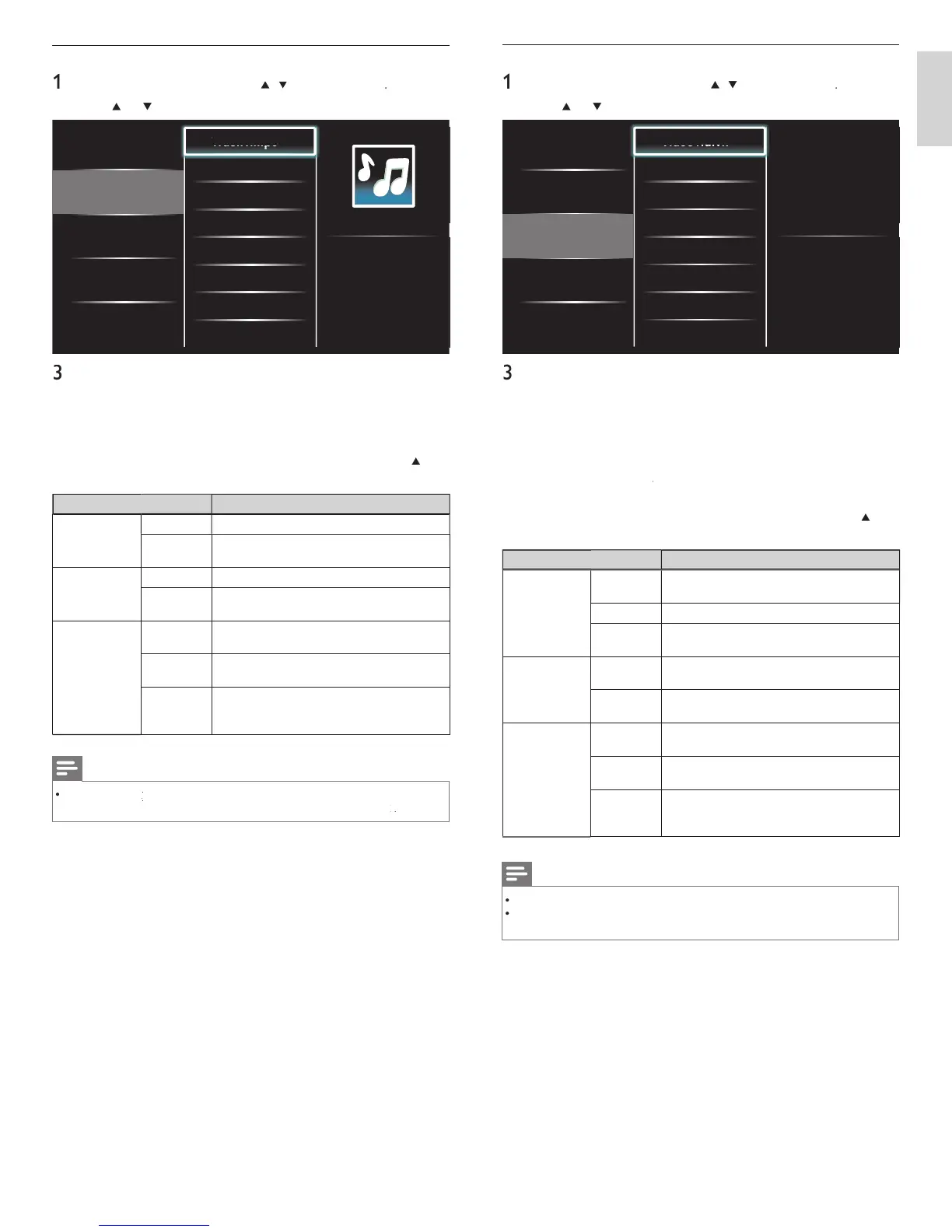
Picture
Music
Video
Track1.mp3
Track2.mp3
Title: ...
Artist: ...
Album: ...
Duration: 00:03:41
Year:
ress
o
o play the selected fi les
ress
o
o pause, press
o
aga
n to resume
ress
to skip up the next fi le
ress
to skip down the previous fi le
ress
to stop p
ay
ac
ress
PTIONS to
sp
ay t
e opt
ona
menu, t
en use
o
o se
ect t
e
es
re
tem
Setting item
escription
epea
ff
ets repeat playback to off
n
ets re
eat
la
back for all MP3 files in the
urrent folde
.
Shuffle
ff
ets shuffle playback to off
n
ets shuffle
la
back for all MP3 files in the
urrent folde
.
spea
er
ff
he sound will not be out
ut from the unit's
pea
ers
n
he sound will be output from the unit's
pea
ers
Speakers
asy
in
ou can control audio output from your
onnected EasyLink Compliant Devices with
OL + / −
y using this unit
s remote control
Note
must
e act
vate
n t
e
reference
menu to ma
e t
e
TV Speaker
menu ava
a
e w
en you se
ect
EN











 To Next Page