34
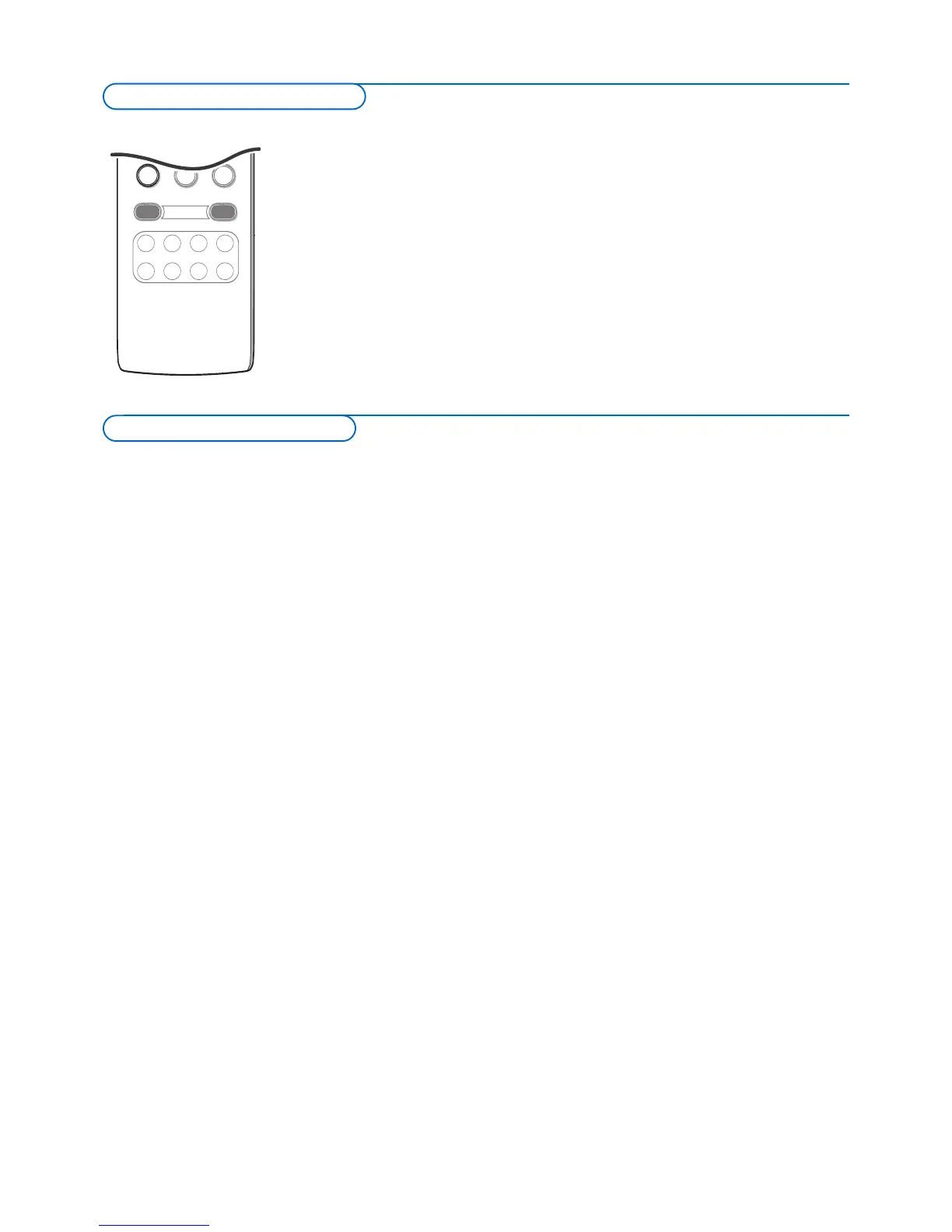
& Press the AV+ button repeatedly or select Source in the Settings menu
(p. 16) to select
AV1, AV2, AV3, HDMI1, HDMI2, Side or TV, according to
where you connected your devices.
é Press the cursor up/down.
“ Press OK.
Record a TV program
You can record a TV program using your recorders tuner without affecting
y
our TV.
& Select the channel number on your recorder.
é Set your recorder to record.
See the handbook for your recorder.
Switching channel numbers on your TV does not disturb recording !
Record a program fr
om
MONITOR OUT
You can record a program on your recorder from the TV tuner via
MONITOR OUT.
& Switch on the device.
é Select the correct channel on your TV and the correct input on your
recorder.
“ Set your recorder to record.
Do not switch channels or tur
n off your TV when you are recording through
MONIT
OR OUT
.
Notes:
- When a TV channel or AV source is blocked because of a rating set via the
Channels menu (see p.
24), also the record output picture and sound are muted.
-
In case of an analog copy protected recording the audio outputs are not muted.
Record with your recorder
To select connected devices












 To Next Page