- 57 -
available for your selected [
Country]
o
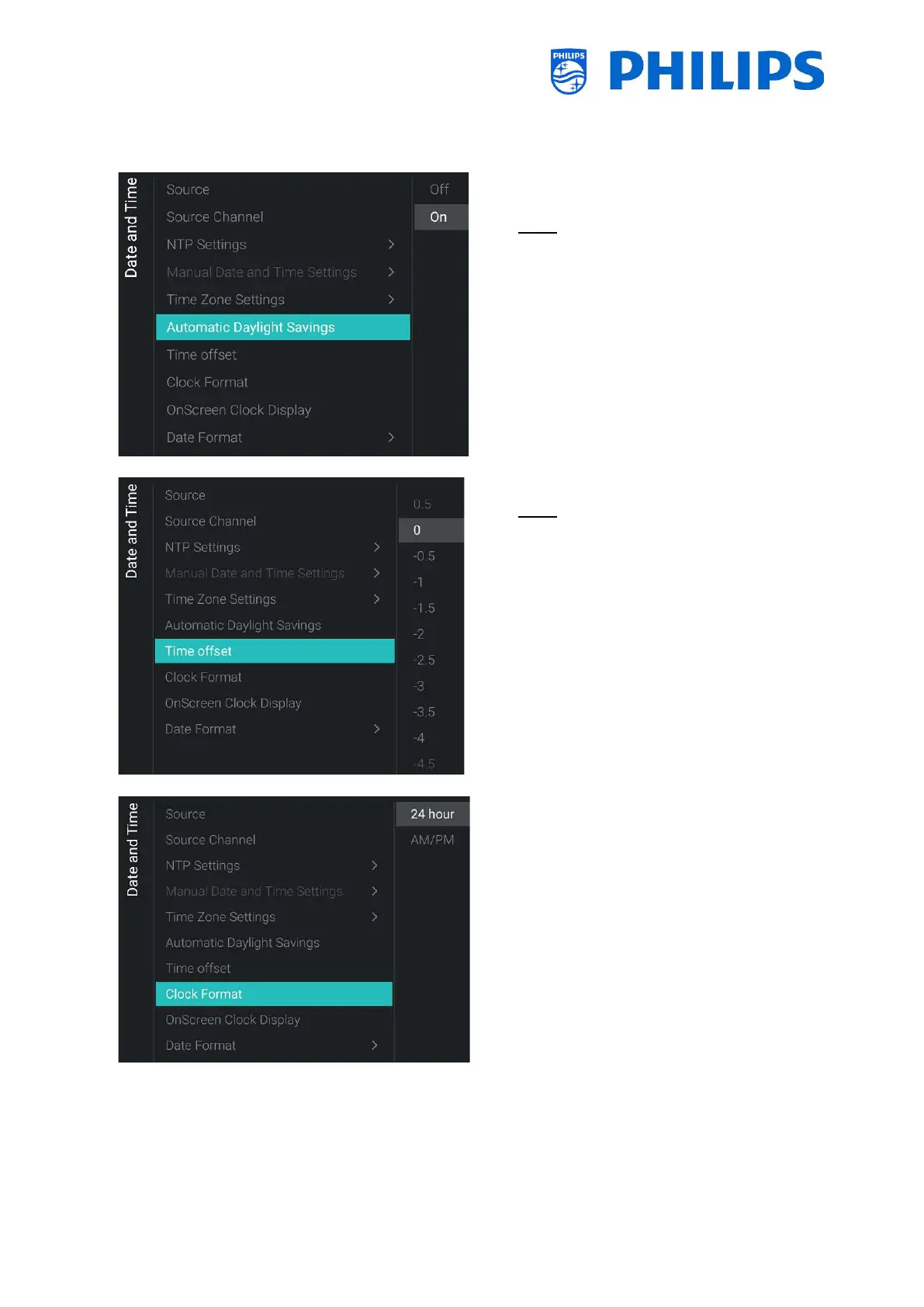
Savings] menu
Note: This menu in not accessible when
[Source] is set to [Manual]
o You will see below items:
o [Off]: Daylight saving time is disabled,
no time correction will be applied
while switching between winter and
summer time
o [On]: Daylight saving time is enabled
o
Note: This menu in not accessible when
[Source] is set to [Manual]
o You will see a list to make a time offset
per 30 minutes
o
o You will see below items:
o [24 hour]: You can set the clock format
to 24 hours format
o [AM/PM]: You can set the clock
format to AM/PM format








 To Next Page