13
English
-
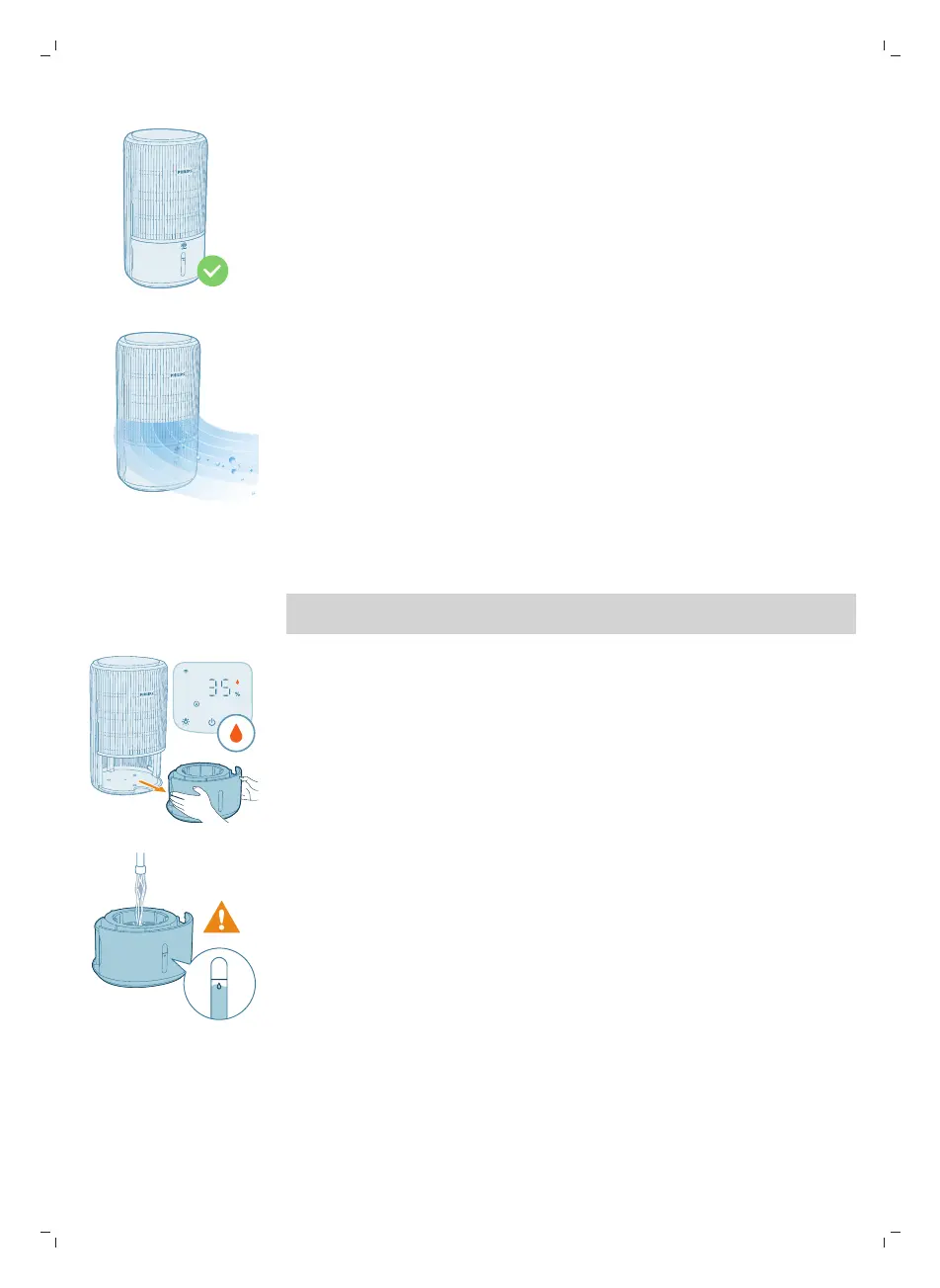
If the humidification indicator is blinking orange, please check if the water
tank is properly installed.
-
If the humidification indicator lights up white, it means that your room is
being effectively humidified.
Filling water
Note: Add water slowly to prevent splashing and avoid exceeding the maximum
water level indicated on the appliance.
1 Pull out the water tank from the appliance.
2 Fill the water tank with cold tap water. Monitor the water level through the
transparent window on the water tank to prevent overfilling.



 To Next Page