17
English
Using the light function
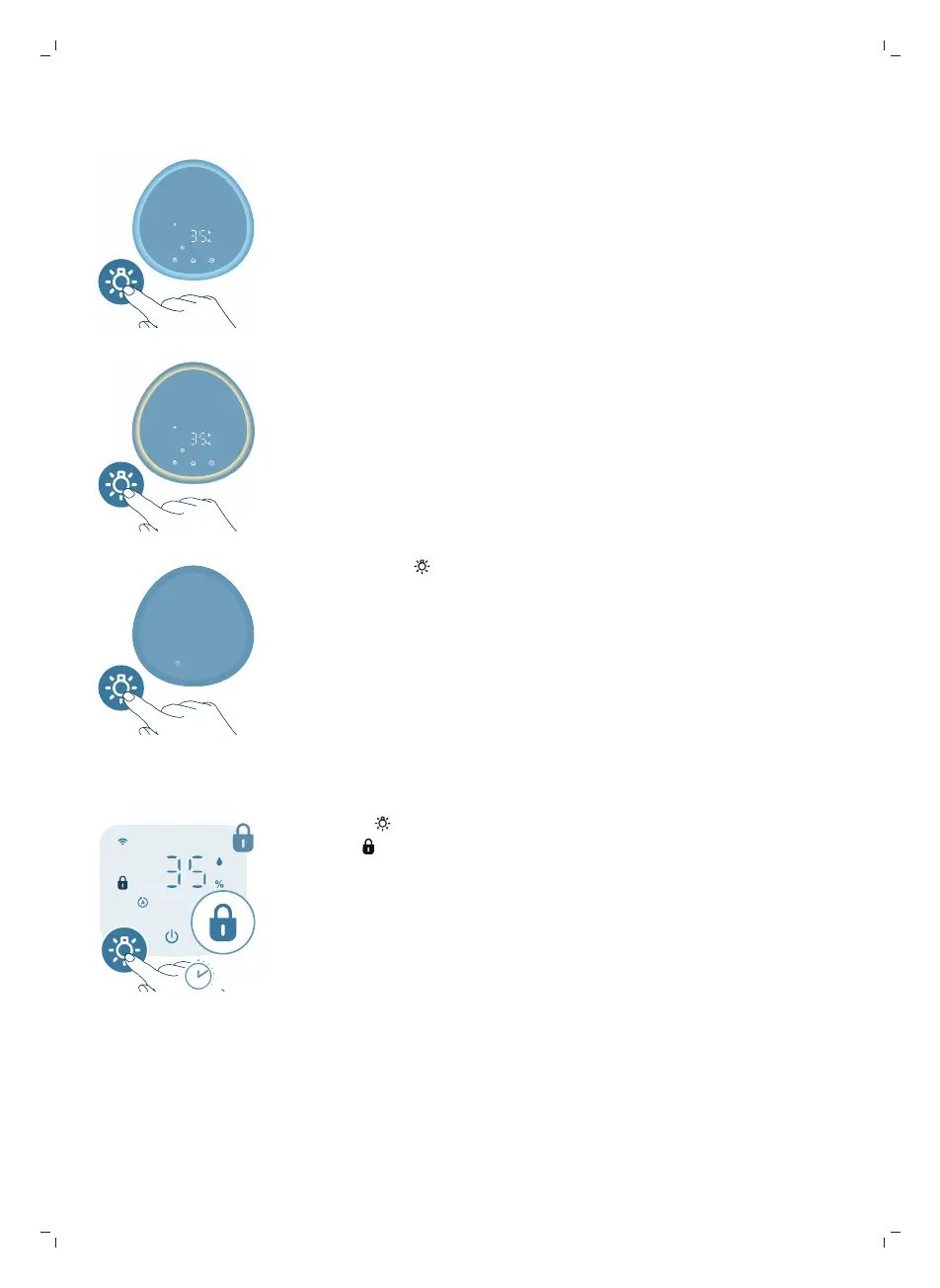
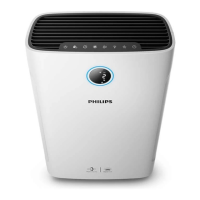
With the light sensor, the control panel can automatically adjust the brightness
according to the ambient light.
The control panel will be dim when the ambient light is dark. You can press any
button to wake up all lights. Then, if no further operation, all lights will be dim
again to match with the ambient light.
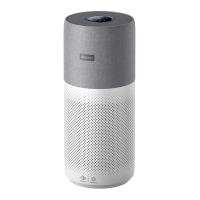
You can press the light function button to switch to lamp mode: a cozy light ring
around the control panel. Tailor the brightness of the cozy light in the Air+ app.
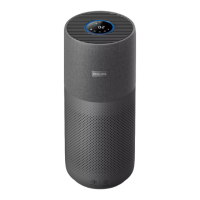
You can press the button to turn off all lights and the control panel. Press the
button again to wake up all lights.
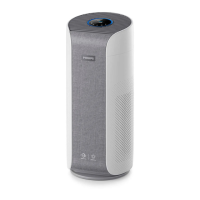
Setting the child lock
1 Press the button for 3 seconds to activate the child lock.
-
The displays on the screen.



 To Next Page