23
[REG] (Regional
radio)
When [REG]
only stations in the current
region can be tuned to.
[EON]
(Enhanced
Other
Networks)
When [EON]
local stations ‘break into’ a
national station’s broadcast
Announcement.
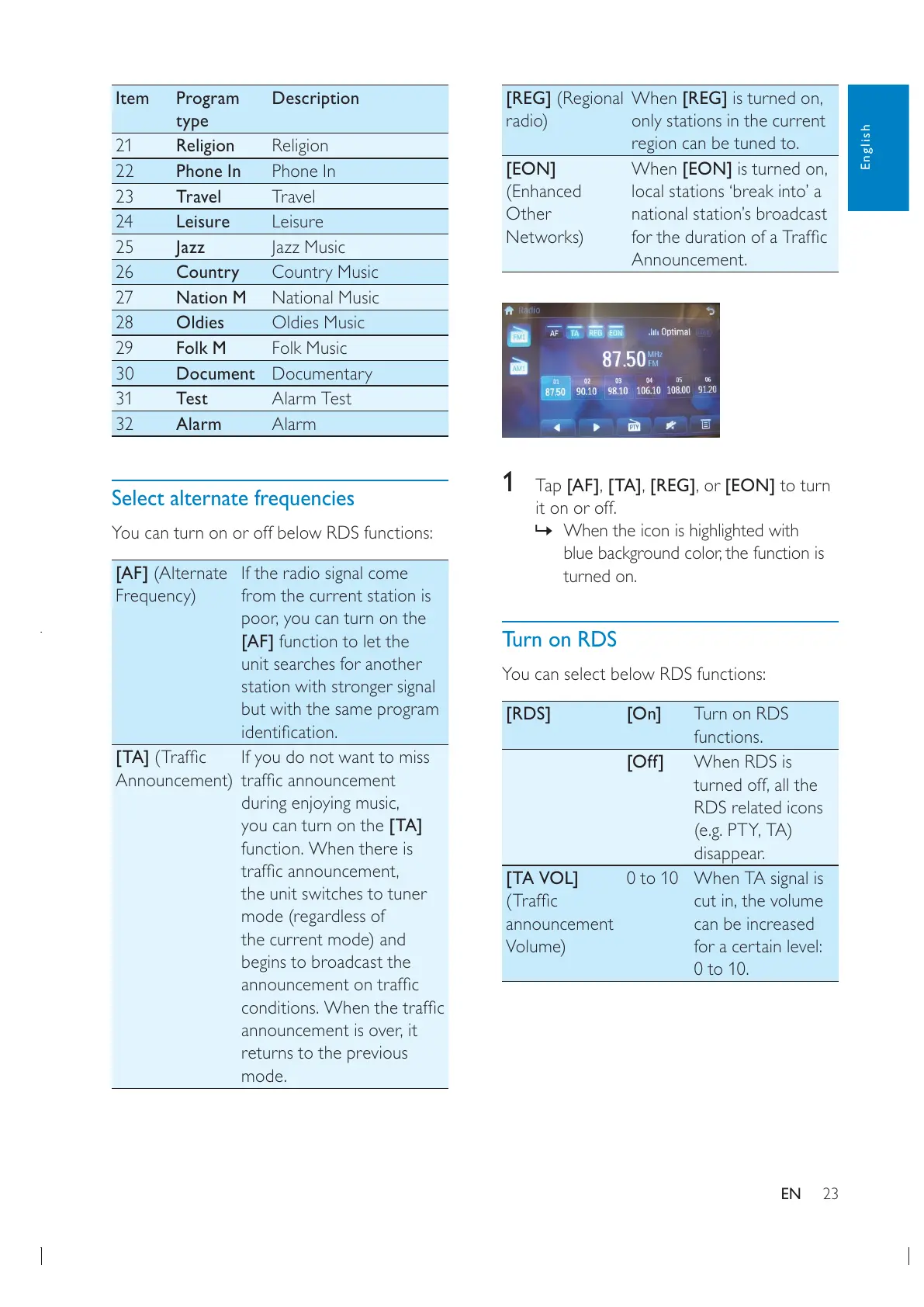
1 Tap [AF][TA][REG][EON] to turn
it on or off.
» When the icon is highlighted with
turned on.
Turn on RDS
You can select below RDS functions:
[RDS] [On] Turn on RDS
functions.
[Off] When RDS is
RDS related icons
disappear.
[TA VOL]
announcement
Volume)
0 to 10 When TA signal is
can be increased
for a certain level:
0 to 10.
Item Program
type
Description
21 Religion Religion
22 Phone In Phone In
23 Travel Travel
24 Leisure Leisure
25 Jazz Jazz Music
26 Country Country Music
27 Nation M National Music
28 Oldies Oldies Music
29 Folk M Folk Music
30 Document Documentary
31 Test Alarm Test
32 Alarm Alarm
Select alternate frequencies
You can turn on or off below RDS functions:
[AF] (Alternate
Frequency)
If the radio signal come
from the current station is
[AF] function to let the
unit searches for another
station with stronger signal
but with the same program
[TA]
Announcement)
If you do not want to miss
you can turn on the [TA]
function. When there is
the unit switches to tuner
mode (regardless of
the current mode) and
begins to broadcast the
returns to the previous
mode.
English
EN



 To Next Page