28
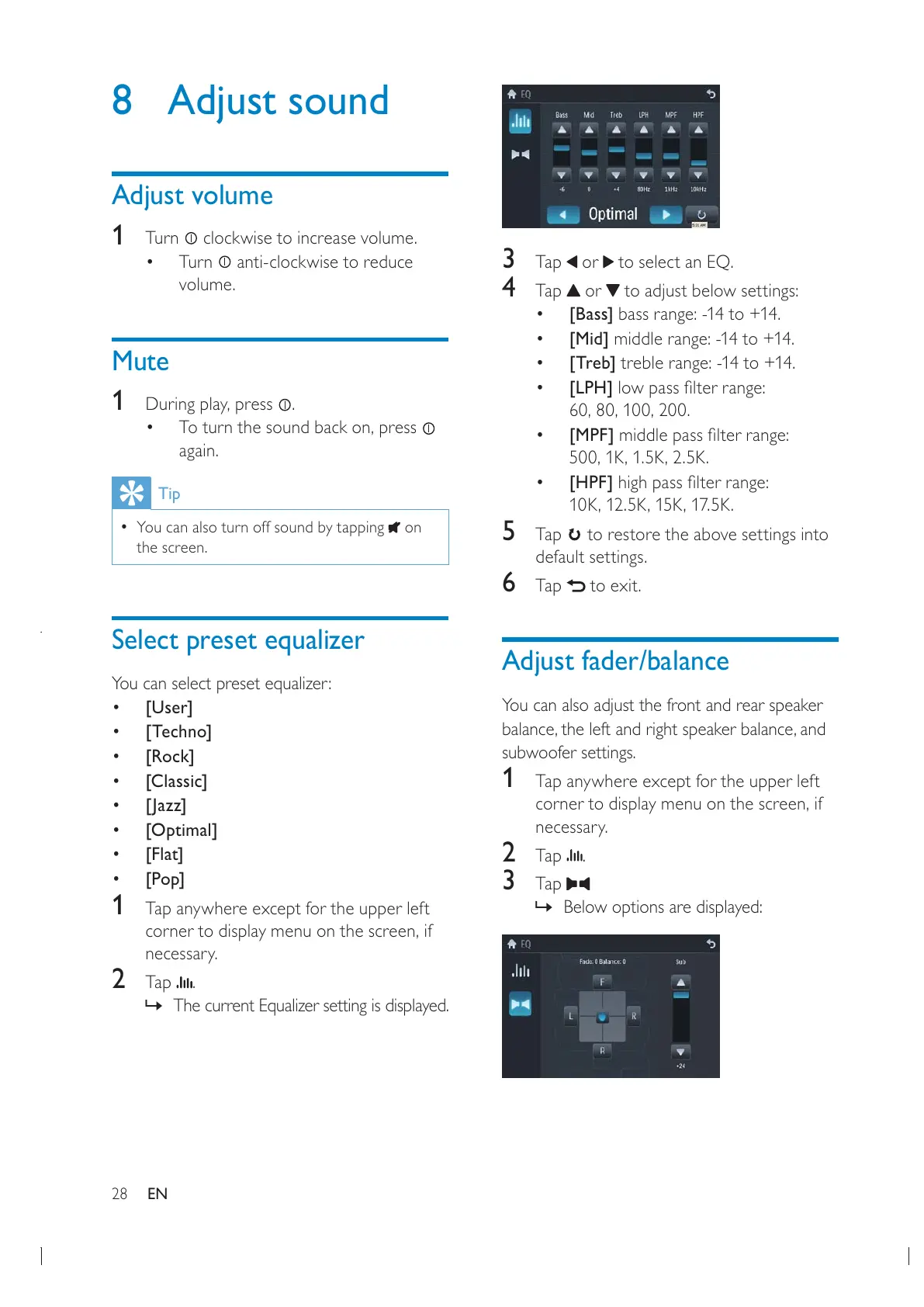
3 Tap or to select an EQ.
4 Tap or to adjust below settings:
[Bass] bass range: -14 to +14.
[Mid] middle range: -14 to +14.
[Treb] treble range: -14 to +14.
[LPH]
[MPF]
[HPF]
5 Tap to restore the above settings into
default settings.
6 Tap to exit.
Adjust fader/balance
You can also adjust the front and rear speaker
subwoofer settings.
1 Tap anywhere except for the upper left
necessary.
2 Tap .
3 Tap
» Below options are displayed:
8 Adjust sound
Adjust volume
1
Turn clockwise to increase volume.
Turn
anti-clockwise to reduce
volume.
Mute
1
.
again.
Tip
You can also turn off sound by tapping on
the screen.
Select preset equalizer
You can select preset equalizer:
[User]
[Techno]
[Rock]
[Classic]
[Jazz]
[Optimal]
[Flat]
[Pop]
1 Tap anywhere except for the upper left
necessary.
2 Tap .
» The current Equalizer setting is displayed.
EN


 To Next Page