34
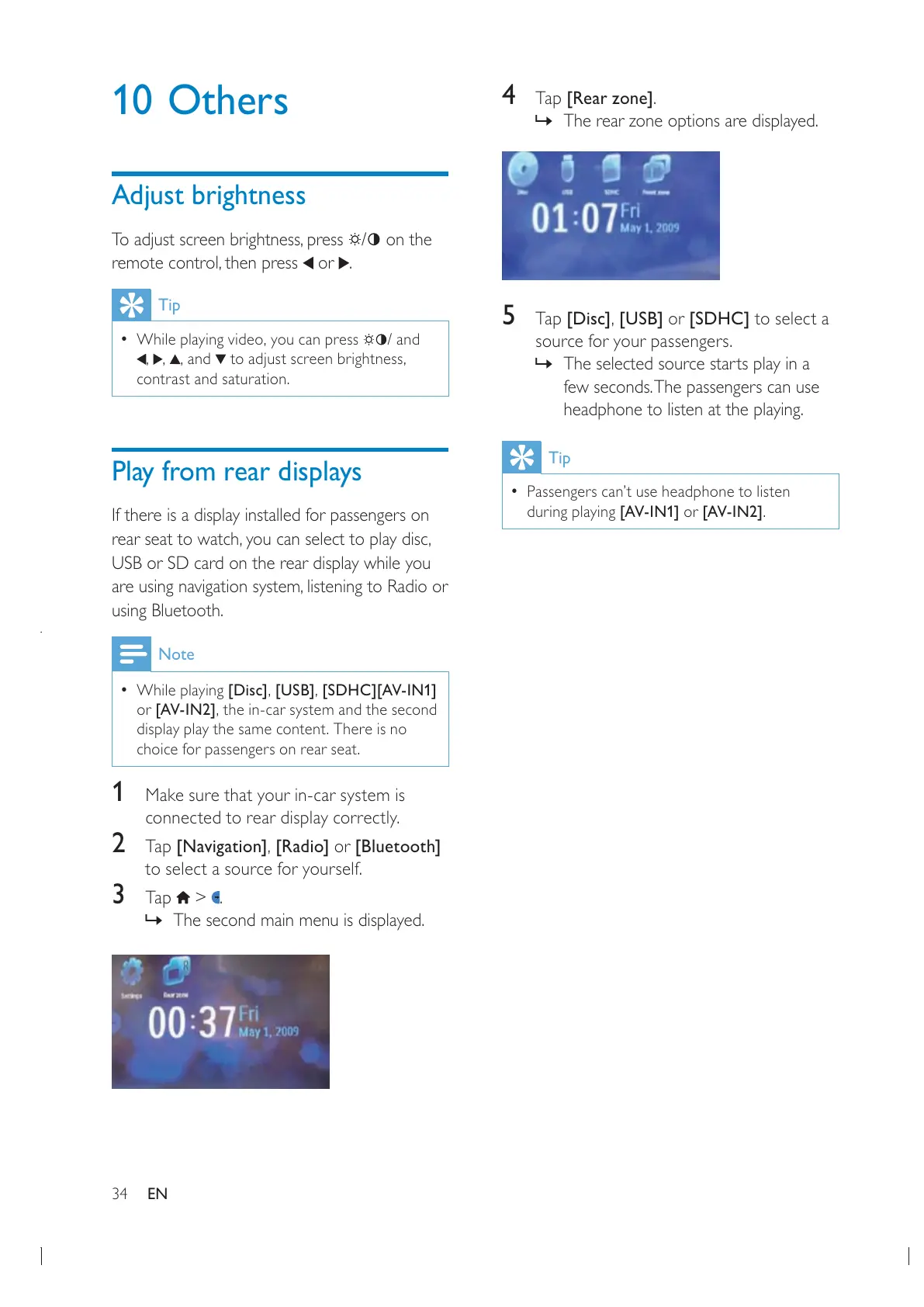
4 Tap [Rear zone].
» The rear zone options are displayed.
5 Tap [Disc][USB] or [SDHC] to select a
source for your passengers.
» The selected source starts play in a
few seconds. The passengers can use
headphone to listen at the playing.
Tip
Passengers can’t use headphone to listen
during playing [AV-IN1] or [AV-IN2].
10 Others
Adjust brightness
/ on the
or .
Tip
/ and
contrast and saturation.
Play from rear displays
If there is a display installed for passengers on
USB or SD card on the rear display while you
using Bluetooth.
Note
While playing [Disc][USB][SDHC][AV-IN1]
or [AV-IN2]
display play the same content. There is no
choice for passengers on rear seat.
1 Make sure that your in-car system is
connected to rear display correctly.
2 Tap [Navigation][Radio] or [Bluetooth]
to select a source for yourself.
3 Tap > .
» The second main menu is displayed.
EN


 To Next Page