30
General
settings
Options Description
[Beep] [On] Turn on the
beep sound.
Each time you
the unit beeps.
[Off] Turn off the
beep sound.
[WallPaper] [Blue] Turn background
color to blue.
[Black] Tur n background
color to black.
[Red] Turn background
color to red.
[F1] Select F1 picture
as wall paper.
[Calibration] Calibrate the
touch screen.
4 Tap to exit.
Adjust sound settings
1
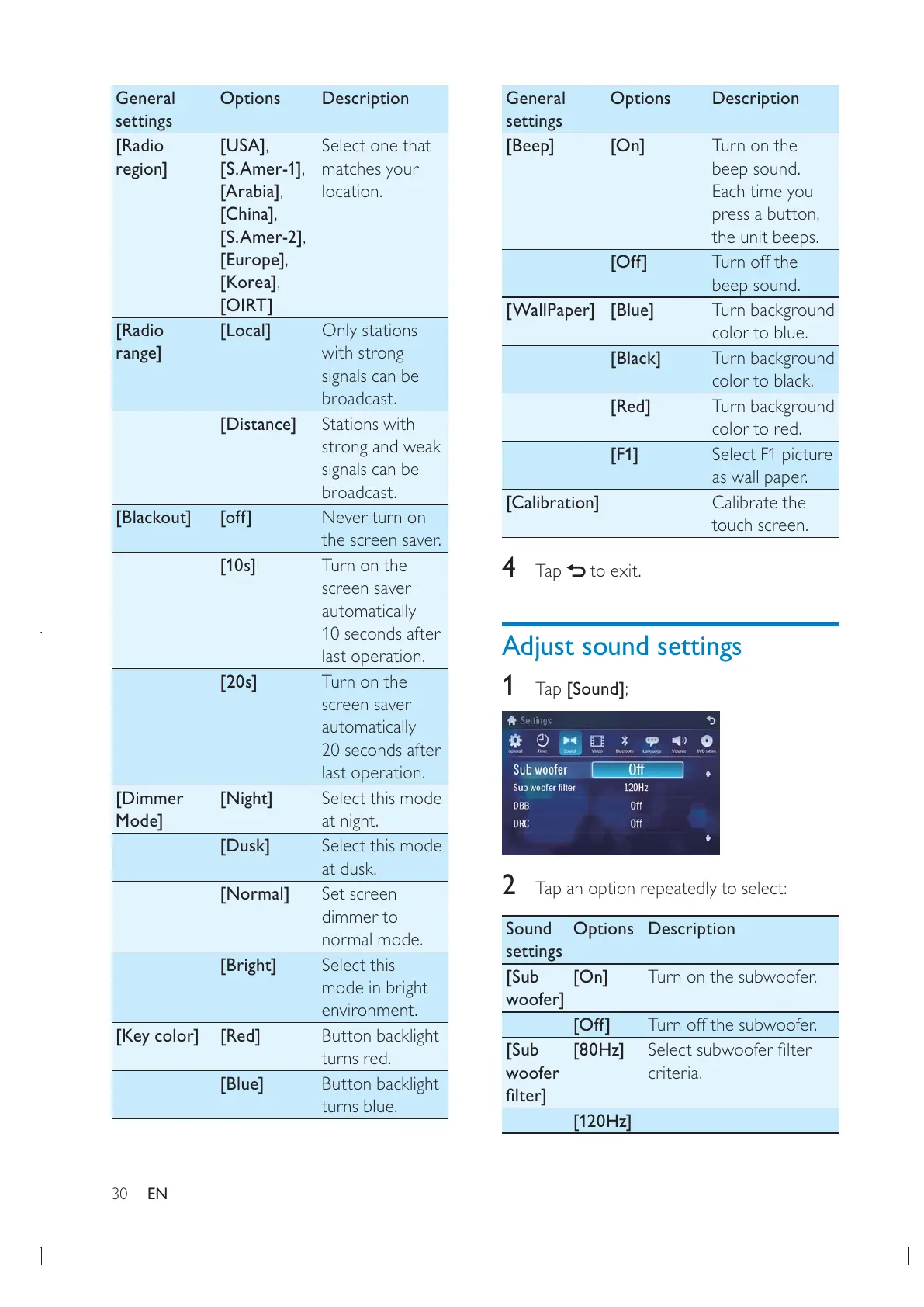
Tap [Sound];
2 Tap an option repeatedly to select:
Sound
settings
Options Description
[Sub
woofer]
[On] Turn on the subwoofer.
[Off] Turn off the subwoofer.
[Sub
woofer
[80Hz]
criteria.
[120Hz]
General
settings
Options Description
[Radio
region]
[USA]
[S.Amer-1]
[Arabia]
[China]
[S.Amer-2]
[Europe]
[Korea]
[OIRT]
Select one that
matches your
location.
[Radio
range]
[Local] Only stations
with strong
signals can be
broadcast.
[Distance] Stations with
strong and weak
signals can be
broadcast.
[Blackout] [off] Never turn on
the screen saver.
[10s] Turn on the
screen saver
automatically
10 seconds after
last operation.
[20s] Turn on the
screen saver
automatically
20 seconds after
last operation.
[Dimmer
Mode]
[Night] Select this mode
at night.
[Dusk] Select this mode
at dusk.
[Normal] Set screen
dimmer to
normal mode.
[Bright] Select this
mode in bright
environment.
[Key color] [Red] Button backlight
turns red.
[Blue] Button backlight
turns blue.
EN



 To Next Page