35
Listen to other devices
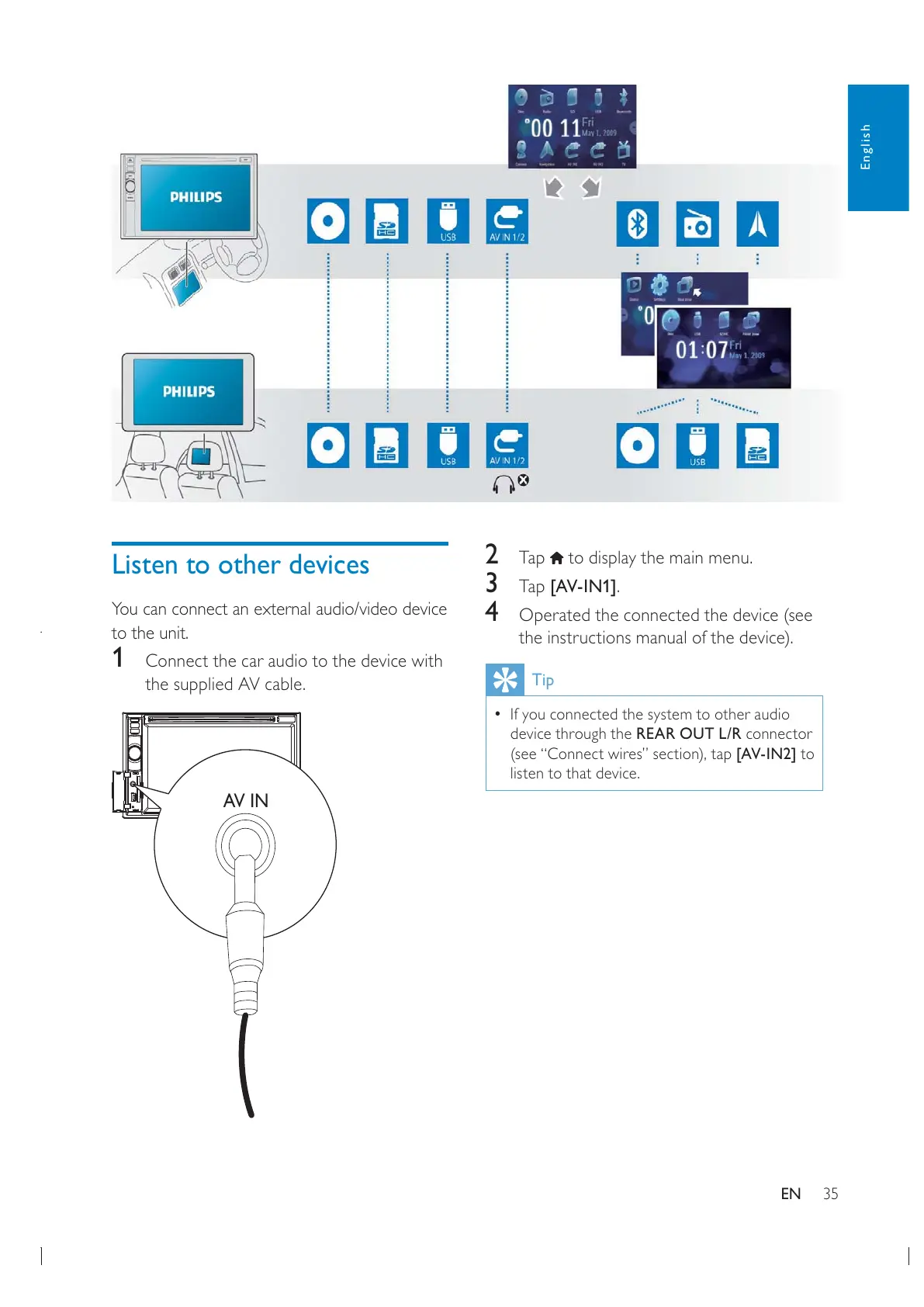
You can connect an external audio/video device
to the unit.
1 Connect the car audio to the device with
the supplied AV cable.
AV IN
English
EN
2 Tap to display the main menu.
3 Tap [AV-IN1].
4 Operated the connected the device (see
the instructions manual of the device).
Tip
If you connected the system to other audio
device through the REAR OUT L/R connector
[AV-IN2] to
listen to that device.


 To Next Page