EN 44
The caller ID does not display.
• The service is not activated. Check with
your service provider.
• The caller’s information is withheld or
unavailable.
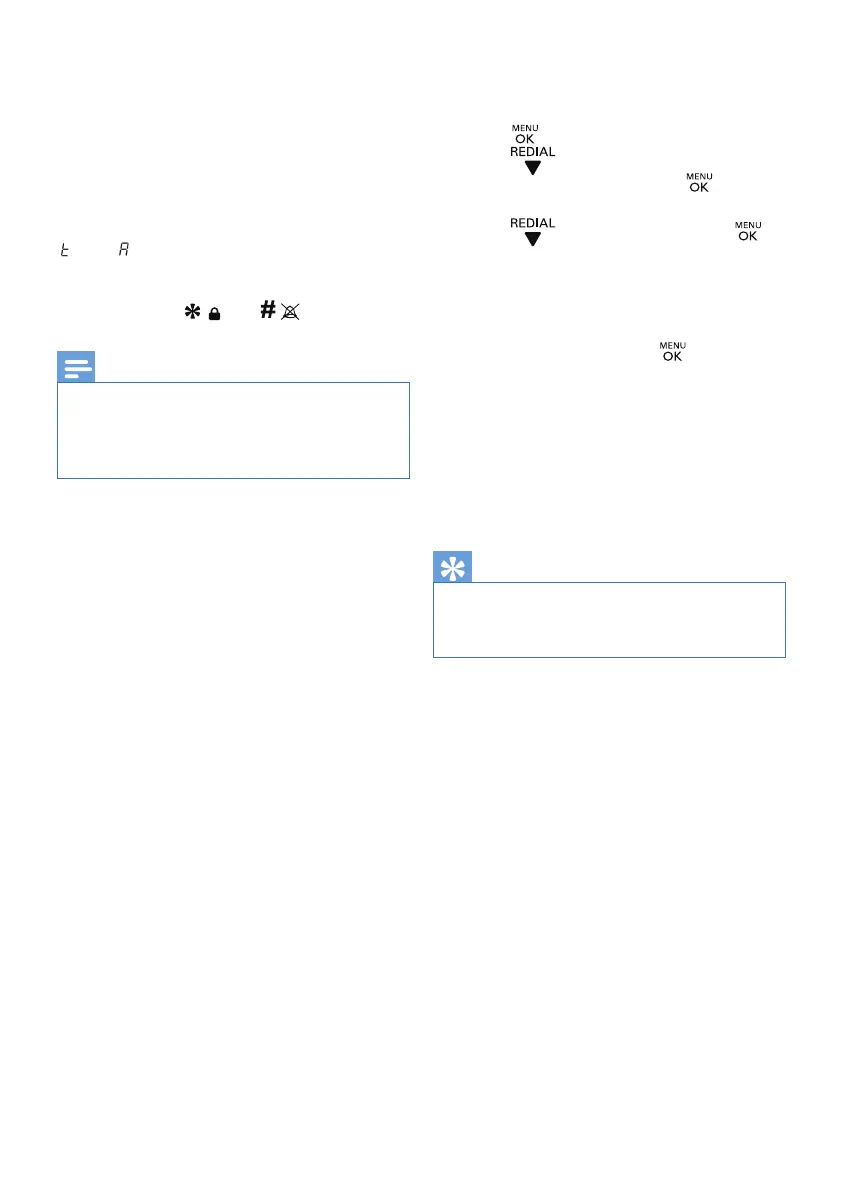
The handset cannot display characters *
and #.
Characters * and # respectively appear as
‘ ’ and ‘ ’ in the LCD display. This is normal
because of the 7-segment in the 2nd row of
the display (you can nd the characters on
these 2 buttons: and ).
Note
• If the above solutions do not help,
disconnect the power supply from both
the handset and base station. Try again
after 1 minute.
If I fail to pair (register) the additional
handsets to the base station, what do I do?
Your base memory is full because each base
station accommodates up to 4 handsets.
Deregister the unused handsets and try again.
• For further information, see Chapter 13
‘Base Settings’, Section ‘Deregister the
handsets’.
Tip
The handset does not ring.
• Make sure the handset ringtone is turned
on.
• Make sure the handset is registered to
the base station.
I cannot change the settings of my voice
mail, what do I do?
The voice mail service is managed by your
service provider but not the phone itself.
Contact your service provider to change the
settings.
I have chosen a wrong language which I
cannot read.
To reset the language,
1. P
ress .
2. Press for 5 times on D275, or
4 times on D270, then press to
conrm.
3. Press for 3 times, then press to
conrm.
4. Select a language from the list [English/
Deutsch/Fransais/Italiano/Türkse
/Español/Português/Eaahnika
Nederlands], then press to conrm.



 To Next Page