EasyManua.ls Logo

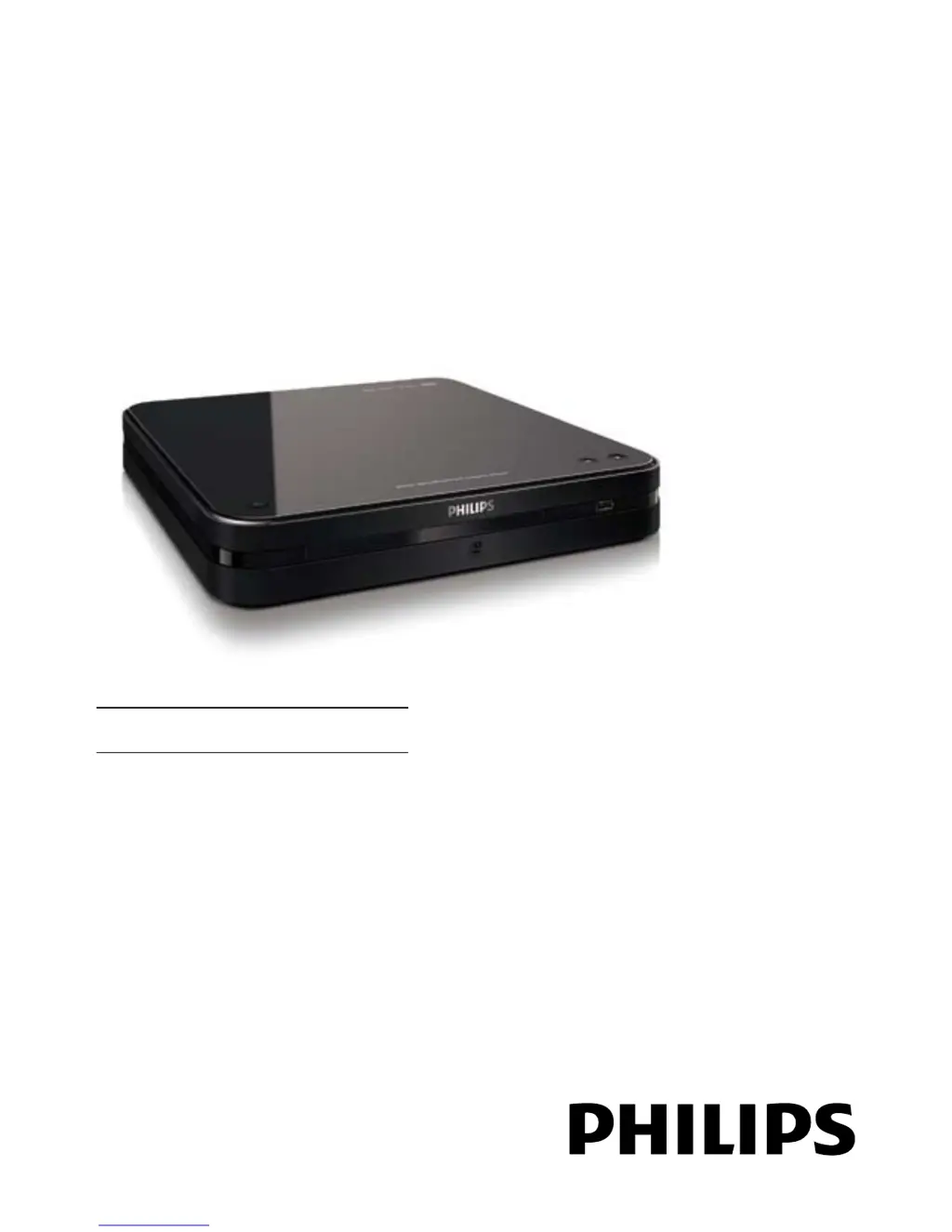
Philips DTP2340 - User Manual

Philips DTP2340
33 pages
Print Icon
To Next Page IconTo Next Page
Loading...
DTP2340
Register your product and get support at
www.philips.com/welcome
EN User manual

Other manuals for Philips DTP2340

Questions and Answers

  • K
    Kelly SheltonAug 14, 2025
    How to fix Philips Receiver when there is no sound?
    • N
      Nicole JamesAug 14, 2025
      If there is no sound from your Philips Receiver, ensure that the audio cables are correctly connected and the connected device is turned on and set to the correct input source.
  • B
    Belinda SimsAug 17, 2025
    What to do if the TV is on, but there is no picture on my Philips Receiver?
    • J
      Jay PaulAug 17, 2025
      If your TV is on but you're not seeing a picture when using your Philips Receiver: * Check that the antenna is properly connected to the TV. * Verify that the correct device is selected as the TV source.
  • E
    Eugene GarciaAug 21, 2025
    What to do if the buttons on Philips Receiver do not work?
    • J
      jordanjustinAug 21, 2025
      If the buttons on your Philips Receiver are unresponsive, disconnect the receiver from the power socket for a few minutes, and then reconnect it.
  • A
    aaron09Aug 25, 2025
    What to do if DivX video files cannot be played on Philips Receiver?
    • K
      Kristy MccarthyAug 25, 2025
      If your Philips Receiver won't play DivX video files, make sure that the DivX video file is complete and that the file name extension is correct.
  • C
    Curtis WatkinsAug 27, 2025
    What to do if there is sound but no picture on Philips Receiver?
    • R
      Rachel BrownAug 27, 2025
      If you're getting sound but no picture on your Philips Receiver, check that the picture settings are correctly configured.
  • C
    Christopher JamesAug 30, 2025
    How to fix Philips Receiver when DivX subtitles are not displayed correctly?
    • A
      abigail90Aug 31, 2025
      If DivX subtitles are not displaying correctly on your Philips Receiver: * Ensure that the subtitle file name is the same as the movie file name. * Select the correct character set. * Press HOME, select [System Setting], then press OK. * Select [DVD Setting], then press OK. * Select [DivX Subtitle], then press OK. * Select the character set that supports the subtitle.
  • A
    Amber PatelSep 3, 2025
    Why Philips Receiver cannot read contents of the USB flash drive?
    • C
      Christian WardSep 3, 2025
      If your Philips Receiver cannot read the contents of the USB flash drive, it may be because the USB flash drive format is not compatible with the digital receiver or the drive is formatted with a file system which is not supported by this unit (e.g. NTFS).
  • J
    Jennifer GraySep 6, 2025
    Why is the aspect ratio of the screen not aligned with the TV display setting on my Philips Receiver?
    • W
      William WernerSep 6, 2025
      The aspect ratio may not be aligned because it is fixed on the disc.
  • P
    Peter DurhamSep 10, 2025
    Why is there no sound during DivX movies play on Philips Receiver?
    • T
      Tanya AndrewsSep 10, 2025
      The audio codec may not be supported by this digital receiver.

Philips DTP2340 Specifications

General IconGeneral
BrandPhilips
ModelDTP2340
CategoryDVD Player
LanguageEnglish

Related product manuals