27
Tip
Disconnect the power cord for a few seconds, •
then connect it again and turn on the product.
Care
Caution
Never use solvents such as benzene, thinner, •
cleaners available commercially or anti-static
sprays intended for discs.
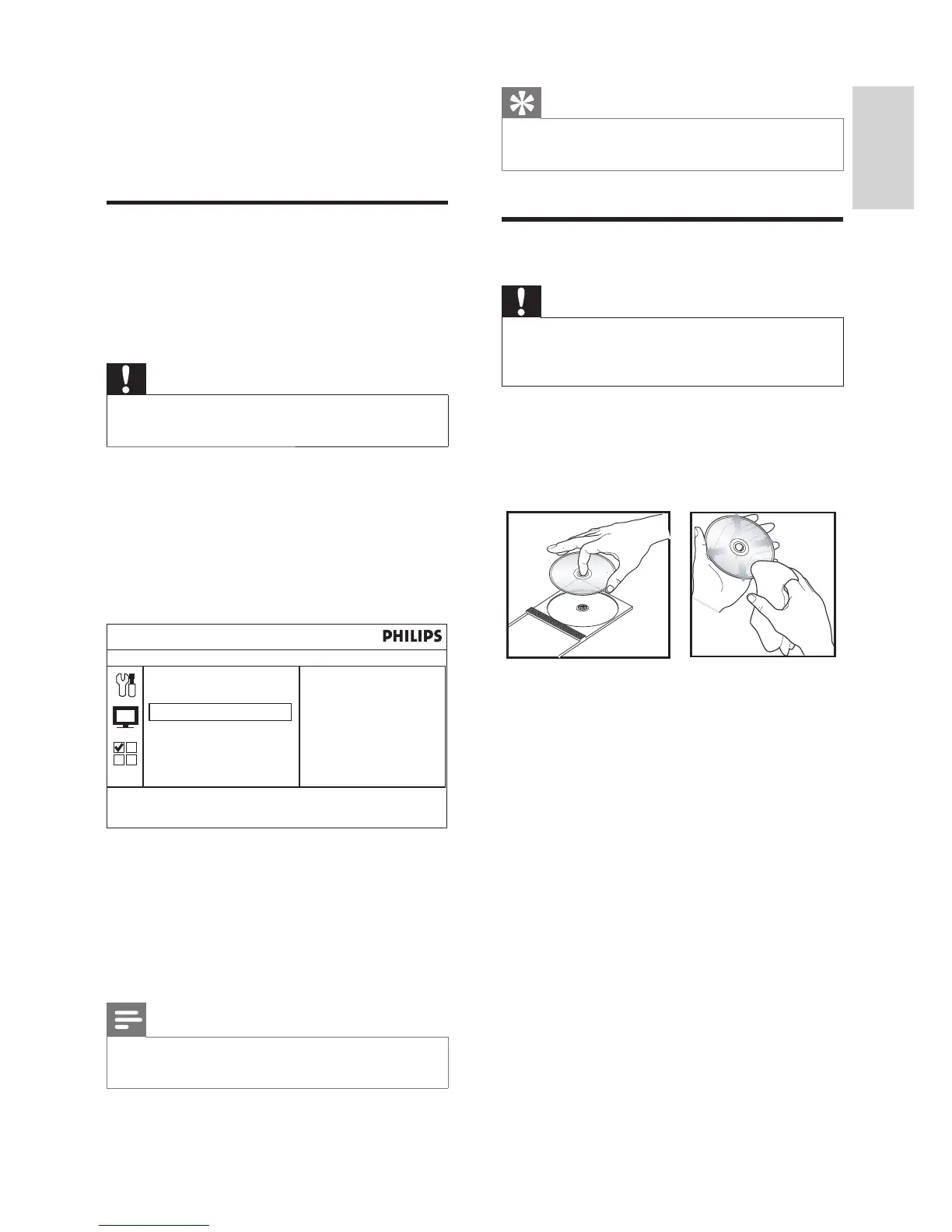
Clean discs
Wipe the disc with a micro fi bre cleaning cloth
from the centre to the edge in a straight line
movement.
Clean with care
This product has a high-gloss surface. Please
clean with care.
8 Additional
information
Update software
To check for new updates, compare the current
software version of your product with the latest
software version (if available) at the Philips
website.
Caution
Power supply must not be interrupted during •
software upgrade.
1 Press HOME , select [System Setting] and
press OK .
2 Select [General Setting] and press OK .
3 Select [Preference] > [System Info] .
The current software version is »
displayed. Note the version number.
4 Visit www.philips.com/support to check
for the latest software version. Use this
version number for the product as a
reference.
Refer to the upgrade instructions for »
more information.
Note
Upgrading your software version will reset the •
product to factory setting status.
Press HOME to exit menu
Preference
Password
Factory setting
System Info
Model: DTP2340
HW: V1.02
SW: V1.00
English
EN



 To Next Page