12
Navigate the menu
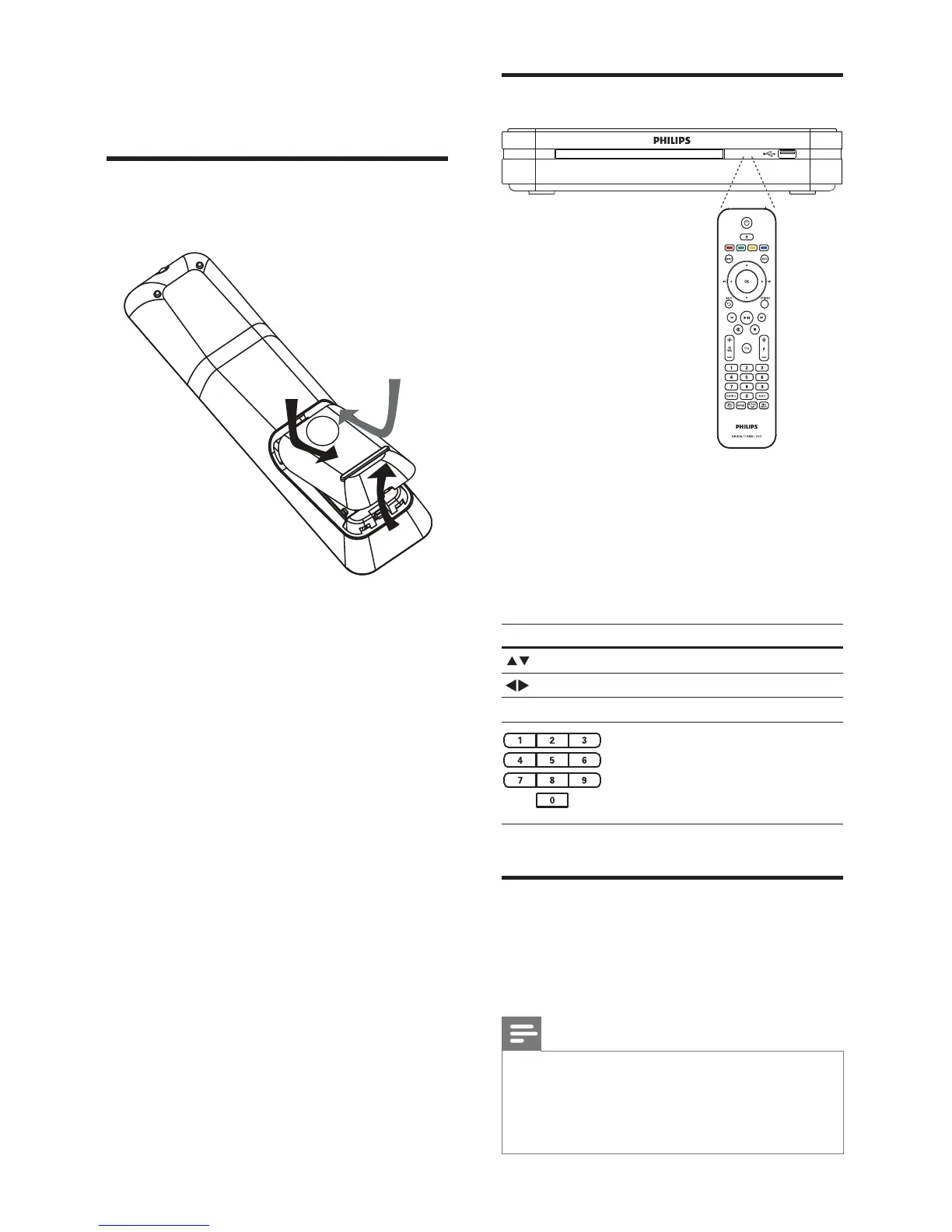
1 Point the remote control directly at the
remote sensor on the product and select
the desired function.
2 Press the following buttons on the
remote control to navigate through the
on-screen menus.
Button Action
Move up or down
Move left or right
OK Confi rm a selection
Enter numbers
First time settings
When you turn on the digital receiver for the
fi rst time, follow the instructions on the TV to
complete the fi rst-time installation.
Note
Before you start, ensure that you have made •
all the required connections.
Complete the initial setup for this digital
•
receiver before you insert a disc to play or
watch TV.
4 Get started
Insert the remote control
batteries
1 On the back of the remote control, slide
the battery cover to remove it.
2 Insert the 2 supplied batteries (AAA). Be
sure the + and - ends of the batteries line
up with the markings inside the case.
3 Slide the cover back into position.
EN



 To Next Page