18
To zoom in on a picture:
1 During slideshow, press OPTIONS .
The options menu is displayed. »
2 Select [Zoom] and press OK repeatedly
to cycle through the various zoom
options.
3 Press OPTIONS to confi rm.
4 Press to pan the enlarged picture.
To resume slideshow:
1 Press OPTIONS to toggle the options
menu off or on.
2 Press to resume the slideshow.
To cancel zoom:
1 Press OPTIONS .
2 Select [Zoom] and press OK repeatedly
until the image is at 100%.
3 Press OPTIONS to confi rm.
The picture is displayed in its original »
size.
Advanced fi le search
(Not applicable to data disc & USB device).
Use the advanced fi le search feature to sort
your fi les on the disc or USB device.
To sort fi les:
1 Insert a disc or connect a USB stick.
The contents menu is displayed. »
2 Press or to select one of the sort
options.
3 Press OK to select the option.
Only the folders and fi les sorted by »
the sort option are displayed.
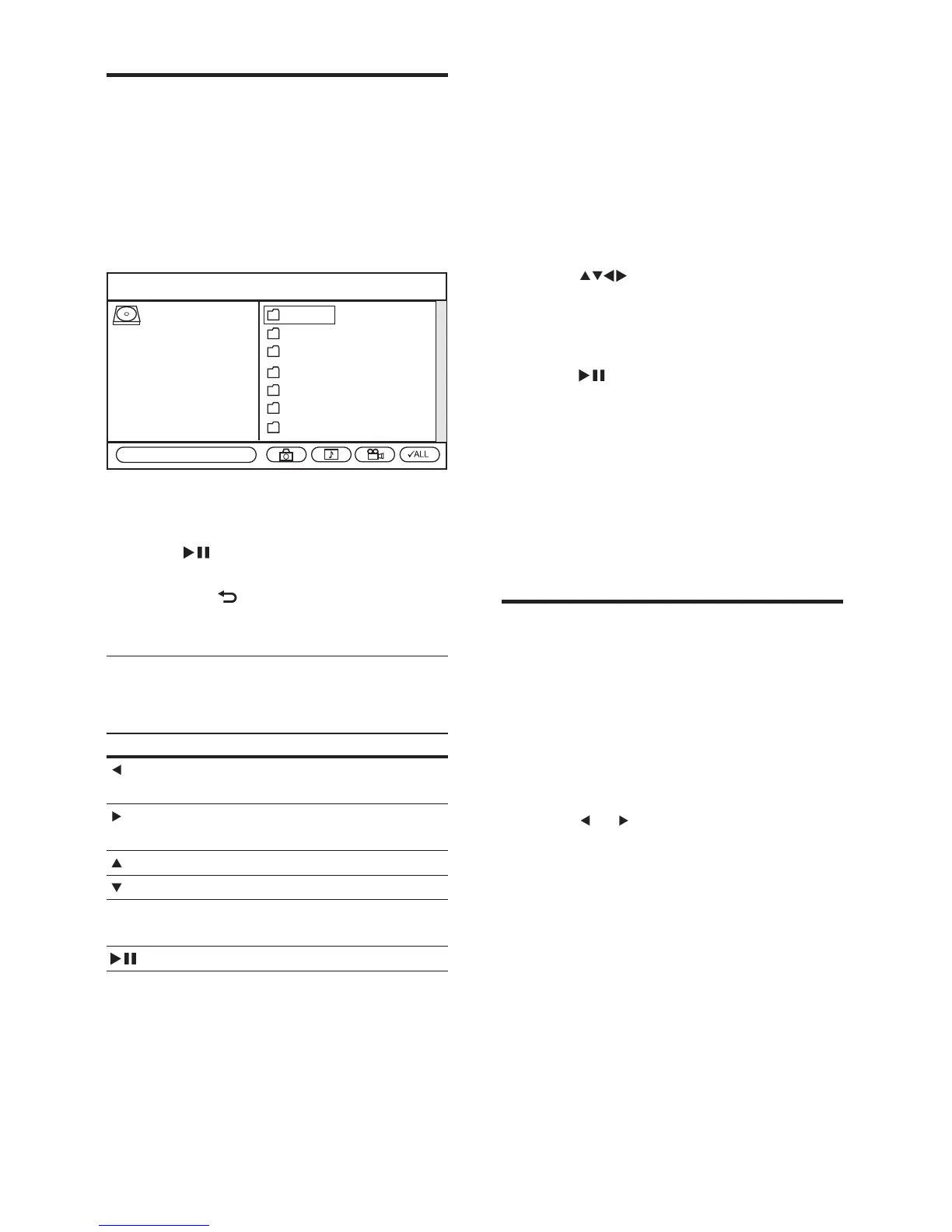
View photos
1
Insert a disc or connect a USB fl ash drive
to the digital receiver.
2 Press HOME , select [USB] or [DVD] and
press OK .
The contents menu is displayed. »
3 Select the folder containing the fi les and
press OK .
4 Press to play the fi les in the selected
folder
Press •
BACK to stop viewing
photos.
Control slideshow
To control the slideshow during play:
Button Action
Rotates 90 degrees to the
left.
Rotates 90 degrees to the
right.
Flips horizontally.
Flips vertically.
REPEAT Cycles through various
repeat options.
Pauses or resumes play.
Folder 1
Folder 2
Folder 3
Folder 4
Folder 5
Folder 6
Folder 7
ROOT
Total Files: 7
EN



 To Next Page