19
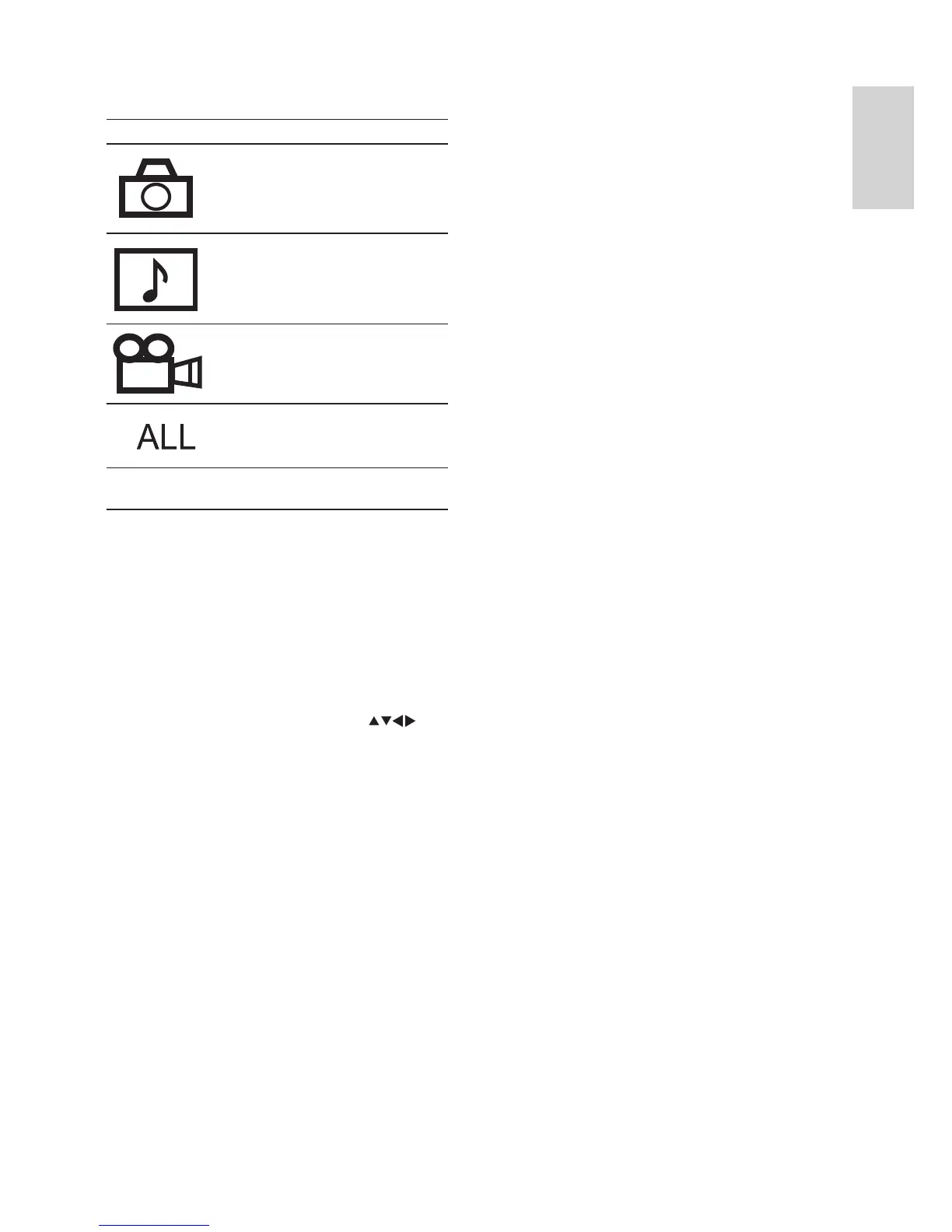
Sort options:
Icon Description
Sort by images.
Sort by music fi les.
Sort by video fi les.
Display all the contents.
Select a track or chapter
You can use the [Goto] option to quickly
access a track, title or chapter.
1 Press OPTIONS .
The options menu is displayed. »
2 Select [Goto] and press OK .
The video is played. »
3 Press the Numeric buttons or to
enter the track, title, chapter or time.
The selected scene is played. »
English
EN



 To Next Page