13
7 Once channel tuning completes, the fi rst
preset channel is displayed. The digital
receiver is ready for use.
8 Press HOME to exit the menu.
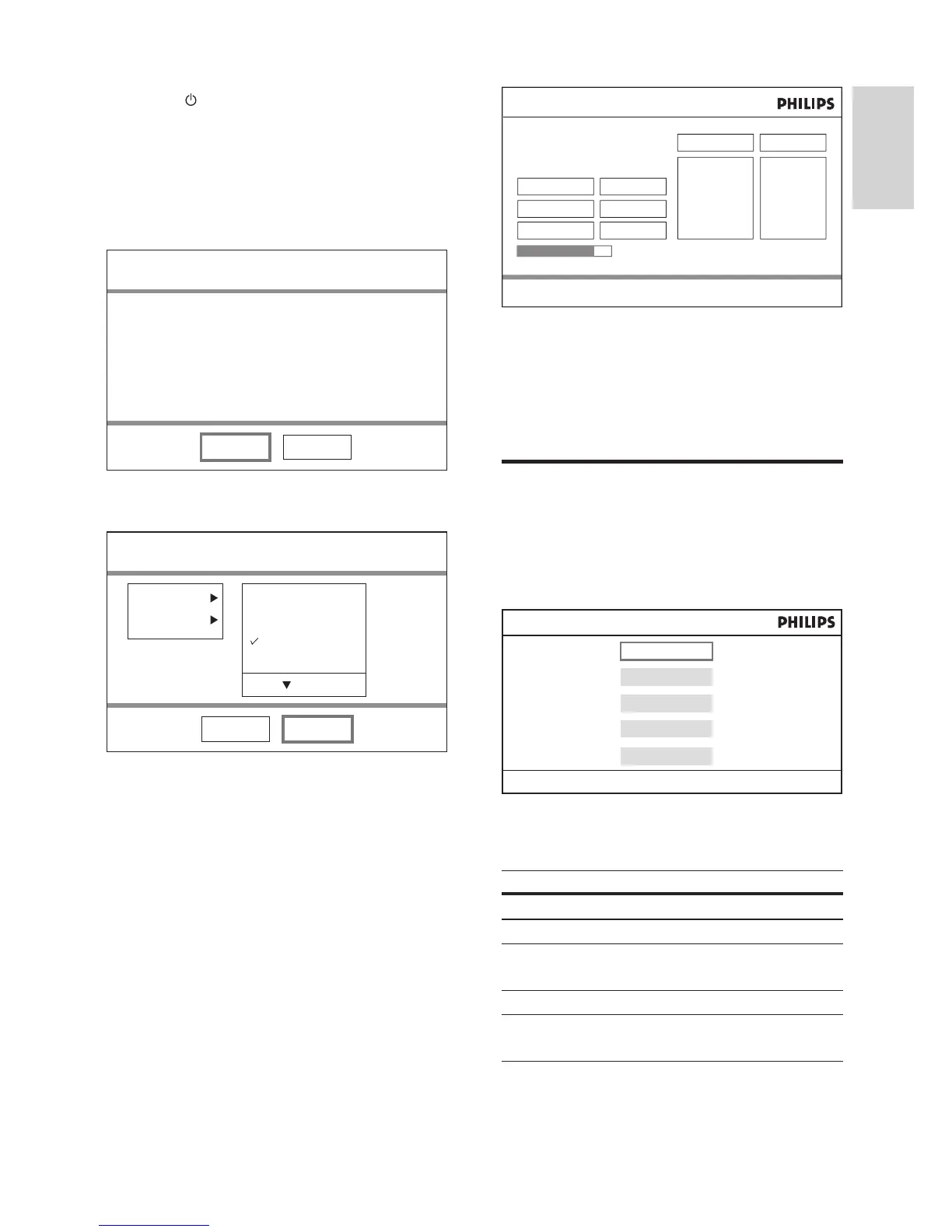
Use the home menu
To access the home menu
1 Press HOME , select an option and press
OK .
The home menu provides access to these
options:
Option Description
[DVD] Switches to DVD mode.
[Live TV] Switches to TV mode.
[USB] Switches to USB mode and
displays the content.
[DVB-T Radio] Switches to radio mode.
[System
Setting]
Accesses system settings
menu.
Automatic Channel Search
Press HOME to exit menu BA
Frequency
Bandwidth
Progress
Football Ch
NHK
BBC 1
BBC 2
MTV
ESPN
CNN
BBC
90.5 FM
VOA
95
CLASS
ROCK
98.5
586.0 Mhz
8 Mhz
88%
TV : 8 Radio : 8
DVD
Live TV
USB
DVB-T Radio
System Setting
Press HOME to exit menu
1 Press to turn on the digital receiver.
2 Turn on the TV. Select the input on your
TV by pressing the source button on the
TV remote control.
The fi rst-time installation screen is »
displayed.
3 Select [Yes] and press OK .
4 Select [Country] and press OK .
Select your country of residence and •
press OK .
5 Select [Language] and press OK .
Select an option and press • OK .
6 Select [Next] and press OK .
Automatic channel search begins. The »
process takes a few minutes.
Press » HOME to cancel the channel
search.
First Time Installation
Yes No
Do you want to start first time
Installation Wizard?
Setup country, language and
automatically scans for TV and radio channels.
First Time Installation
Back Next
Country
Language
Austria
Czech Republic
France
Germany
English
EN



 To Next Page