10 EN
2 Play options
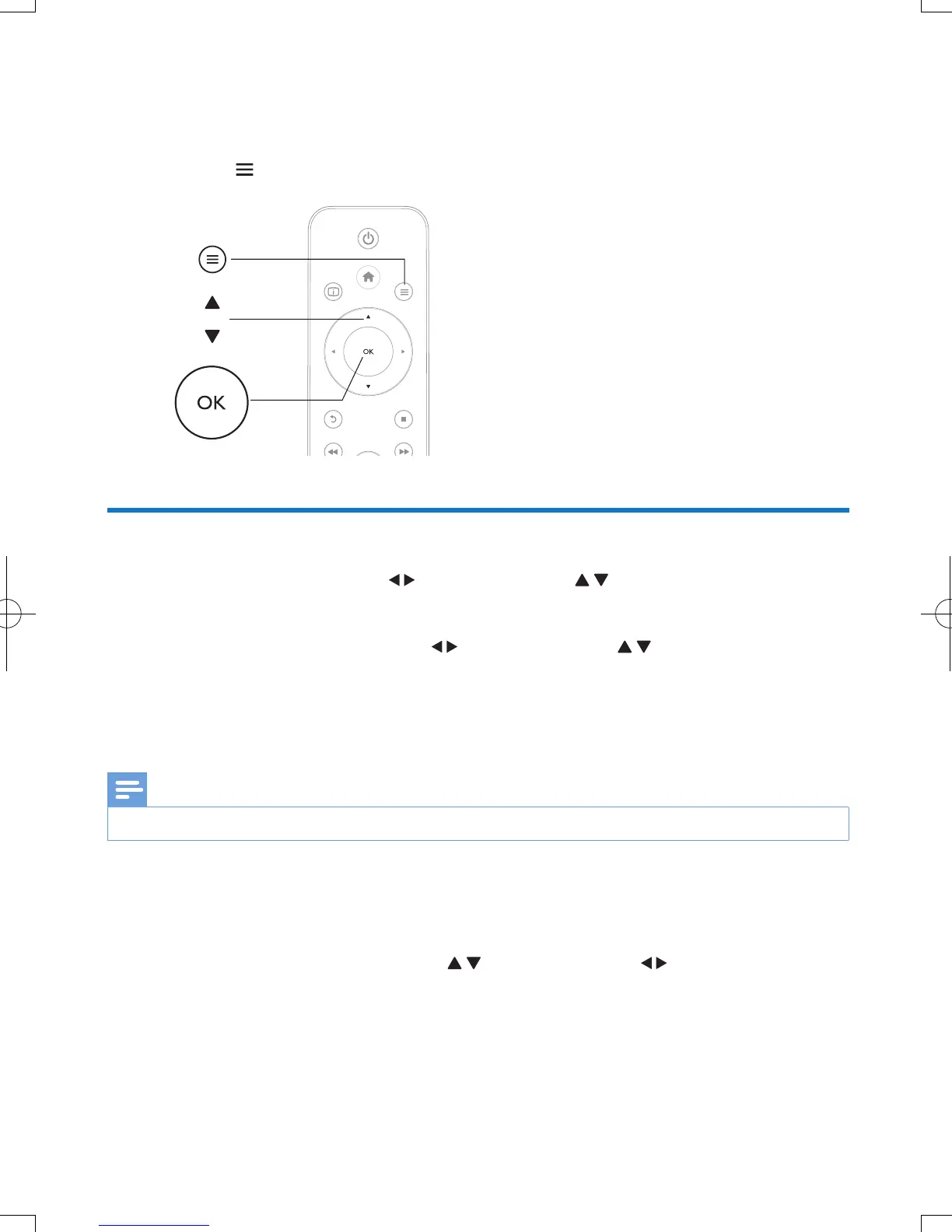
During play, press to access the option items.
Video options
[Subtitle]: Adjust subtitle settings. Press to select an item and to adjust values. Then press OK
to conrm.
[Audio]: Select an audio language.
[GOTO]: Skip play to the specic time. Press
to select an item and to adjust values. Then press
OK to conrm.
[Repeat Title]: Repeat the current title.
[Repeat All]: Repeat the movie le.
[Repeat Off]: Turn off a repeat mode.
Note
•
To use 3D related functions, connect this player to a 3D TV through an HDMI cable.
[2D]: Restore a video to 2D format.
[3D Simulation] (3D simulation): Convert a 2D video to 3D format.
[3D Side by Side] (3D side by side): Convert a video in side by side format to 3D format.
[3D Top Bottom] (3D top bottom): Convert a video in top and bottom format to 3D format.
[Video Setting]: Adjust the video settings. Press
to select an item and to adjust values. Then
press OKto conrm.
a
b
c


 To Next Page
 Loading...




