12 EN
3 File browsing
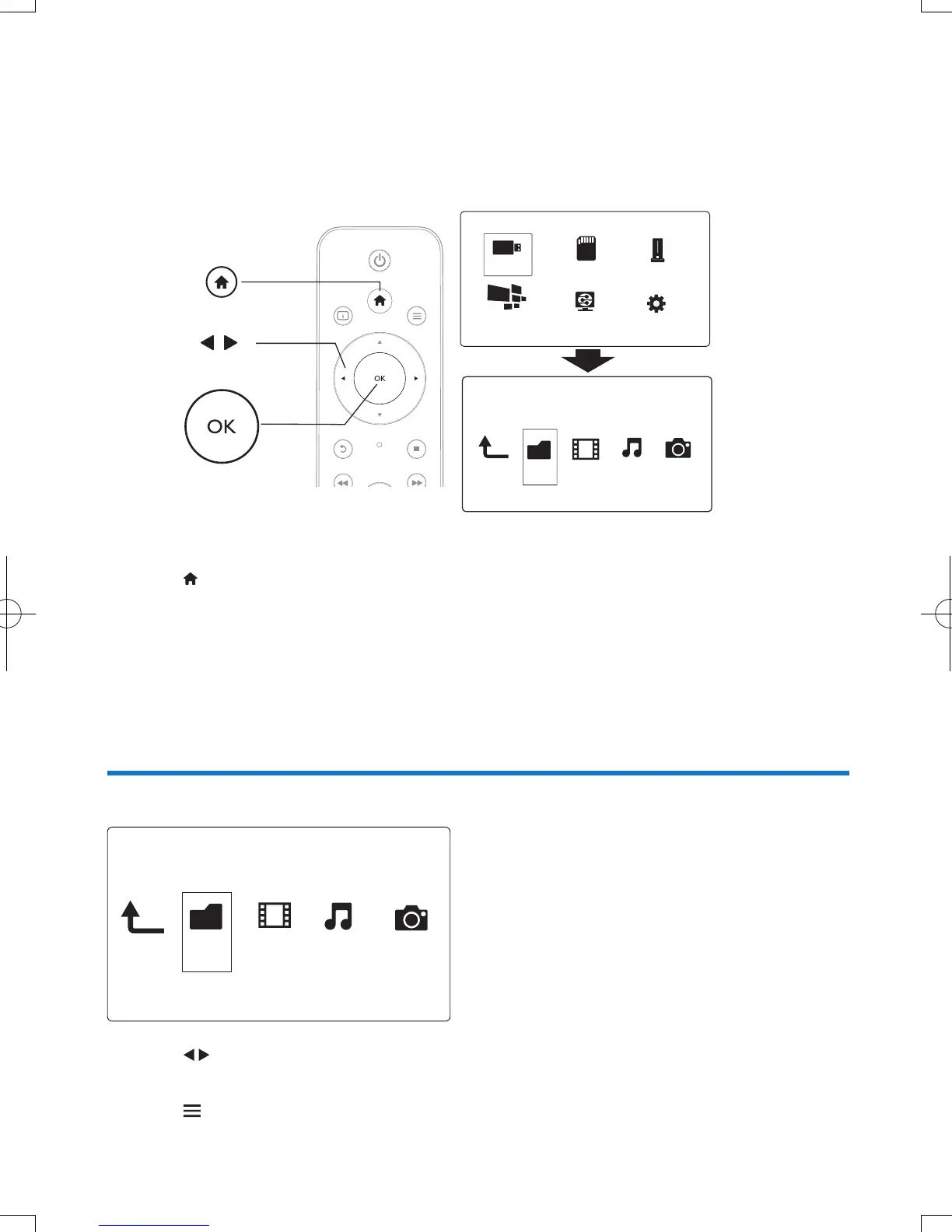
You can browse media les stored in a USB/SD storage device.
1 Press .
2 Select [USB]/ [Card] / [Esata].
3 Select a mode to browse media les.
• [Folder]
• [Movies]
• [Music]
• [Photos]
Browseallles
1 Press to select [Folder] and press OK to conrm.
2 Select your USB/SD storage device and press OK.
3 Press in the le browser.
Folder Movies Music Photo
USB
Card
Network
Setup
Esata
NetTV
Folder Movies MusicPhoto


 To Next Page
 Loading...




