13EN
4 Press / to select a mode to view or arrange les.
[Thumbnails]: Display thumbnails of les or folder.
[List]: Display les or folder in a list.
[Preview]: Display les or folders with a preview window.
[All Media] Display all media les.
[Movies]: Display movie les.
[Photos]: Display photo les.
[Music]: Display music les.
Browsemovieles
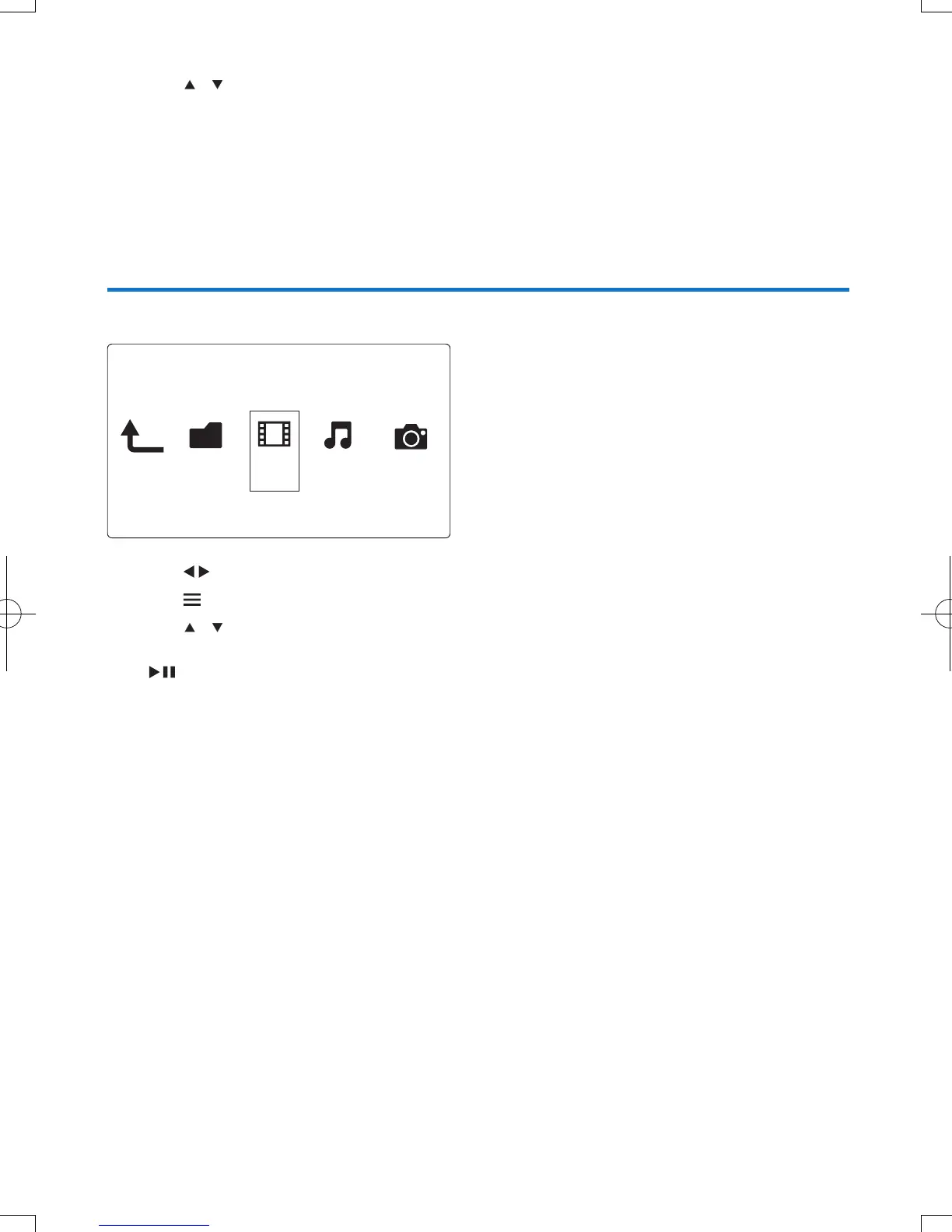
1 Press to select [Movies] and press OK to conrm.
2 Press in the le browser.
3 Press / to select a mode to view or arrange les.
[Search]: Search movie les. Follow on screen instruction to type in key words in the mini keyboard and
press
to start search.
[Thumbnails]: Display thumbnails of movie les.
[List]: Display movie les in a list.
[Preview]: Display les or folders with a preview window.
[All Movies]: Display all movies les.
[Show DVDs]: Display all DVD content les.
[Flash Animation]: Display all ash les.
[Go to Folder]: Go to the folder where the selected le is placed.
[Name]: List movies les in an alphabetical order of their names.
[Size]: List movies les in the ascending order of their sizes.
[Most Viewed]: List most viewed movie les.
[Recently Added]: List recently added movie les.
Folder Movies Music Photo



 To Next Page