18 EN
5 Set up a network
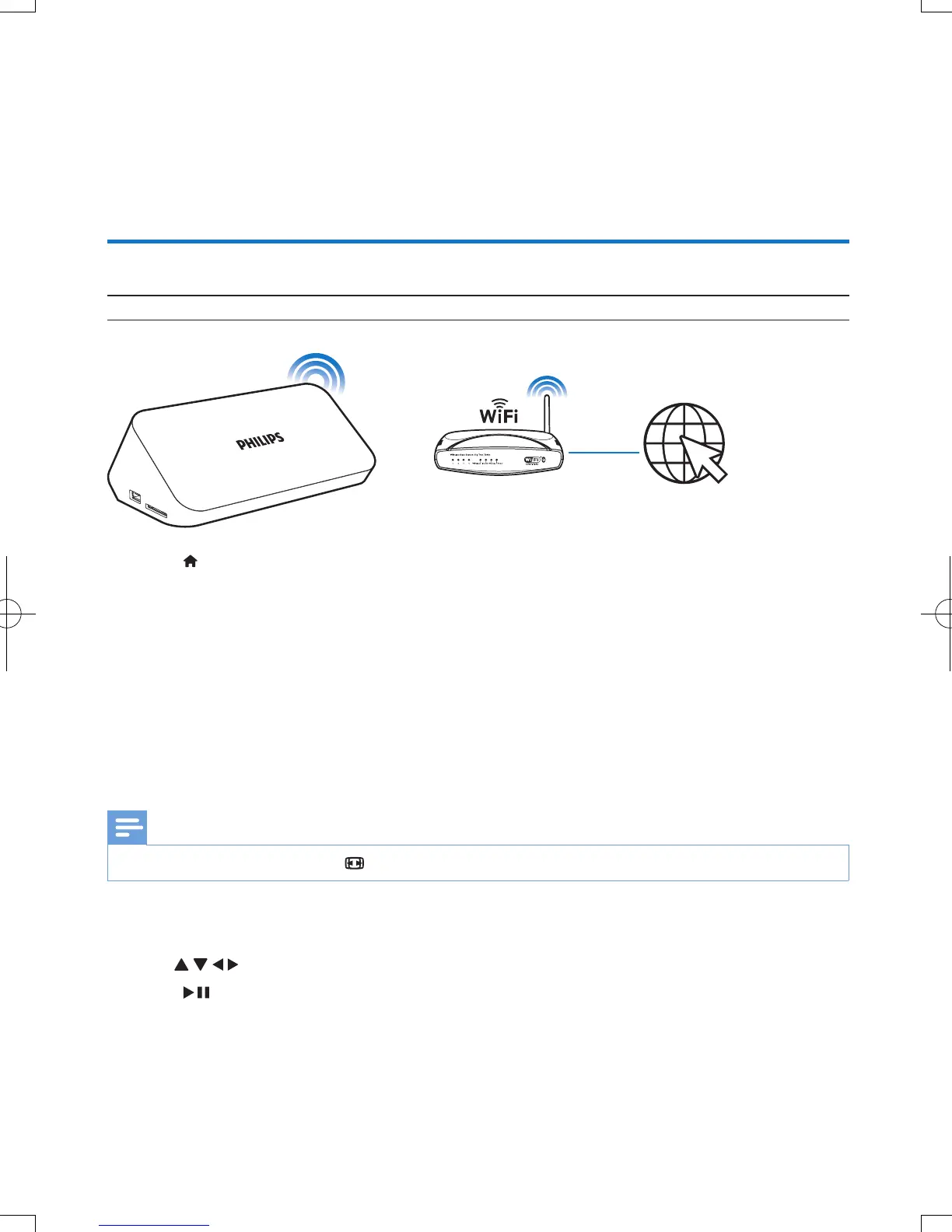
You can connect this player to your home network wirelessly or through an Ethernet cable.
To connect this player to the Internet, make sure that your home network is connected to the Internet.
Connect to the Internet
What you need A wireless router that is connected to the Internet
1 Press .
» The home page is displayed.
2 Select [Setup] and press OK.
» The setup menu is displayed.
3 Select [Network]>[Wireless]and press OK.
» A list of available wireless networks is displayed.
4 Select your network from the list and press OK.
• If your network is encrypted with a Wired Equivalent Privacy (WEP) key, select [Hex code] or
[ASCII] to enter the key in hex or ASCII format from the option menu.
Note
•
If your network is not in the list, press to re-scan available wireless networks.
• If your network is still not in the list, select [Private AP Setting] (private access point setting)
to enter the Service Set Identier(SSID) of your network and web key.
5 Use and OK to enter your key.
6 Press to conrm.
» A connection test is started
» The status of network connection is displayed after the test is completed.
7 Press OK to exit.


 To Next Page
 Loading...




