16 EN
4 Manage files
You can manage media les on the storage device.
Basic operations
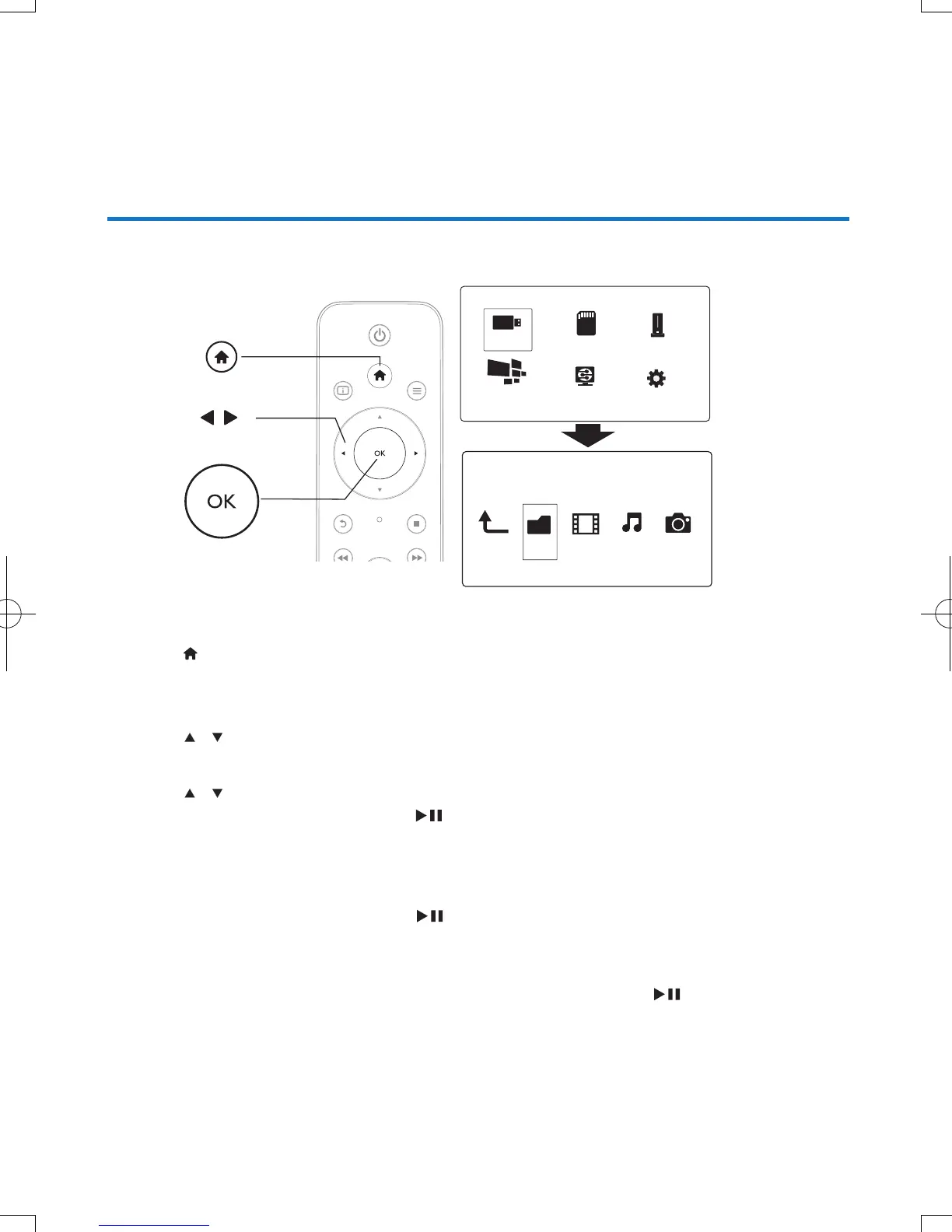
1 Press .
2 Select [USB]/ [Card] / [Esata] >[Folder].
3 Select a partition of your USB/SD storage device and press OK.
4 Press / to select a le or folder and press [Edit].
» The le editing menu is displayed.
5 Press / to select your operation and press OK to conrm.
[Copy]: Select a destination and press
to conrm.
» The selected le or folder is copied to the destination.
[Delete]: Select [Yes] and press OK to conrm.
» The selected le or folder is deleted.
[Move]: Select a destination and press
to conrm.
» The selected le or folder is moved to the destination.
[Rename]
1 Select [Rename] to edit the name in the mini keyboard, and then press to conrm.
2 Select [OK] and press OK to apply the new name.
Folder Movies Music Photo
USB
Card
Network
Setup
Esata
NetTV



 To Next Page