22
7 Play from your home network
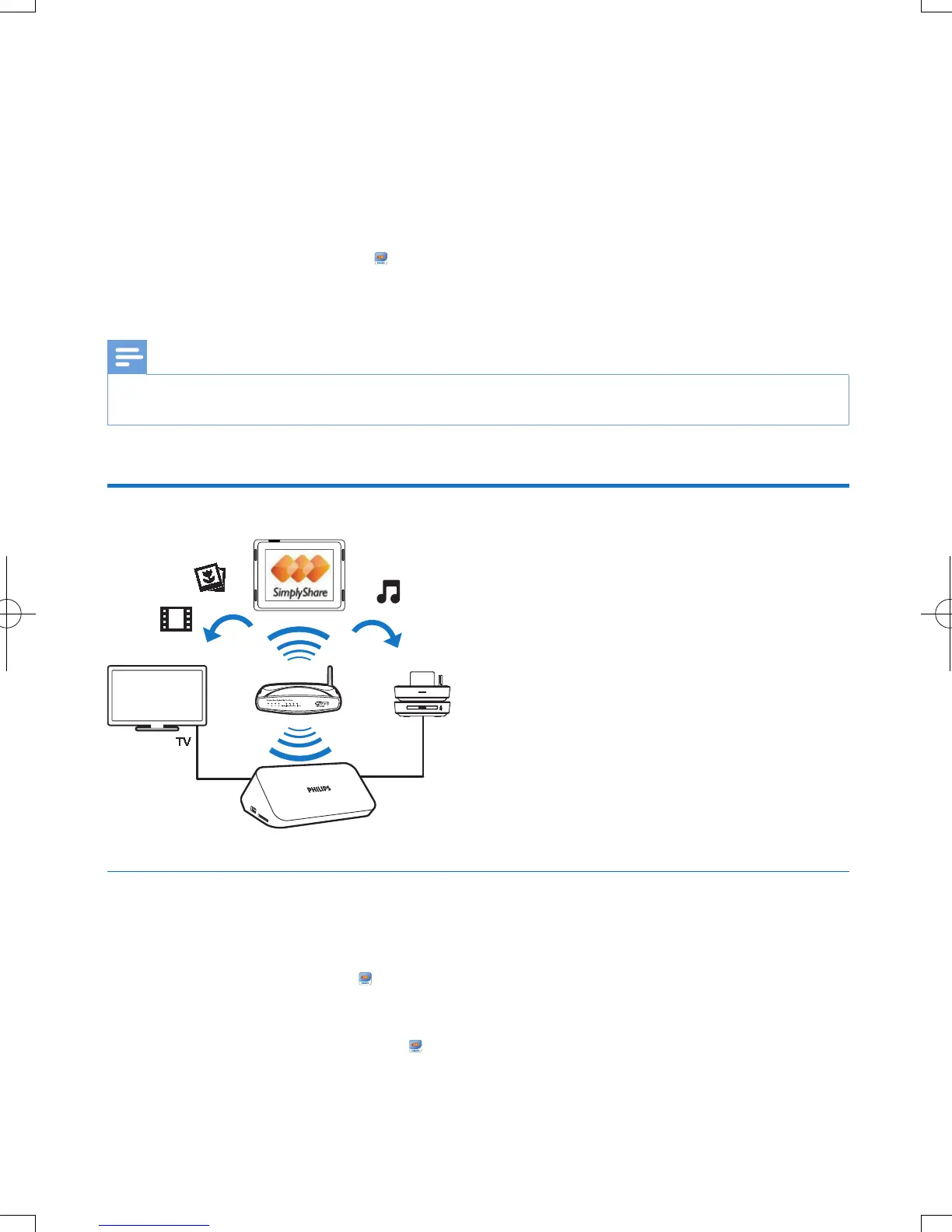
Connect the playerto your home network. With the player, you can play media from a DLNA-compliant
device on the same network. In this way, you can enjoy the media play through high-denition TVs
(HDTVs) or hi- audio systems.
The DLNA-compliant device can be:
• an Android device that runs
SimplyShare, such as an Android smartphone or tablet;
• a computer or device that runs the software of DLNA media server, such as Windows Media
Player 11 or higher.
Note
•
On the player, make sure that you have switched on DLNA DMR. From the Home screen, go to [Setup] > [System] > DLNA
DMR to check the status.
Play media from an Android device
Install Philips SimplyShare on the Android device
1 Make sure that you have connected the Android device to the Internet.
• Consult the user manual of your Android device for information.
2 On the Android device, install SimplyShare:
a Go to the Android Market;
b Search for, download, and install
SimplyShare.
EN



 To Next Page
 Loading...



