23
Play media from the Android device
1 Make sure that you have connected the player to the same Wi-Fi network as your Android device.
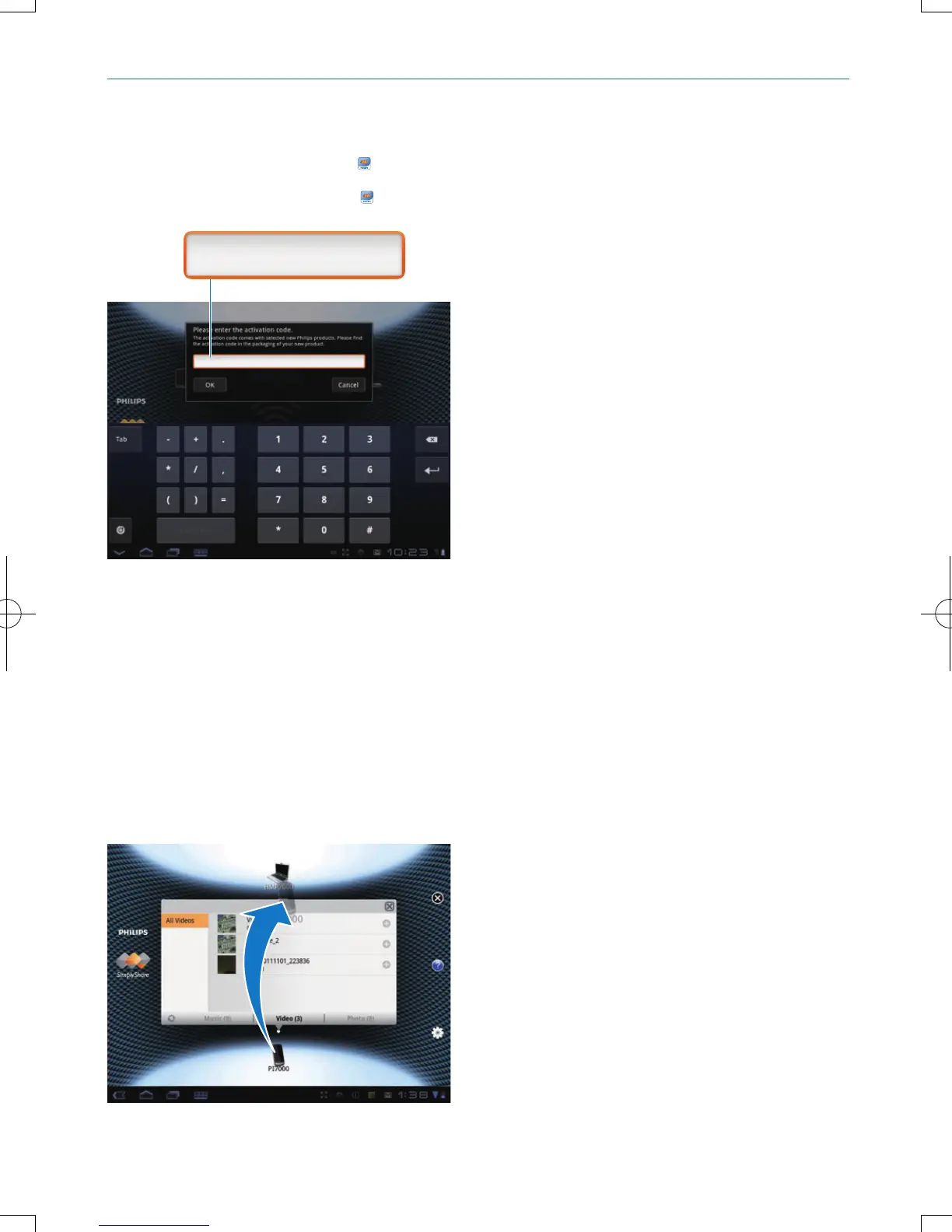
2 On the Android device, go to SimplyShare from the Home screen:
a Thersttimeyoulaunch
SimplyShare, enter the activation code 74963893 as prompted.
b Find the Android device, the player,and the connected devices on the network.
3 On the Android device, nd your media libraries:
• Tap the Android device.
» You can nd the music, photos, and videos that you store under the following folders on
the Android device: Music, Pictures, and Video.
» You can also nd the photos and videos that you take or record on the Android device.
4 Select the player:
• Drag the Android deviceto the player.
» The player is selected.
74963893
74963893
EN


 To Next Page
 Loading...




