27
9 Other setup
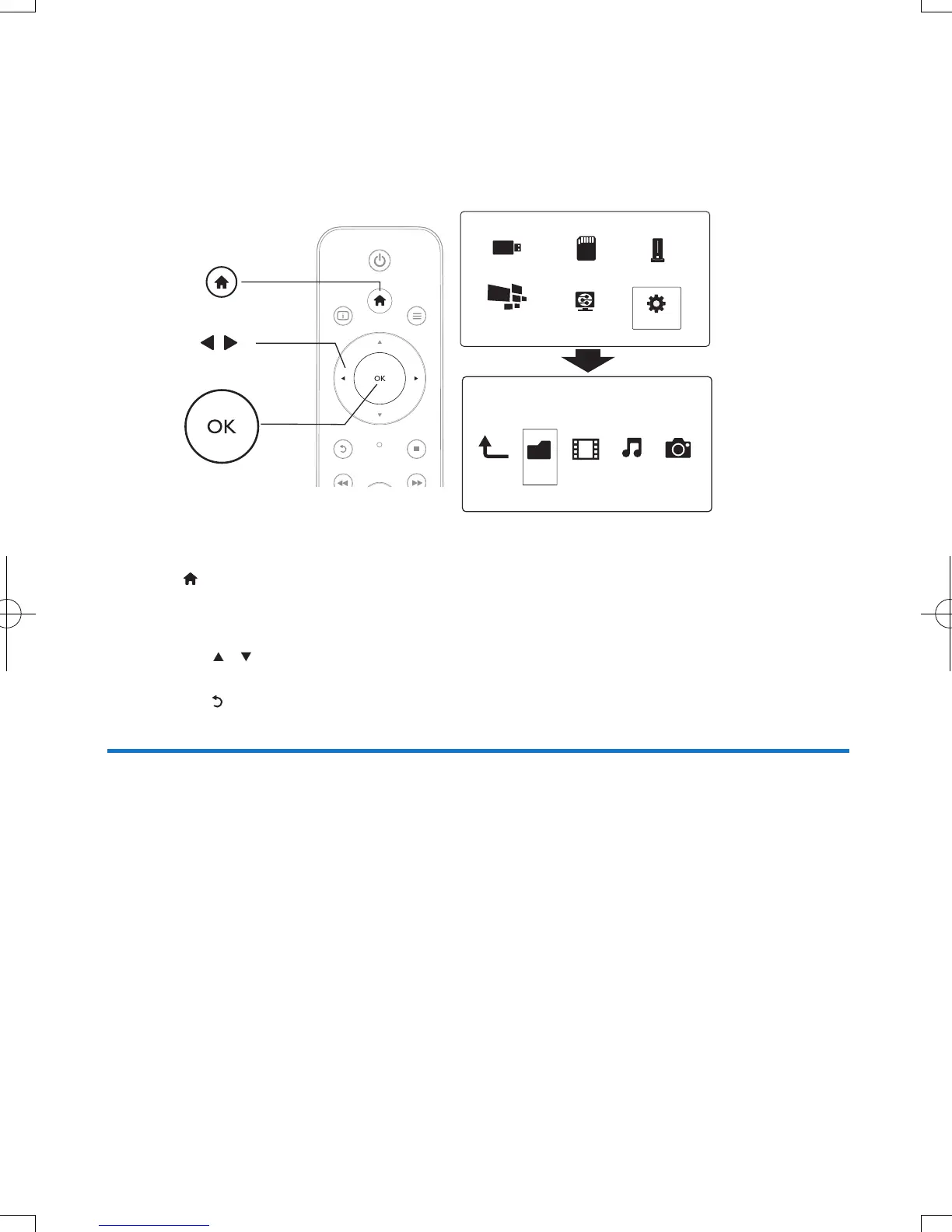
You can change settings of this player in the setup menu.
1 Press .
2 Select [Setup] and press OK to conrm.
» The setup menu is displayed.
• Press
/ to select a menu item or setting option.
• Press OK to access the lower-level menu.
• Press
to return to the upper-level menu.
System
[Menu Language]: Select a language for on-screen menu.
[Subtitle]: Select a subtitle language for video.
[Screen Saver]: Enable the screen saver in case of inactivity (for example, in pause or stop mode).
[DLNA DMR]: Enable this player to play photos, music, and video les streamed from your
computer.
[Device Name]: Change the name of this player.
[Auto Scan]: Scan media les on a storage device automatically.
[Scan Storage]: Start or stop scanning media les on a storage device.
[Resume Play]: Resume playback of a video le from the point where you last stopped.
[Factory Default]: Reset all settings to factory default.
Folder Movies Music Photo
USB
Card
Network
Setup
Esata
NetTV
EN


 To Next Page
 Loading...




