24
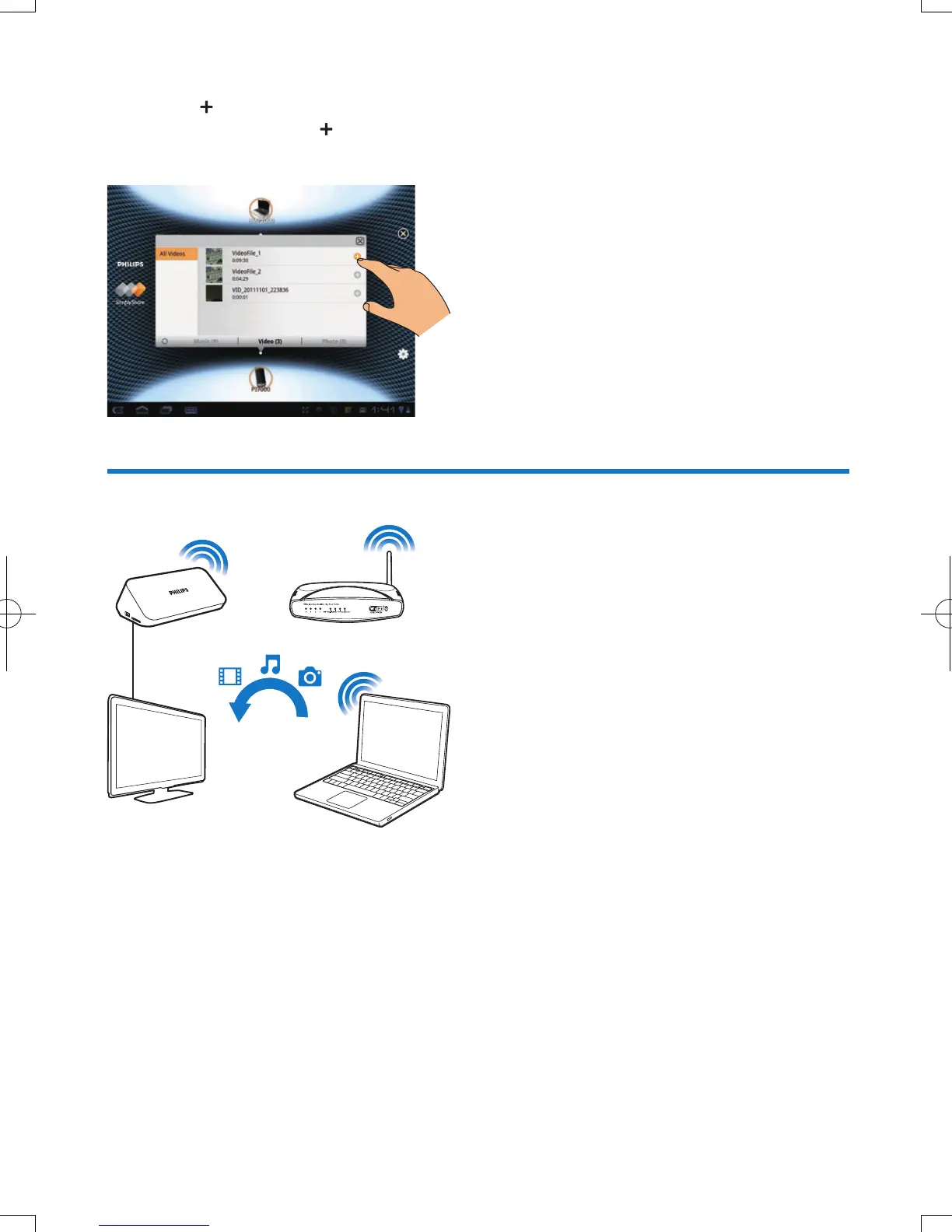
5 Add media to the shared list:
• Tap
on the media le;
• Alternatively, tap the
twice to add all the subsequent media les.
» The selected les play on the player.
Playmedialesfromacomputer(DLNA)
1 Make sure that you have connected the playerand the PC to the same network.
2 On the PC, launch the software of DLNA media server. Enable the media sharing function.
For example, in Windows Media Player 11, do the following:
a Select Library > Media Sharing ...
b Select the check box next to Share my media to:
» If the player is detected, you can nd the name of the player in the device list.
c If necessary, select the playerandclick Allow.
EN



 To Next Page