14 EN
Browsemusicles
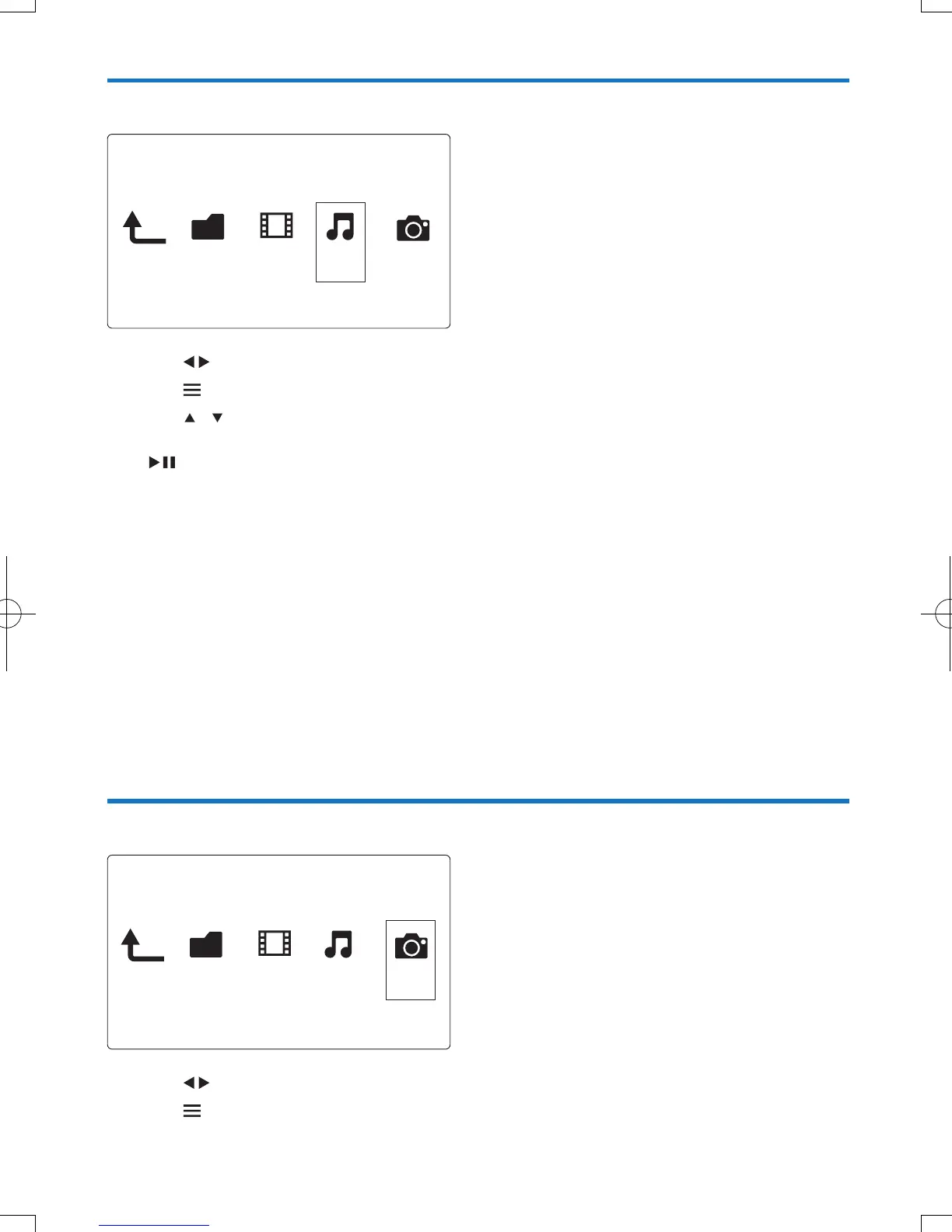
1 Press to select [Music] and press OK to conrm.
2 Press in the le browser.
3 Press / to select a mode to view or arrange les.
[Search]: Search music les. Follow on screen instruction to type in key words in the mini keyboard and
press
to start search.
[Thumbnails]: Display thumbnails of music les.
[List]: Display music les in a list.
[Preview]: Display music les with a preview window.
[Go to Folder]: Go to the folder where the selected le is placed.
[All Songs]: Display all music les.
[Albums]: Display music les by albums.
[Artists]: Display music les by artists.
[Genres]: Sort music les by genres.
[Years]: Sort music les by years.
[Playlists]: Display play lists.
[Recently Played]: List recently played music les.
[Recently Added]: List recently added music les.
[Name]: List music les in an alphabetical order of their names.
Browsephotoles
1 Press to select [Photos]and press OK to conrm.
2 Press in the le browser.
Folder Movies MusicPhoto
Folder Movies MusicPhoto



 To Next Page