20 EN
6 Play from online services
1 On the Home screen of the player, select [Net TV].
» The registration page is displayed.
2 Follow the on-screen instruction to complete registration.
» The Net TV page is displayed.
3 Select an application service.
• To get a quick guide on the Net TV, select [Quick Guide].
4 Follow the on-screen instruction and use your remote control to enjoy.
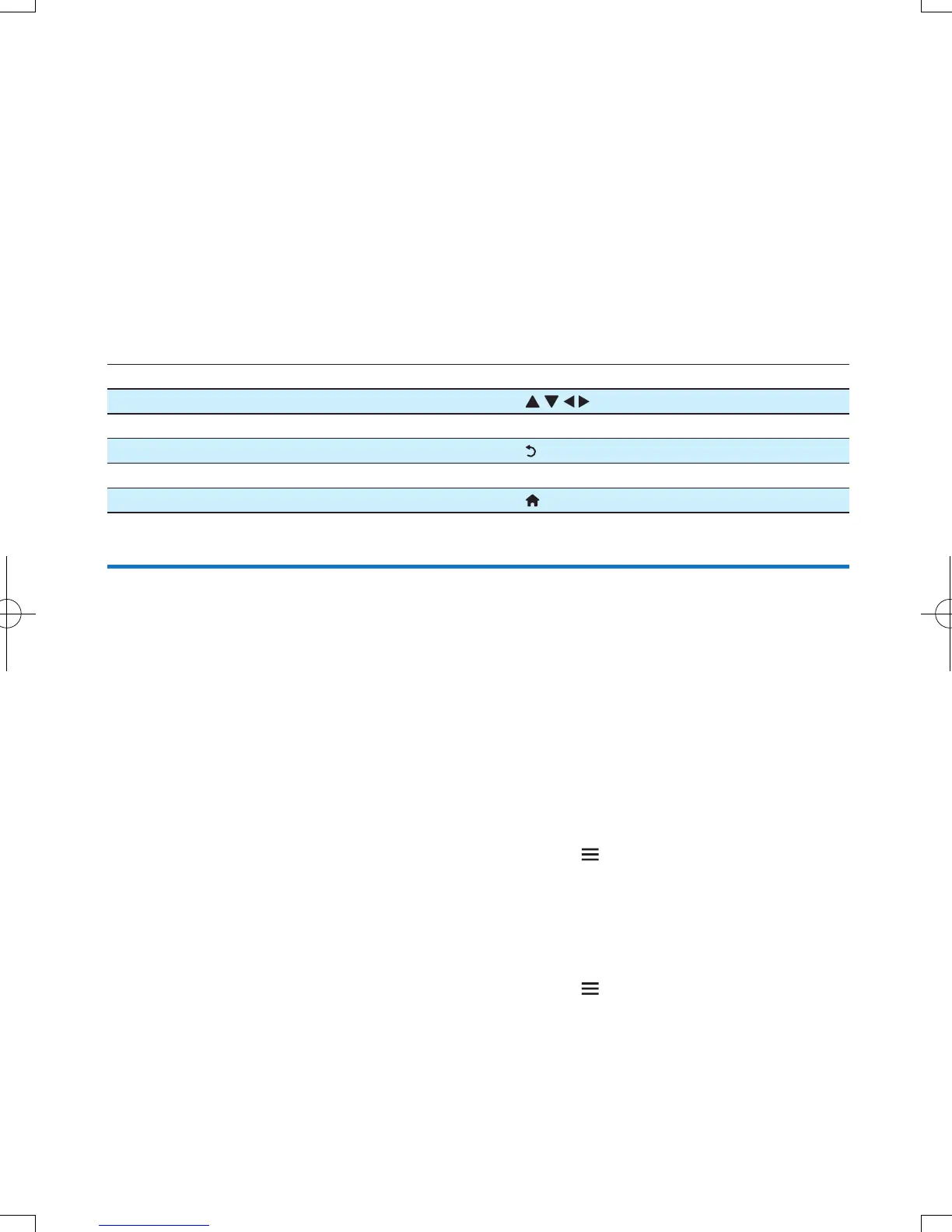
Function Button/Action
Select a service or item.
Conrm a selection. OK
Return to the previous page, or delete input text.
Access service options on the screen. Color key
Return to the Home page.
Manage your applications
To add an application
1 On the home page of Net TV, select [App Gallery].
» The application list is displayed.
2 Select an application and press OK.
» The option menu is displayed.
3 Select [Add] and press OK .
» The selected application is added to home page of Net TV.
To remove an application
1 On the home page of Net TV, select an application and press .
» The option menu is displayed.
2 Select [Remove App].
» The selected application is removed.
To lock an application
1 On the home page of Net TV, select an application and press .
» The option menu is displayed.
2 Select [Lock App].
» The application locking page is displayed.



 To Next Page