Initial setup 7
f
/
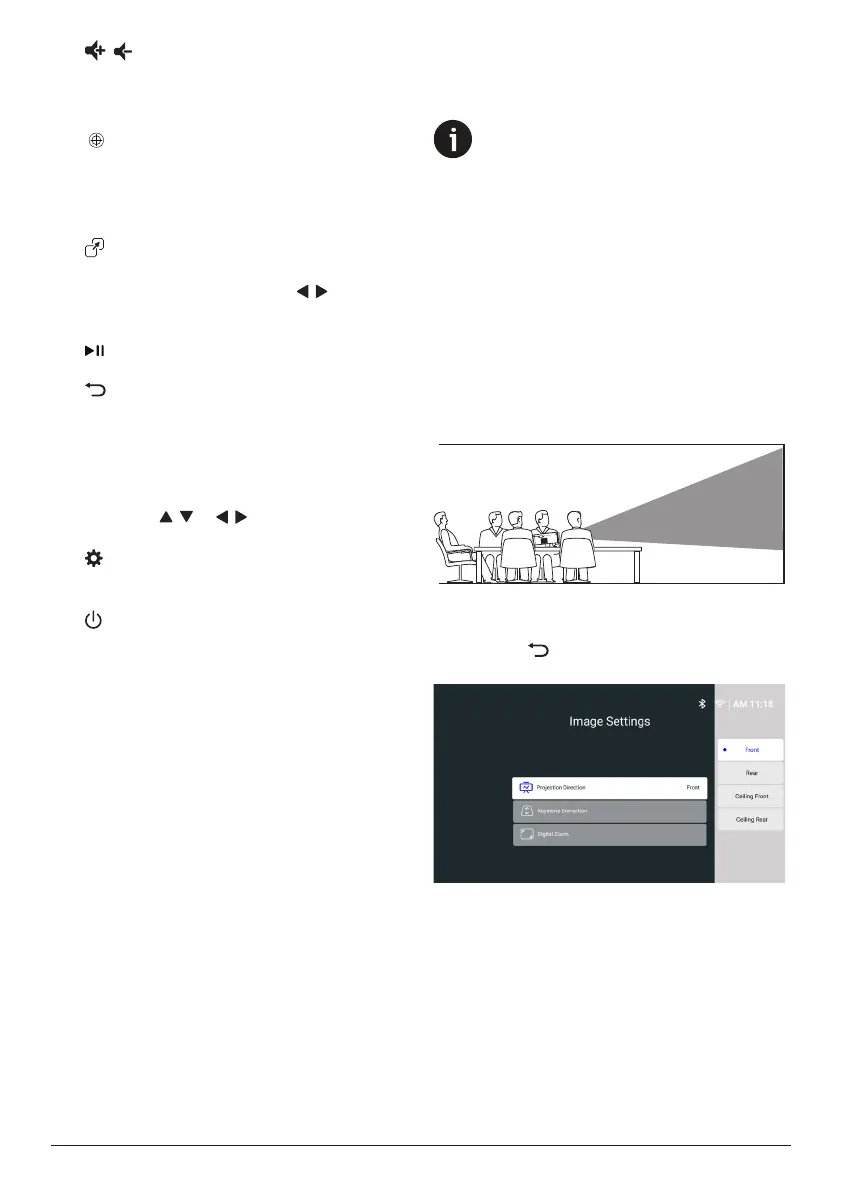
• Increase or decrease the volume.
• Adjust the brightness of the LED light
when the LED light is on.
g
• Adjust the image focus (sharpness)
automatically.
• Turn the LED light on or off when the
projector is in standby mode.
h
View the most recently opened apps and
switch between them.
Press
/
to choose
a recent app and press
the
OK button to
open it.
i
Start, pause or resume media playback
.
j
• Return to the previous screen.
• Open or close the sidebar from the
Home screen.
k
Navigation buttons (Up, Down, Left, Right)
• Navigate items on the screen.
• Press
/ or /
to change the value
for the current setting
.
l
Open or close the projector's settings
menu.
m
Switch the projector on or to standby mode.
3 Initial setup
Notice
Make sure all devices are disconnected
from their power supplies before
establishing or changing any
connections.
Install the projector
You can install the projector in four different
ways. Follow the guidelines below to correctly
install the projector.
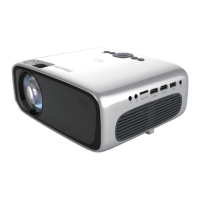
Front
1 Place the projector on a flat surface such
as a table in front of the projection surface.
This is the most common way to position
the projector for quick setup and portability.
2 If the projection direction is incorrect, from
the Home screen, open the sidebar by
pressing on the remote control. Then
select Image > Projection Direction > Front.
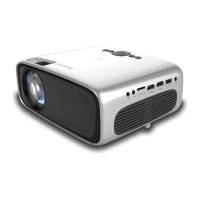
Ceiling Front
1 Mount the projector on the ceiling in front
of the projection screen. To learn how to
mount the projector on a ceiling, see Mount
the projector on a ceiling, page 8.



 To Next Page