11EN
4 Basics
Find applications
application:
Swipe left/ right to select a page;
Alternatively, tap
to open the
list of applications that are sorted in
alphabetical order. Swipe left/ right to
scroll through the list;
Use the navigation buttons
/
to switch between screens. Tap
to go to the applications that you use
recently.
Tip
On Pi7000, you can install applications from the
HiMarket or other sources (see 'Applications' on page
22).
Over the Internet, enjoy the online services
through the applications.
QQ: Social networking service
Tudou: Online video service
QIYI: Online video service
weibo: Social networking service
Sina: News portal
Sina Music: Online music service
Use applications
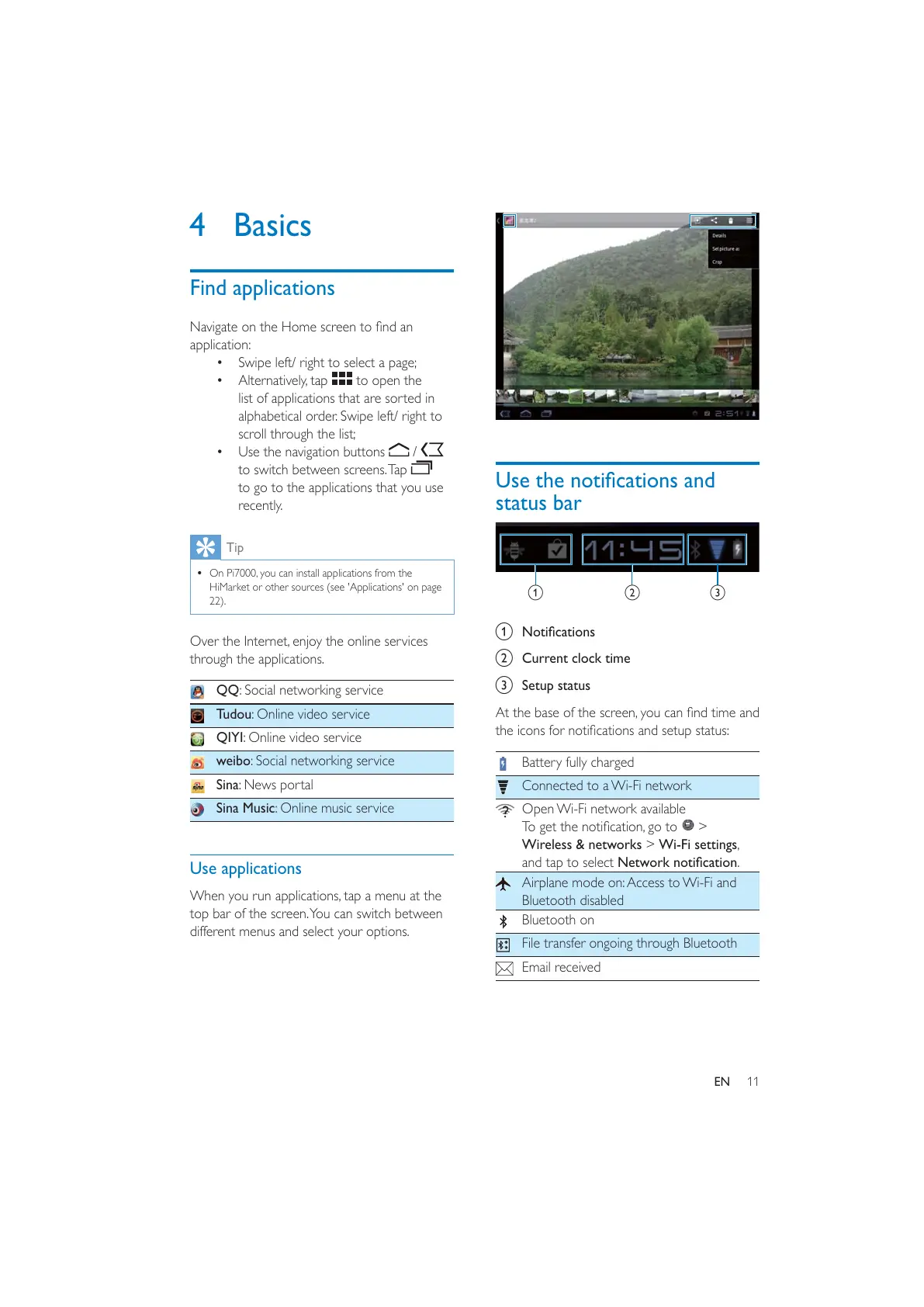
When you run applications, tap a menu at the
top bar of the screen. You can switch between
different menus and select your options.
status bar
a
b Current clock time
c Setup status
Battery fully charged
Connected to a Wi-Fi network
Open Wi-Fi network available
>
Wireless & networks > Wi-Fi settings,
and tap to select .
Airplane mode on: Access to Wi-Fi and
Bluetooth disabled
Bluetooth on
File transfer ongoing through Bluetooth
Email received
a
b
c



 To Next Page