27EN
c Swipe left/ right browse through all
the photos in current album. Tap to
play the selected photo.
To crop current photo,
1 Select > Crop.
» A cropping frame is displayed.
2 Within the cropping frame, select an area
that you want to keep:
Swipe left/ right or up/ down to select
the area;
To enlarge/ reduce the area in
proportion, drag a corner of the frame;
To enlarge/ reduce the area as needed,
drag the edges of the frame.
3 Tap OK.
» You save the cropped version.
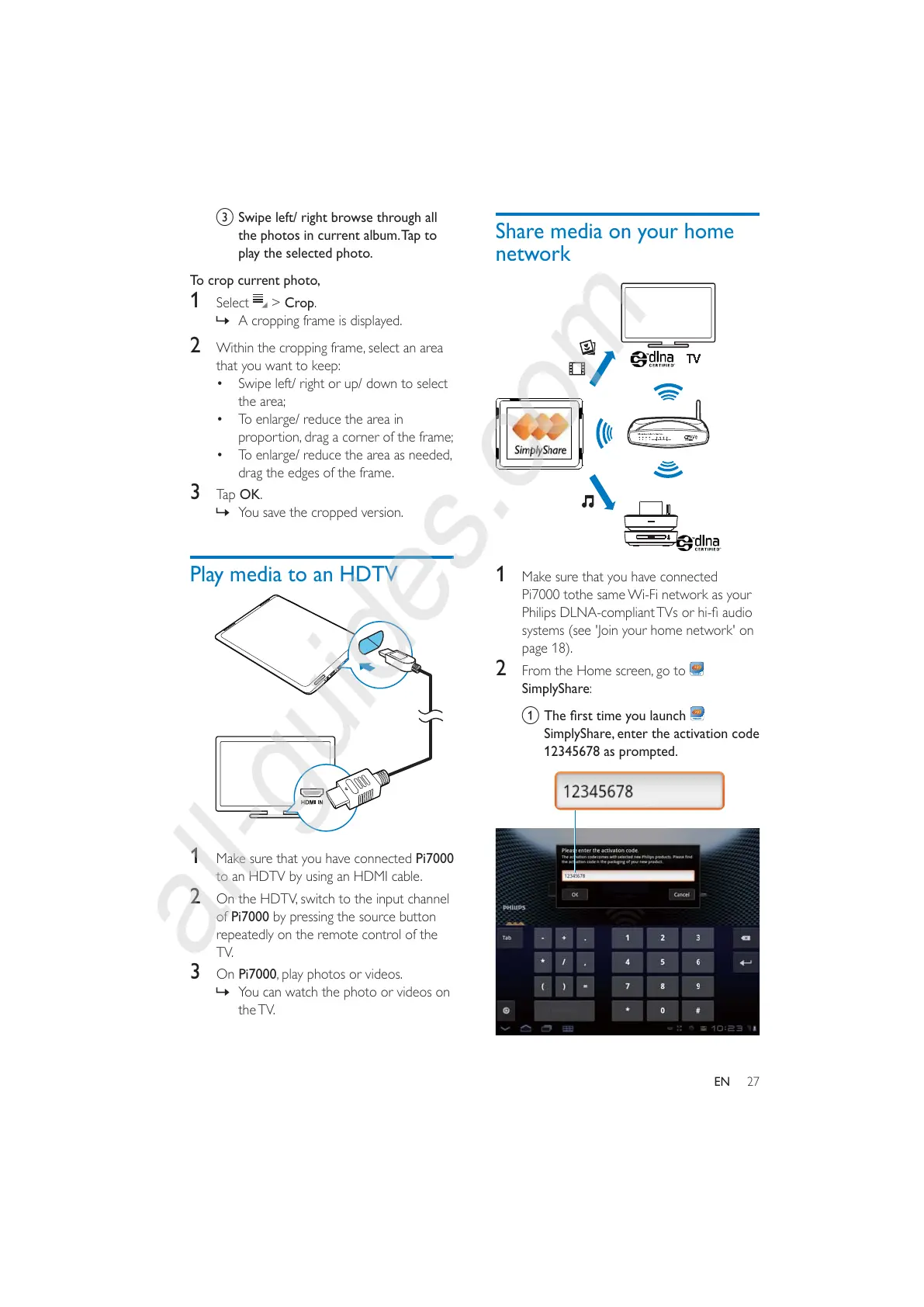
Play media to an HDTV
1 Make sure that you have connected Pi7000
to an HDTV by using an HDMI cable.
2 On the HDTV, switch to the input channel
of Pi7000 by pressing the source button
repeatedly on the remote control of the
TV.
3 On Pi7000, play photos or videos.
» You can watch the photo or videos on
the TV.
Share media on your home
network
1 Make sure that you have connected
Pi7000 tothe same Wi-Fi network as your
systems (see 'Join your home network' on
page 18).
2 From the Home screen, go to
SimplyShare:
a "#
SimplyShare, enter the activation code
12345678 as prompted.



 To Next Page