19EN
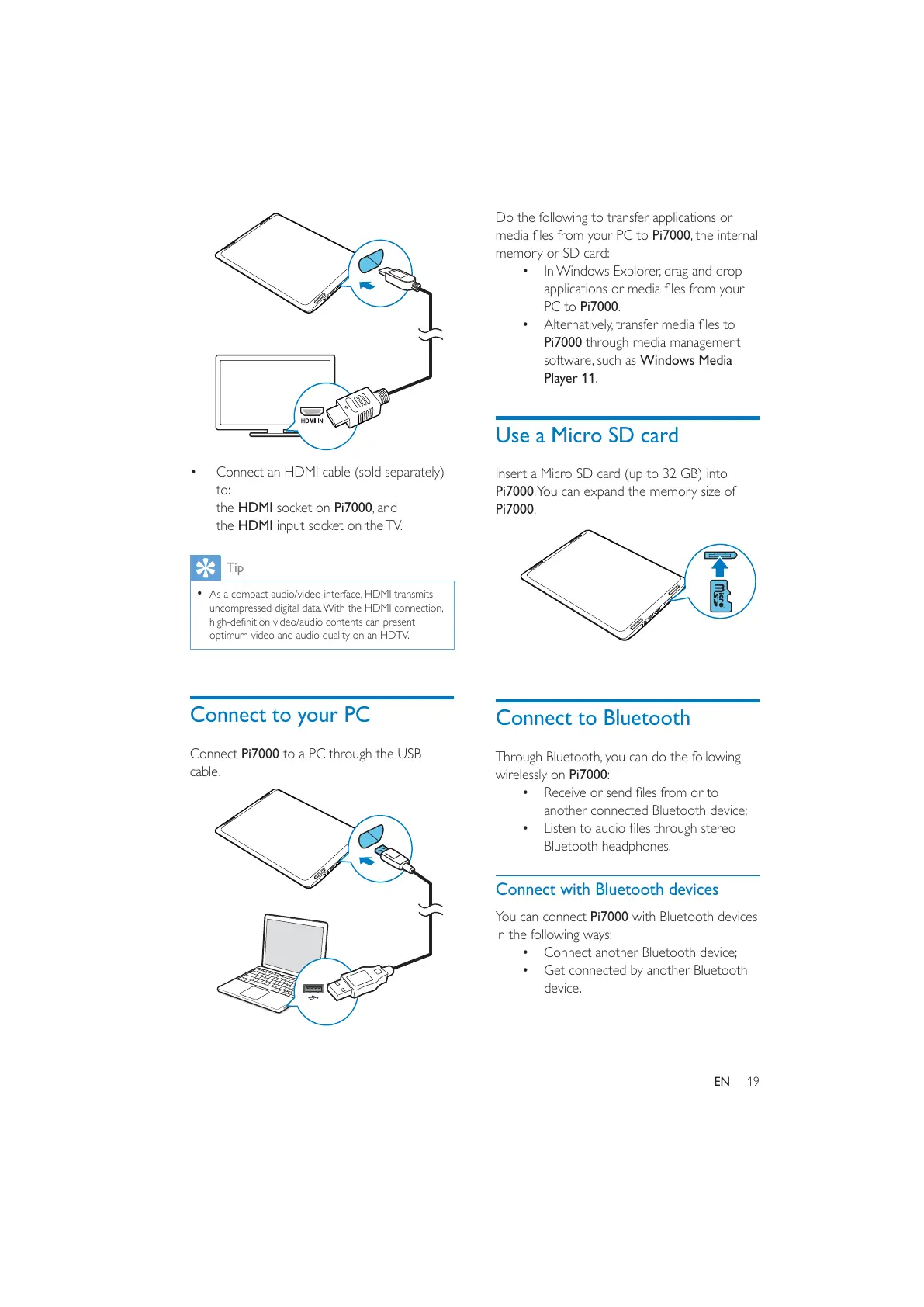
Connect an HDMI cable (sold separately)
to:
the HDMI socket on Pi7000, and
the HDMI input socket on the TV.
Tip
As a compact audio/video interface, HDMI transmits
uncompressed digital data. With the HDMI connection,
optimum video and audio quality on an HDTV.
Connect to your PC
Connect Pi7000 to a PC through the USB
cable.
Do the following to transfer applications or
Pi7000, the internal
memory or SD card:
In Windows Explorer, drag and drop
PC to Pi7000.
Pi7000 through media management
software, such as Windows Media
Player 11.
Use a Micro SD card
Insert a Micro SD card (up to 32 GB) into
Pi7000. You can expand the memory size of
Pi7000.
Connect to Bluetooth
Through Bluetooth, you can do the following
wirelessly on Pi7000:
another connected Bluetooth device;
Bluetooth headphones.
Connect with Bluetooth devices
You can connect Pi7000 with Bluetooth devices
in the following ways:
Connect another Bluetooth device;
Get connected by another Bluetooth
device.



 To Next Page