29EN
8 Search
With the quick search box of Google Search,
you can
search the web; or/ and
search the device
Use the quick search box
Go to Google Search from the Home screen.
1 On the Home screen, swipe to the quick
search box.
» To search the web, make sure that
you have connected the device to the
Internet.
2 Start the search:
a On the onscreen keyboard, enter
your keyword for search;
b Tap
to start search.
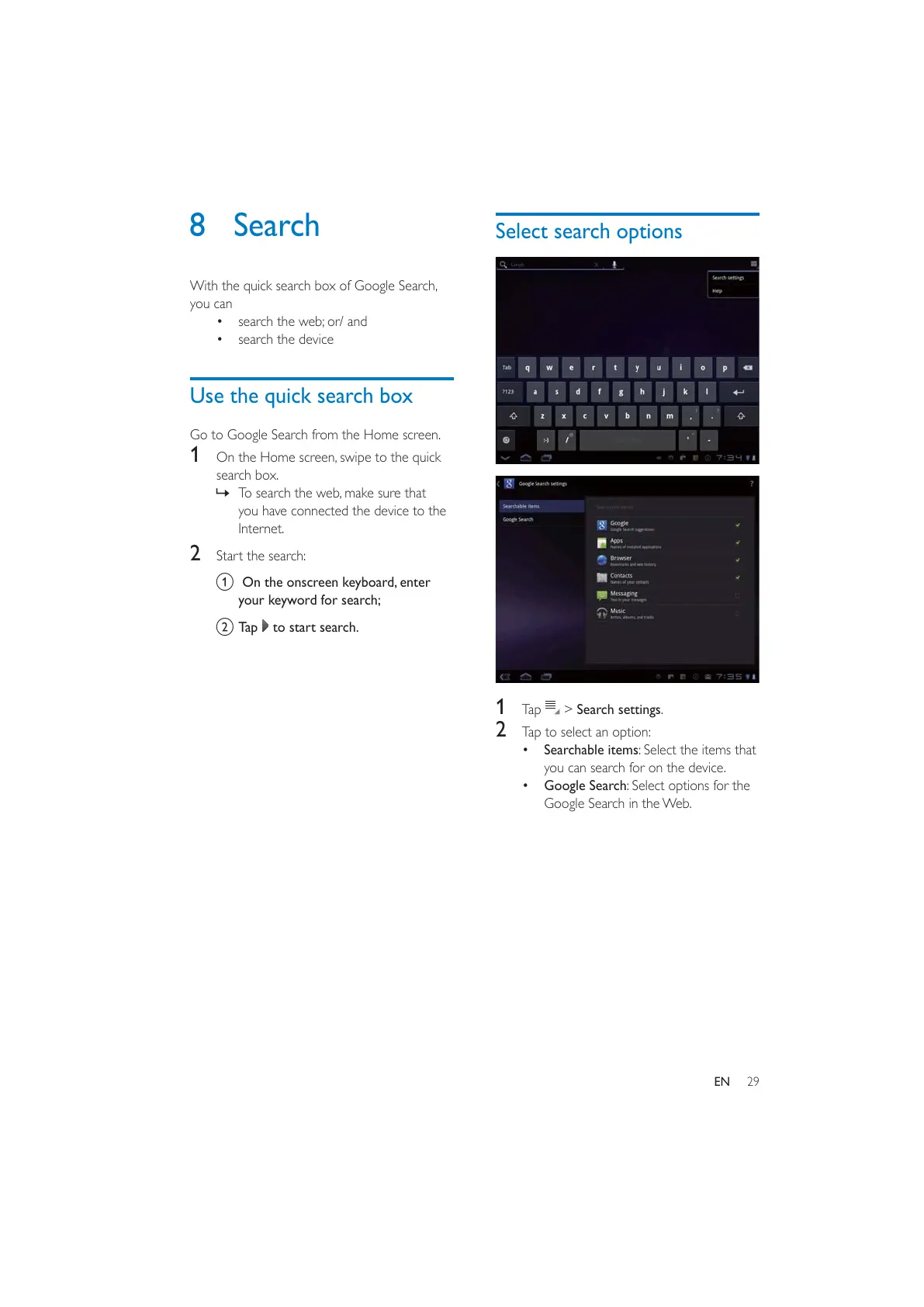
Select search options
1 Tap > Search settings.
2 Tap to select an option:
Searchable items: Select the items that
you can search for on the device.
Google Search: Select options for the
Google Search in the Web.



 To Next Page