10 EN
3 Get started
Charge power
Pi7000 has a built-in battery that can be
charged through the USB connector of the
supplied USB power adapter.
Pi7000, charge Pi7000
for more than eight hours.
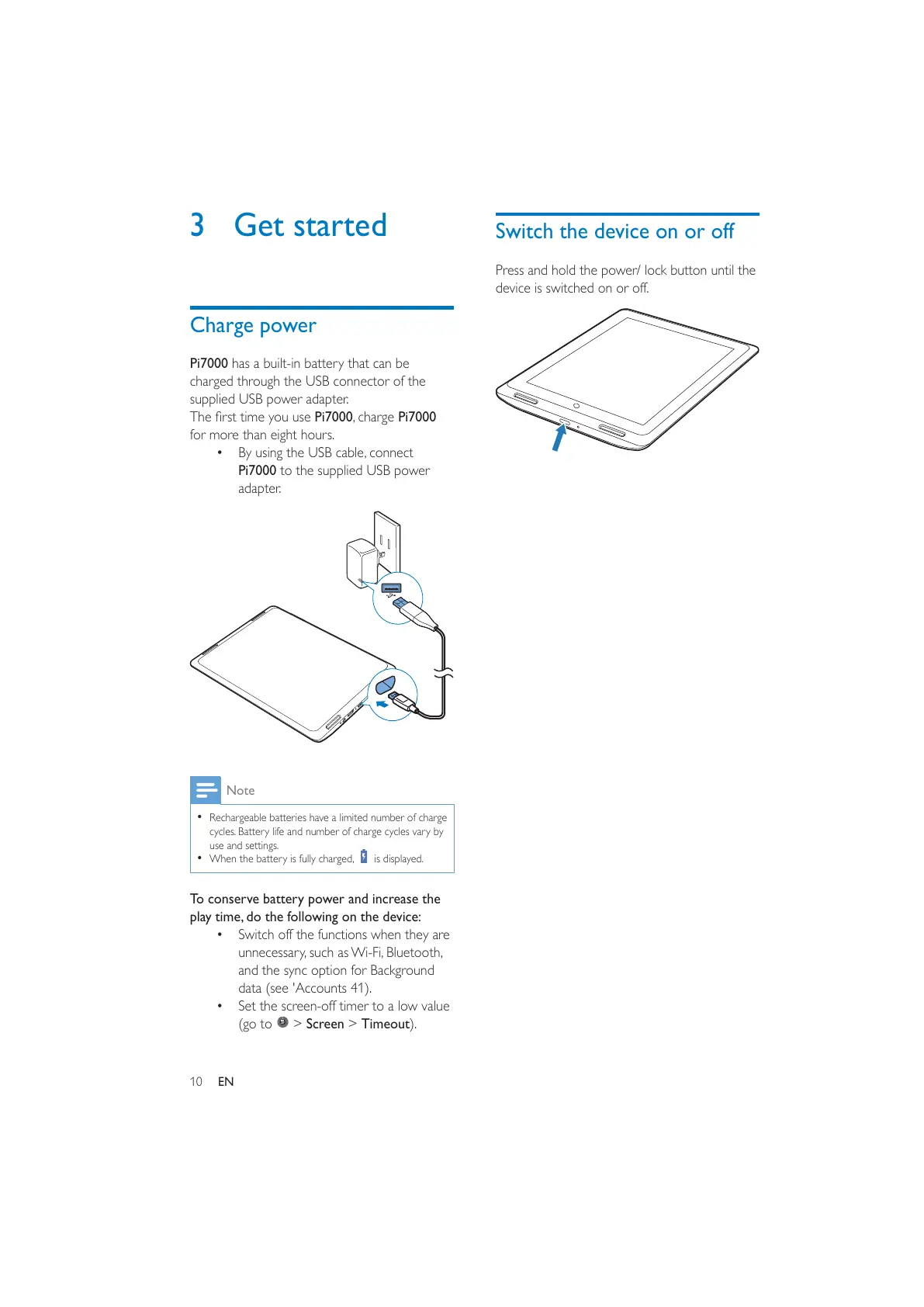
By using the USB cable, connect
Pi7000 to the supplied USB power
adapter.
Note
Rechargeable batteries have a limited number of charge
cycles. Battery life and number of charge cycles vary by
use and settings.
When the battery is fully charged, is displayed.
To conserve battery power and increase the
play time, do the following on the device:
Switch off the functions when they are
unnecessary, such as Wi-Fi, Bluetooth,
and the sync option for Background
data (see 'Accounts 41).
Set the screen-off timer to a low value
(go to
> Screen > Timeout).
Switch the device on or off
Press and hold the power/ lock button until the
device is switched on or off.



 To Next Page