13EN
Customize the Home screen
To access functions quickly from the Home
screen, you can add and rearrange items.
Add items
Add widgets, shortcuts, wallpapers, or
other items
1 Swipe left/ right to select a page.
If necessary, tap
to return to the
Home screen.
2 Tap to add an item.
» A list of options is displayed on the
pop-up screen.
» Pages of the Home screen are
displayed. Current page is highlighted.
3 Tap your option.
» The shortcut, widget, wallpaper, or
other item is added to the selected
page.
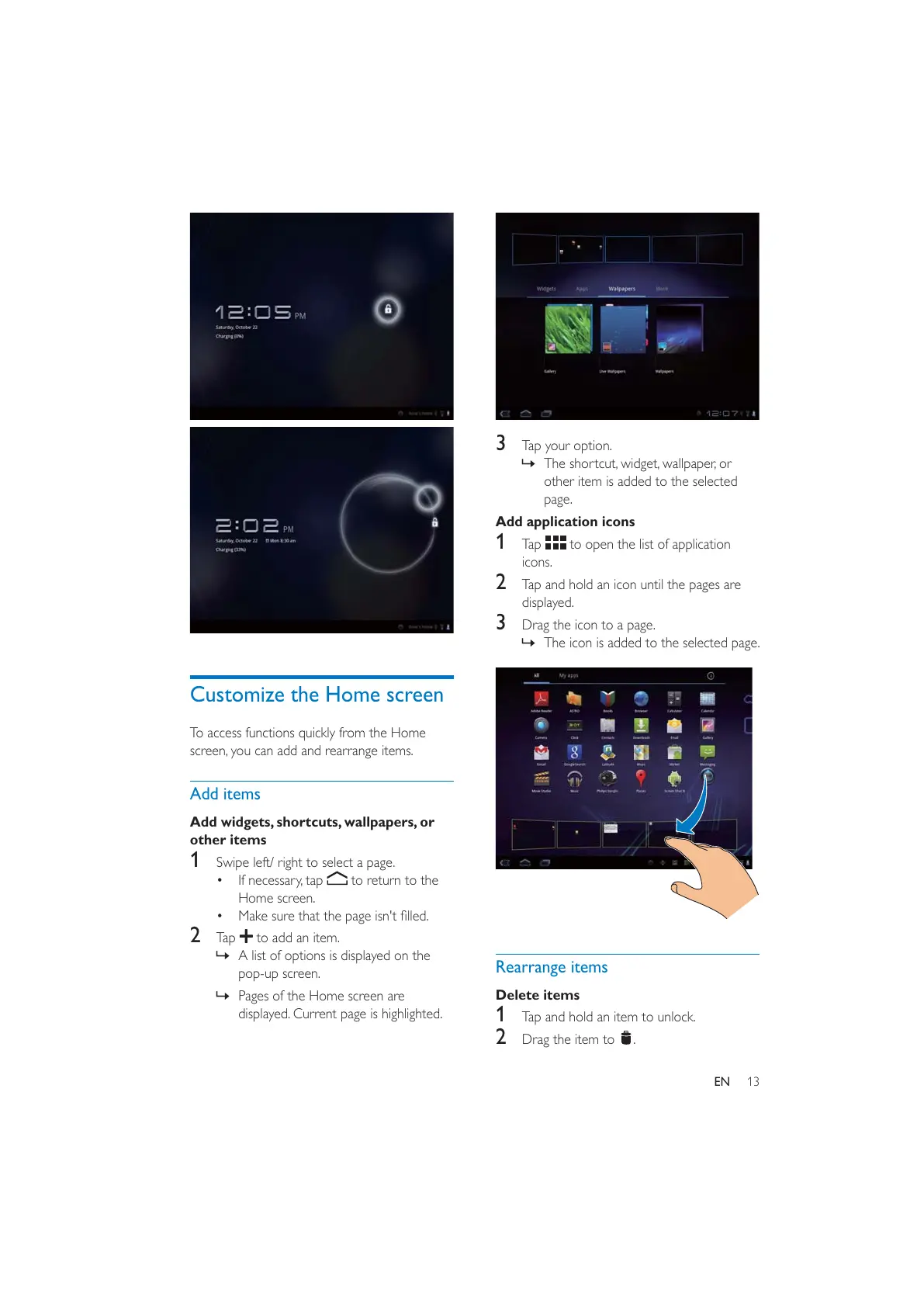
Add application icons
1 Tap to open the list of application
icons.
2 Tap and hold an icon until the pages are
displayed.
3 Drag the icon to a page.
» The icon is added to the selected page.
Rearrange items
Delete items
1 Tap and hold an item to unlock.
2 Drag the item to .



 To Next Page