9EN
i
USB connector for data transfer and
power charging
j MICRO SD
Slot for Micro SD card
k
,
Press: increase/decrease the volume.
Press and hold: increase/decrease fast.
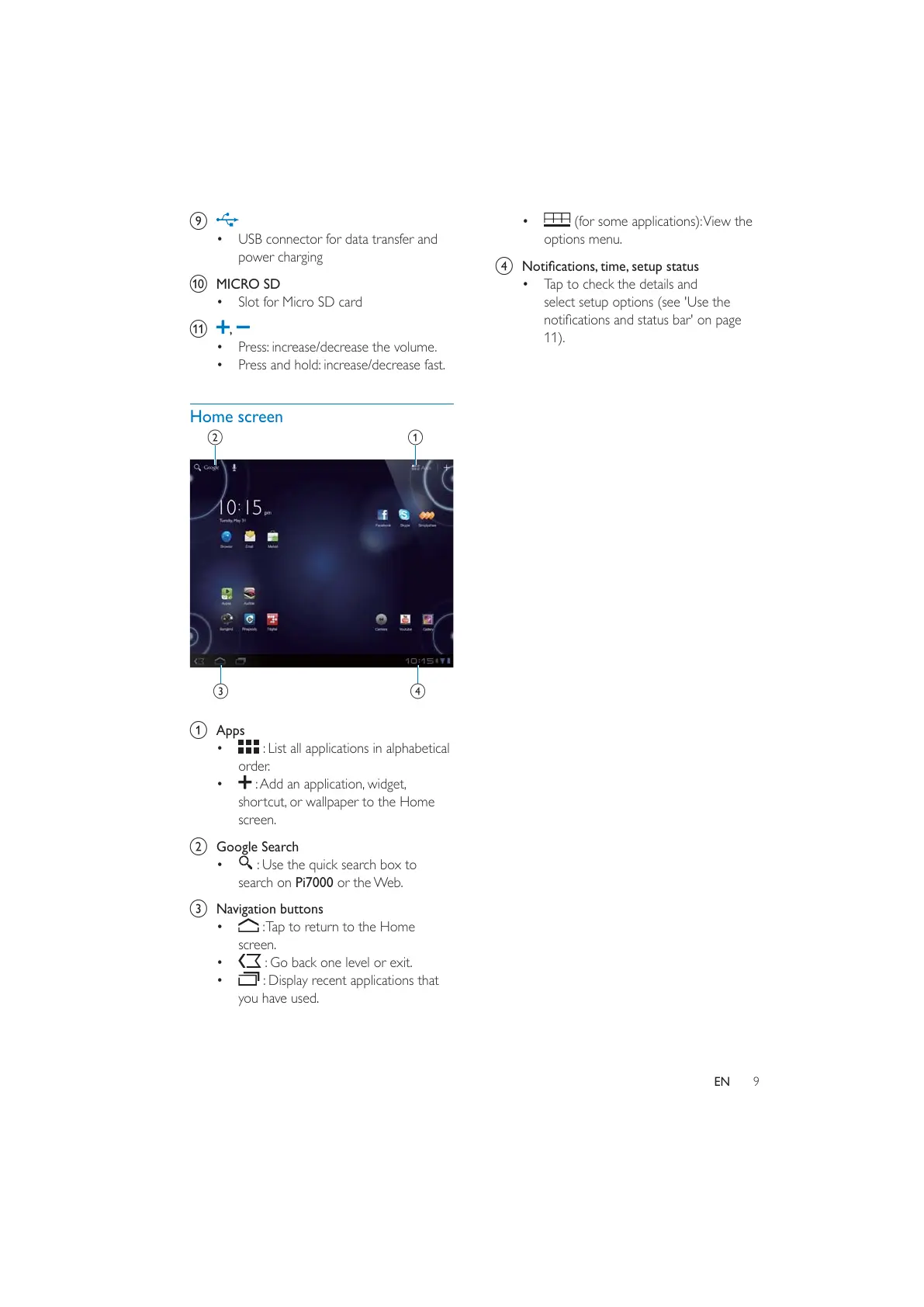
Home screen
a Apps
: List all applications in alphabetical
order.
: Add an application, widget,
shortcut, or wallpaper to the Home
screen.
b Google Search
: Use the quick search box to
search on Pi7000 or the Web.
c Navigation buttons
: Tap to return to the Home
screen.
: Go back one level or exit.
: Display recent applications that
you have used.
c
ab
d
(for some applications): View the
options menu.
d
Tap to check the details and
select setup options (see 'Use the
11).



 To Next Page