38 Advanced Scanner Configuration Guide
Revision: 2.0 , technical changes excepted
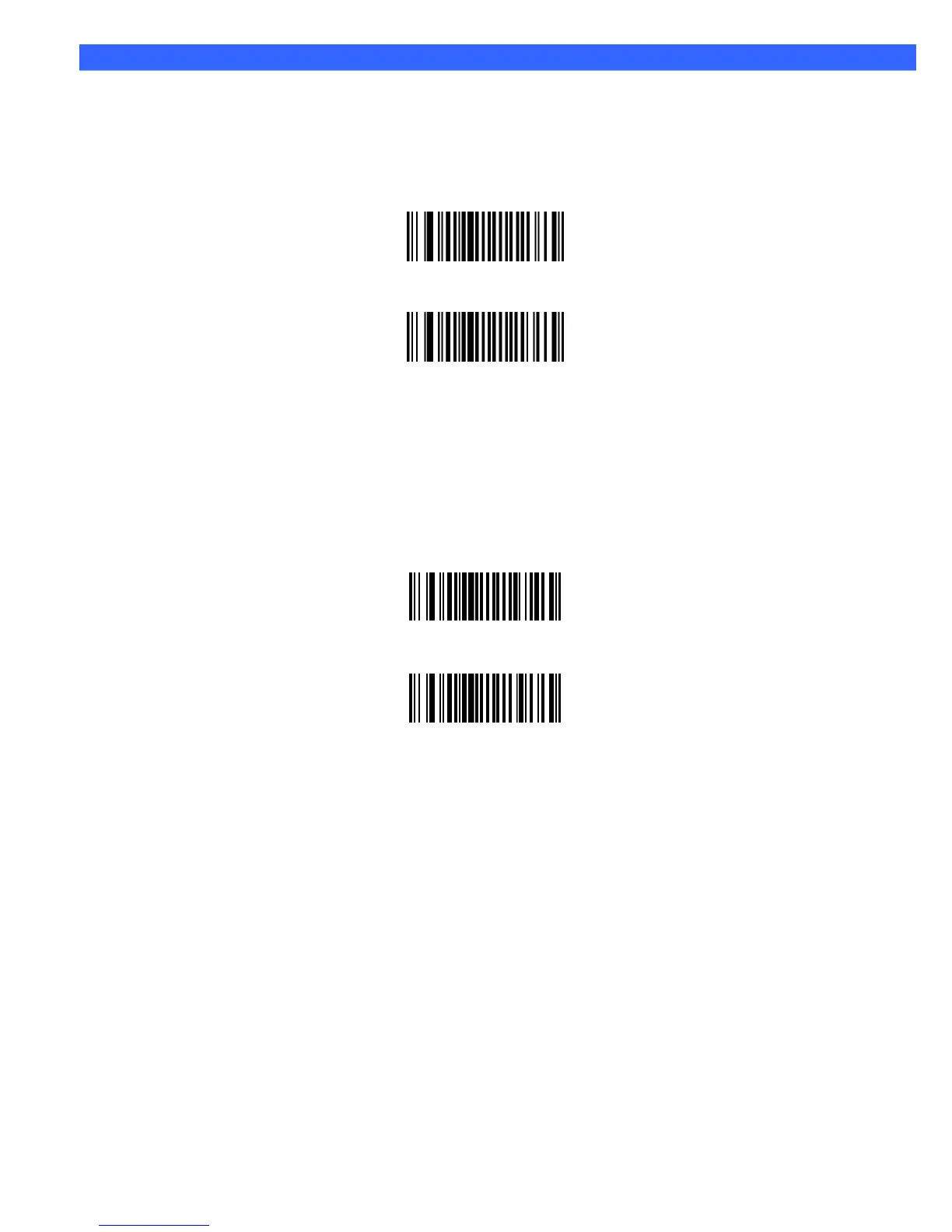
Convert I 2 of 5 to EAN-13
This parameter converts a 14 character I 2 of 5 code into EAN-13, and transmits to the host as EAN-13. To
accomplish this, I 2 of 5 must be enabled, one length must be set to 14, and the code must have a leading zero
and a valid EAN-13 check digit.
Convert I 2 of 5 to EAN-13 (Enable)
*Do Not Convert I 2 of 5 to EAN-13 (Disable)
Discrete 2 of 5
Enable/Disable Discrete 2 of 5
To enable or disable Discrete 2 of 5, scan the appropriate bar code below.
Enable Discrete 2 of 5
*Disable Discrete 2 of 5








 To Next Page