1-5-2 HG470IB
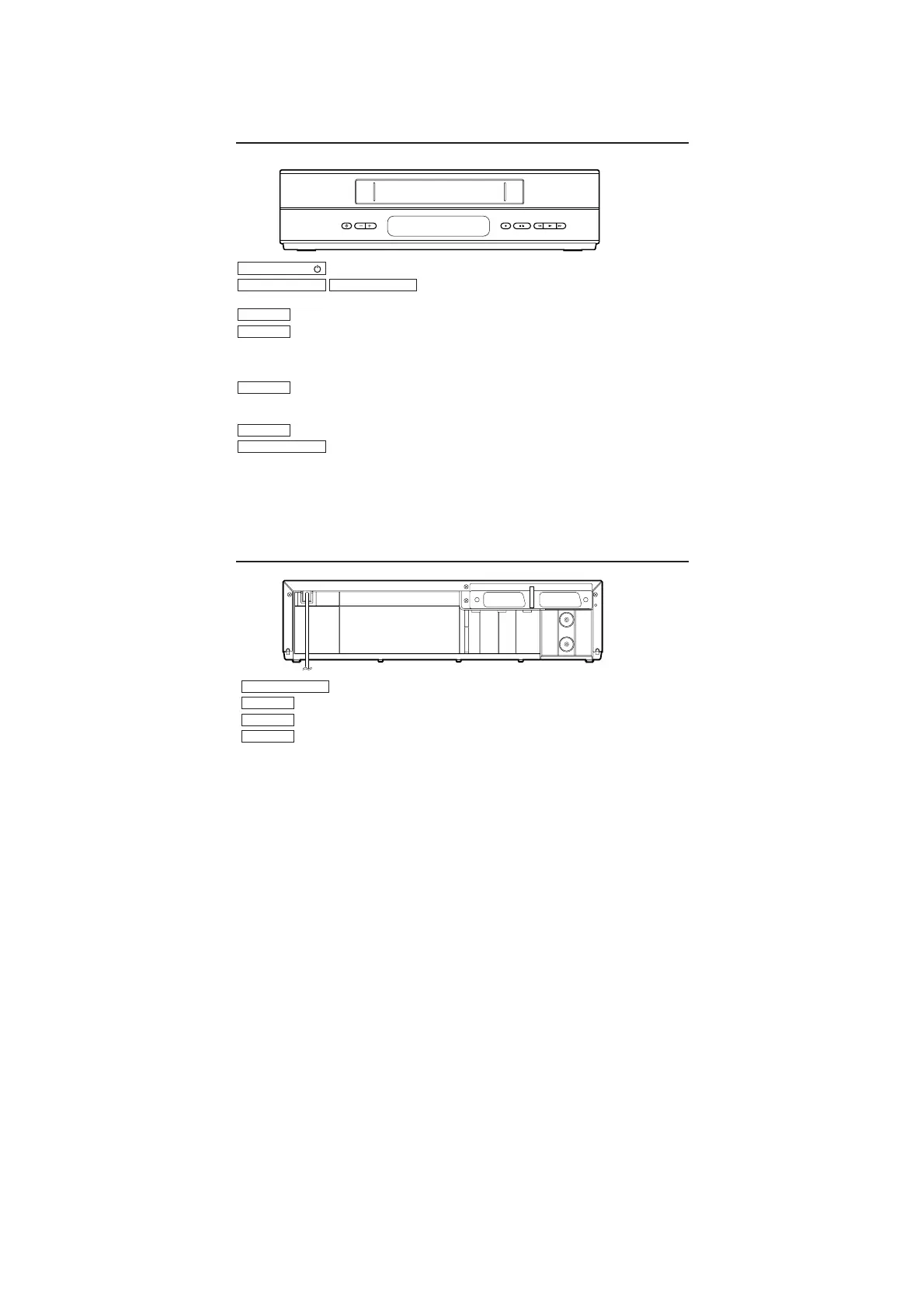
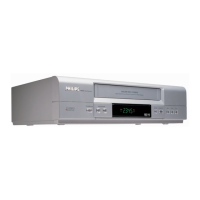
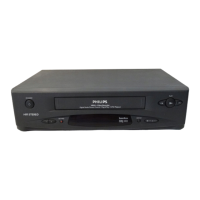
Front of your VCR
Back of your VCR
STANDBY/ON PROGRAMME RECORD STOP/EJECT REW PLAY FWD
RF OUT
AERIAL
AV 2 (DECODER) AV 1 (TV)
To switch off or on, interrupt menu function.
To select the programme number. During
normal or slow motion playback, press to adjust the tracking.
To record the TV channel selected at this moment.
When tape playback is stopped, press to fast forward the tape at high speed.
During playback, press to fast forward the tape while the picture stays on the
screen.
When tape playback is stopped, press to rewind the tape at high speed. During
playback, press to rewind the tape while the picture stays on the screen.
To play back a tape.
To stop the tape and eject the cassette.
STOP/EJECT
PLAY
REW.
FWD.
RECORD
PROGRAMME-PROGRAMME+
STANDBY/ON
To connect a satellite receiver, decoder, video recorder, etc.
To connect the TV.
To connect the aerial cable.
To connect the TV.
RF OUT
AERIAL
AV1
(
TV
)
AV2
(
DECODER
)



 To Next Page