1-3-1 HG470FIS
FUNCTION INDICATOR SYMBOLS
Note:
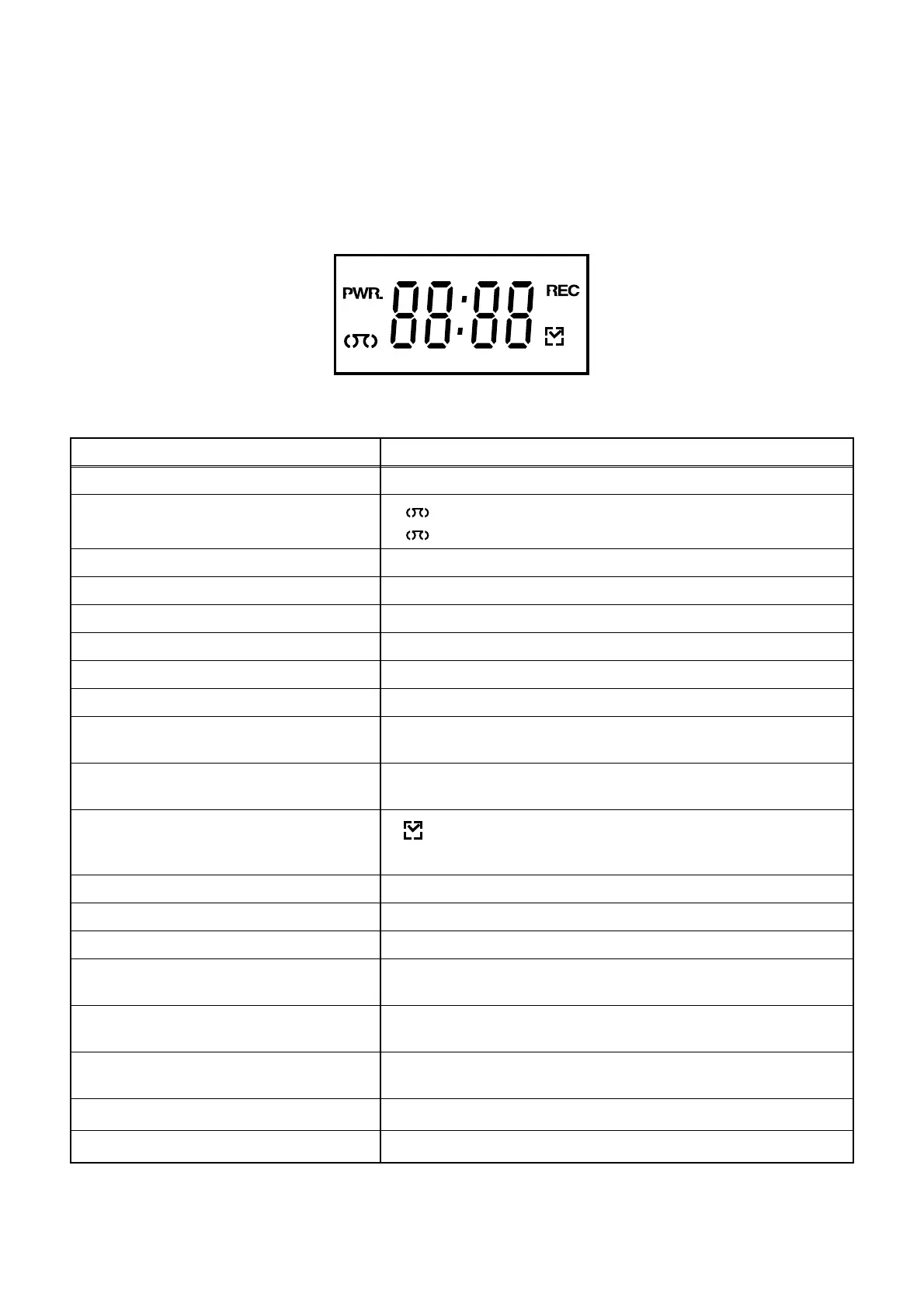
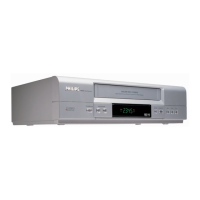
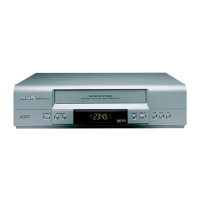
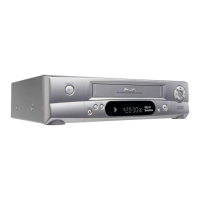
The following symbols will appear on the indicator panel to indicate the current mode or operation of the VCR.
On-screen modes will also be momentarily displayed on the tv screen when you press the operation buttons.
Display panel
MODE INDICATOR ACTIVE
POWER ON " PWR." ON
CASSETTE "IN"
CASSETTE "OUT"
" "
" "
ON
OFF
CLOCK " 88:88 " ON
REC " REC " ON
REC PAUSE " REC " Blinks at 0.8Hz interval
PLAY " PLAY " is displayed on the indicator panel.
FF " FF " is displayed on the indicator panel.
REW " Fr " is displayed on the indicator panel.
RESIDUAL QUANTITY A residual quantity value of tape is displayed on the indicator
panel. (in a FF/REW mode)
REMAIN A remain value of tape is displayed on a display panel by 7 seg-
ment indication.
T- R E C , OT R
" "
ON
(T-REC OFF,T-REC incomplete
Blinks at 0.8Hz interval)
RF OUT RF out channel number is displayed on the indicator panel.
S-INH condition All modes Blinks at 0.8Hz interval
All lighting mode All characters ON
When reel and capstan mechanism is not
functioning correctly
“EJECT R” is displayed on a TV screen. (Refer to Fig. 1.)
When tape loading mechanism is not func-
tioning correctly
“EJECT T” is displayed on a TV screen. (Refer to Fig. 2.)
When cassette loading mechanism is not
functioning correctly
“EJECT C” is displayed on a TV screen. (Refer to Fig. 3.)
When the drum is not working properly
“EJECT D” is displayed on a TV screen. (Refer to Fig. 4.)
P-ON Power safety detection
“EJECT P” is displayed on a TV screen. (Refer to Fig. 5.)



 To Next Page