24 25
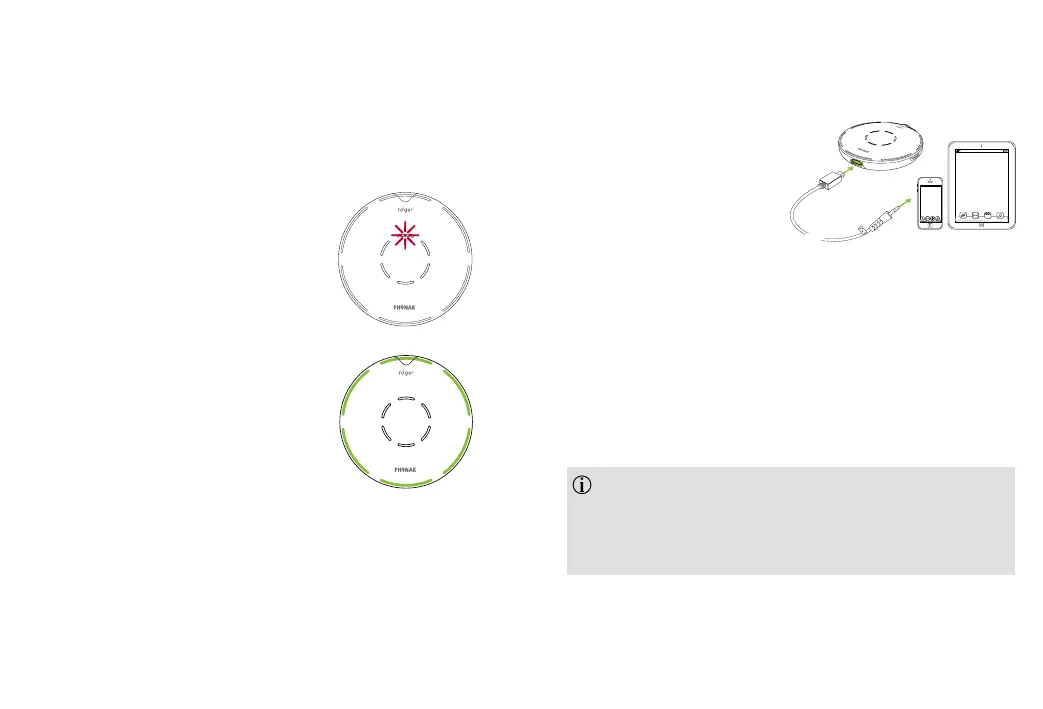
Mute indicator lights
When your Roger microphone is placed in the docking
station and transmitting audio, the center red indicator
light appears.
Your Roger microphone transmits
audio signals while its microphone
is muted.
While transmitting audio, your Roger
microphone also sends its microphone
signal in parallel.
6. Listening to a portable
audio device
1) Make sure you have
switched on your
Roger microphone.
2) Plug the rectangular
end of the short audio cable into your Roger
microphone.
3) Plug the round end of the short audio cable into the
headphone output of your portable device.
4) Start the music or music app on your portable
audio device.
To end the transmission of the audio signal, simply
unplug the audio cable or switch your Roger microphone
o.
Your Roger microphone will automatically mute
when you plug the audio cable. You can activate the
microphone by pressing the center touch key. Now you
will hear the audio device and microphones in parallel.


 To Next Page