30 31
7.3 Disconnecting Roger devices (NewNet)
To disconnect your Roger microphone from any
connected receivers or other Roger microphones,
hold the Connect button for 7 seconds. The back indicator
light will turn orange when your Roger microphone has
been disconnected from all connected devices.
7.4 Reset
If your Roger microphone stops responding to commands,
you can reset it by pressing the on/o and reset buttons
together for 10 seconds (you may need a thin paper-clip
to press the reset button).
8.1. Connecting with other microphones
To connect another microphone to your Roger Select iN,
follow these steps:
1) Turn on both microphones.
2) Hold the two microphones close together
(within 10 cm/4 inches).
3) Press the connect button of Roger Select iN.
8. Using Roger Select iN with other
Roger microphones
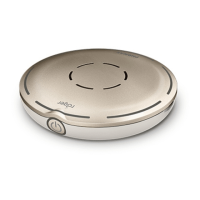
Roger Select iN can be combined with other Roger
microphones, e.g. Roger Table Mic II. Using multiple
microphones allows you to hear a bigger group or
multiple distant speakers.


 To Next Page





