1312
3.1 Charging your Roger microphone
There are three ways to charge your Roger microphone:
3. Getting started
A) Using external power supply: Plug the smaller end of
the charging cable into your Roger microphone. Plug the
larger end of the cable into the external power supply.
Plug the external power supply into a wall outlet.
Battery status light during charging
The battery status light around the
on/o button will blink green until your
Roger microphone is fully charged.
When fully charged the battery status
light will remain solid green .
Charging
Fully charged
B) From computer or tablet: Plug the smaller end of the
charging cable into your Roger microphone. Plug the
larger end of the cable into the USB port on your
computer and switch your computer on.
Please read chapter 5.1 to setup
the docking station.
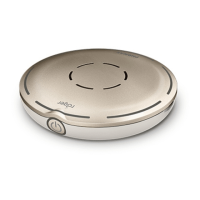
C) Via docking station: Slot the Roger
Select iN into the docking station.


 To Next Page





