Attaching and Removing the Phottix
Laso Transmitter
Attaching the Phottix Laso Transmitter to
the camera hot shoe:
1. Turn o the camera and Phottix Laso
Transmitter
2. Align the Phottix Laso Transmitter hot shoe
with camera’s hot shoe mount.
3. Slide the Phottix Laso Transmitter all the
way into the camera’s hot shoe mount.
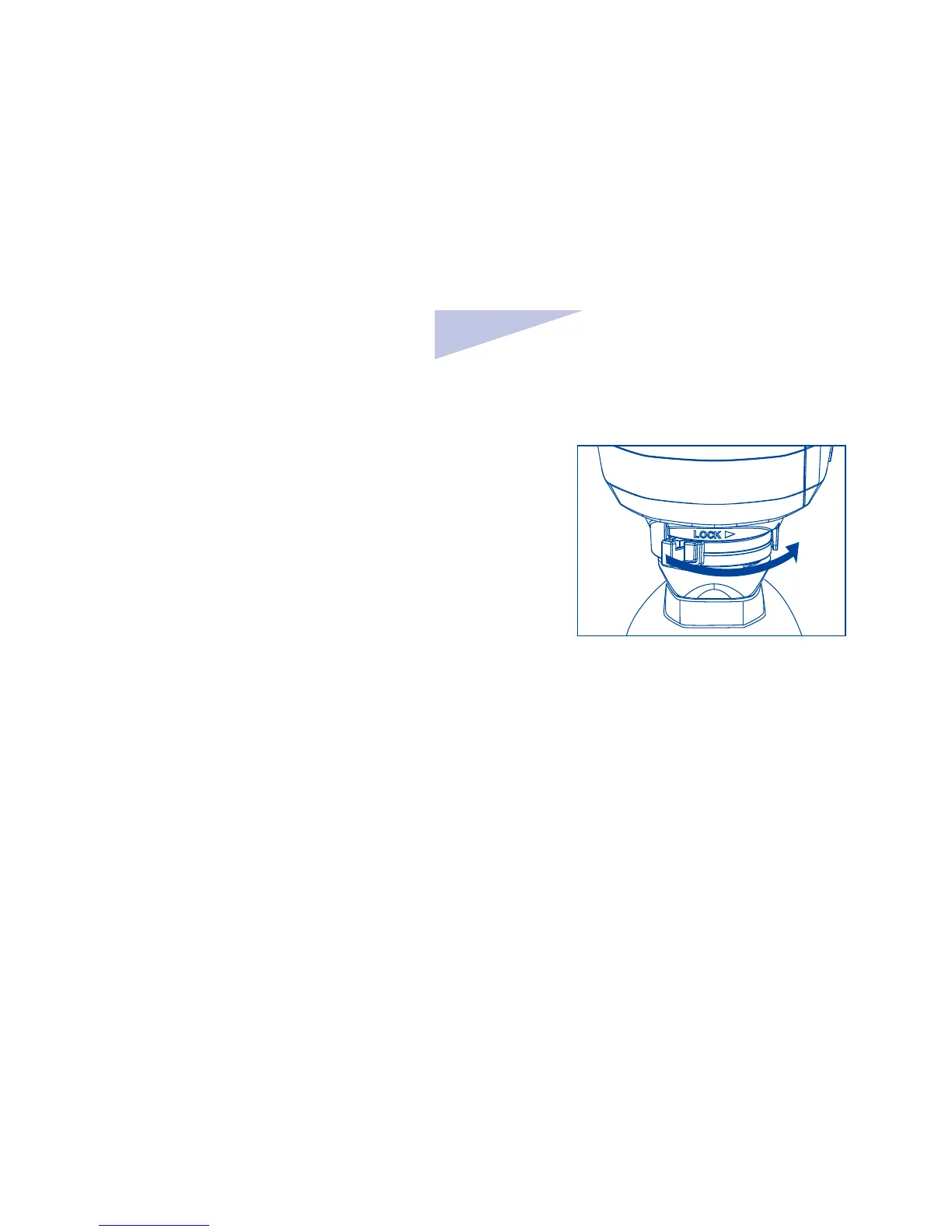
4. Lock the Phottix Laso Transmitter by sliding
the mounting foot lock lever to the right until
the lock lever clicks in place.(See picture 3)
Picture 3
Removing the Phottix Laso Transmitter
1. Lock release: press the lock-release button
while slide the lock lever all the way back to
the left.(see picture 4)
2. Slide the Phottix Laso Transmitter out of
camera’s hot shoe mount.



 To Next Page