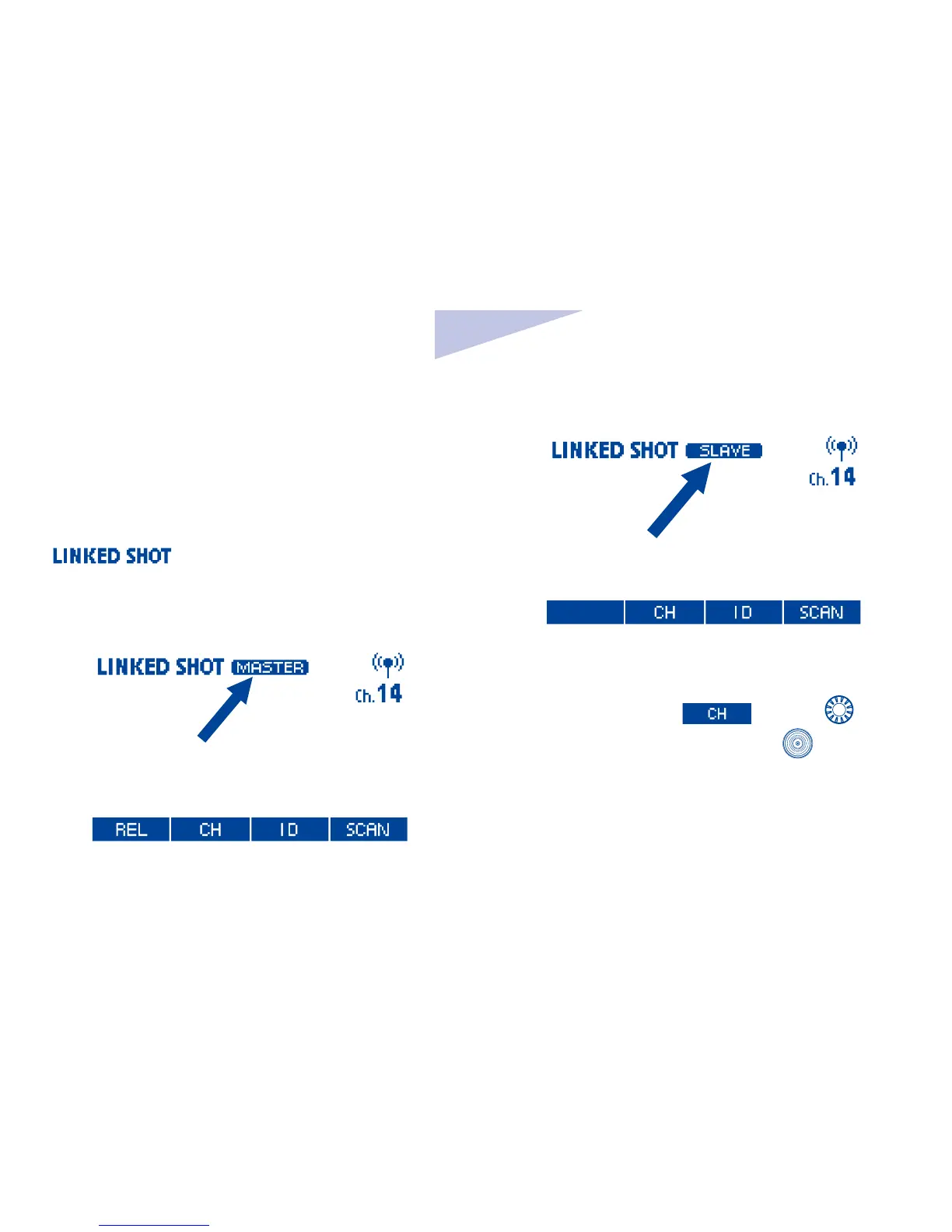
Linked shooting setting
1. Set to linked shooting mode
Press and hold linked shooting button until
is displayed. Linked shooting
mode’s “Slave unit” is set; Press linked
shooting button again to set “Master unit” of
linked shooting mode.
2. Set the channel and ID
Set the channel by pressing function button
2 corresponding to
, turn < > to
select the channel and press <
>button.
You also choose to scan the radio reception
status and set the master unit’s transmission
channel automatically or manually. For
operation please refer to preceding wireless
setting section.
Set wireless radio ID: Press function button



 To Next Page