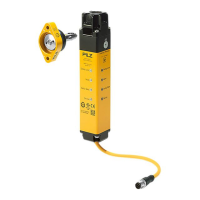
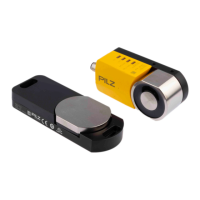
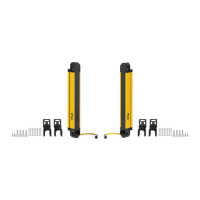
PSEN opII3H Series
Operating Manual PSEN opII3H Series
1003503-EN-05
| 40
Meaning
Green Red Green
Protected field is interrupted,
A-coded
Green Red Green
Protected field is interrupted,
B-coded
Red Red
OSSD fault
Restart [ 42] the safety light
curtain.
The current coding status is in-
dicated
Red Red
A fault has occurred.
Restart [ 42] the safety light
curtain.
The current coding status is in-
dicated
Green
Green
Green Green Green
Stray light warning
Warns of the OSSDs’ change to
the OFF state due to the presence
of stray light.
Green Red
Green Green Green
Stray light fault
OSSDs have changed to the OFF
state due to the presence of stray
light.
1. Use the beam coding of the
safety light curtain.
2. Install an opaque surface on
the side facing the stray light
source or
reverse the positions of the
safety light curtain’s transmitter
and receiver.
3. Restart [ 42] the safety
light curtain.
Red
Red
Green
Overtemperature; OSSD in the
OFF state
1. Ensure that the ambient tem-
perature corresponds to the in-
formation in the Technical
details [ 48].
2. Restart [ 42] the safety
light curtain.


 To Next Page
 Loading...